10 Best Apps to Organize My Life
It is Sunday night. You sit down to plan the week. You open your phone and your brain freezes. Birthdays. Bills. Groceries. That email you never answered. It is all in your head and none of it is written down.
I know that feeling too well. I tried paper planners. I tried sticky notes. Then I started testing apps. Some were too complex. Some were too simple. But a few really changed my days.
Here are the 10 apps to organize my life that I actually kept. I use different ones for different things. Read through and pick the one that fits your brain.
Todoist: The Simple Task List That Just Works
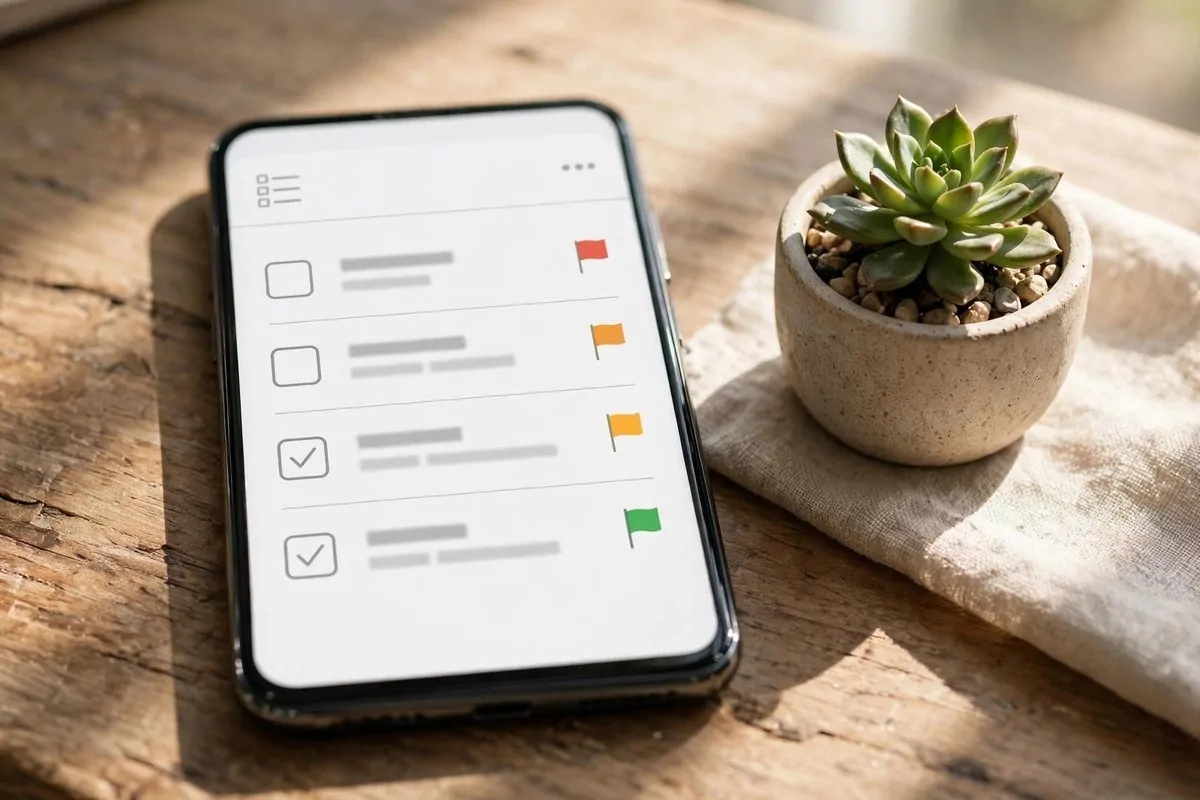
Todoist is my daily driver for tasks. It is clean and fast. You type a task in plain words like “pay rent every 1st” and it makes it repeat. You do not need a manual.
I like the priority flags. My three big tasks get a red flag each morning. The rest can wait. It keeps my day honest.
The free plan is enough for most people. If you want a no-nonsense list, start here. Your brain will feel lighter by day two.
TickTick: Tasks Plus a Timer That Keeps You Focused
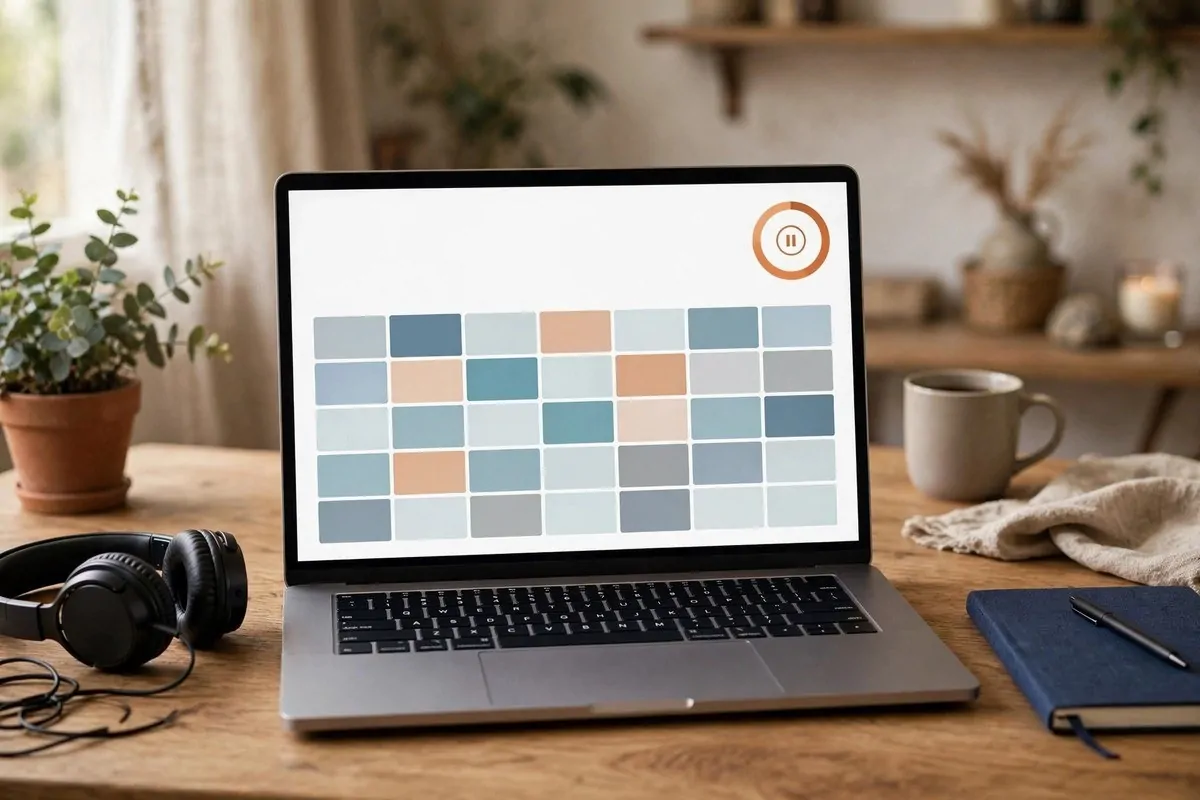
TickTick is like Todoist with a built-in focus timer. It has the classic Pomodoro clock right in the app. Work 25 minutes, rest 5. It tracks how long each task took.
It also reads natural language. Type “dentist Thursday at 3 PM” and it sets the reminder. No tapping through menus.
If you get distracted easily, this is your app. The timer makes work feel like a game. I finish more on days I use it.
Notion: Build Your Whole Life Dashboard
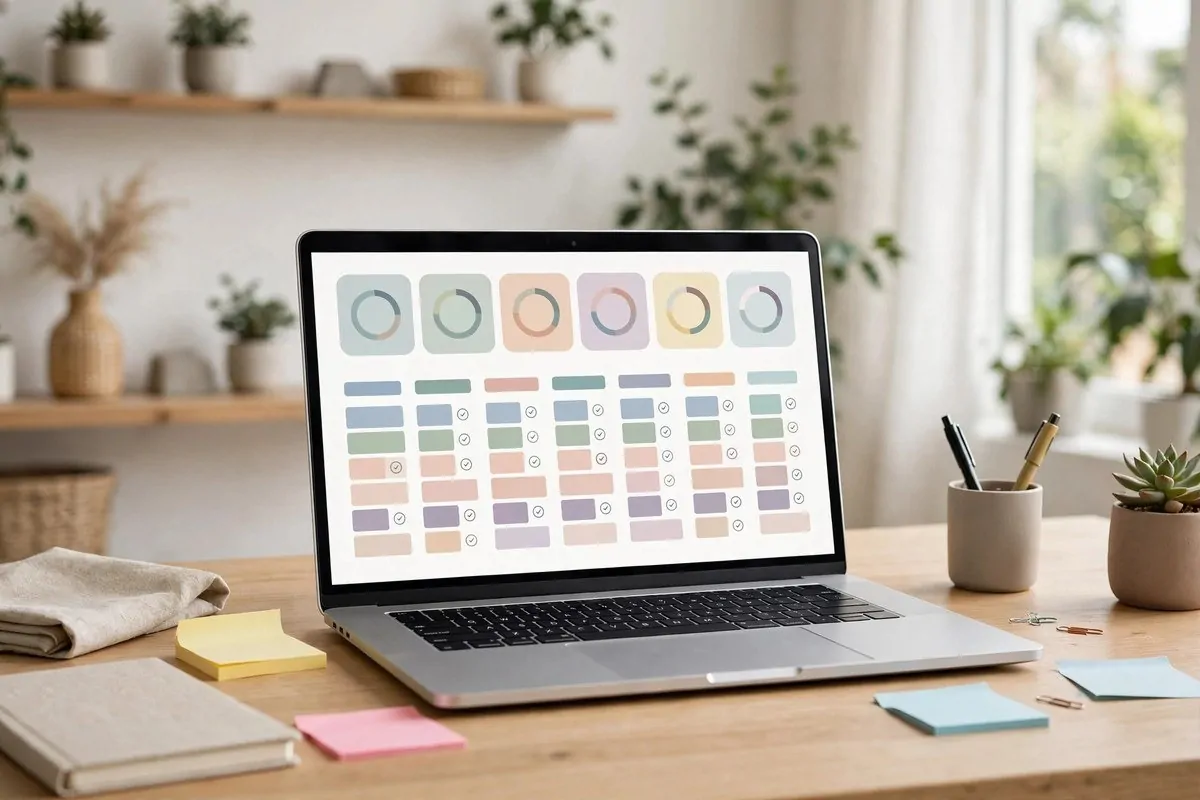
Notion is the app for people who like to build their own system. It is a blank page that can become anything. A weekly planner. A budget tracker. A reading list. A meal plan.
There are thousands of free templates. I use a simple weekly planner and a habit tracker. It took an hour to set up. Now I open it every morning.
The free plan gives you unlimited pages for personal use. If you love custom setups, you will love Notion. If you hate setup, pick something simpler from this list.
Microsoft To Do: The Best Free Daily Planner
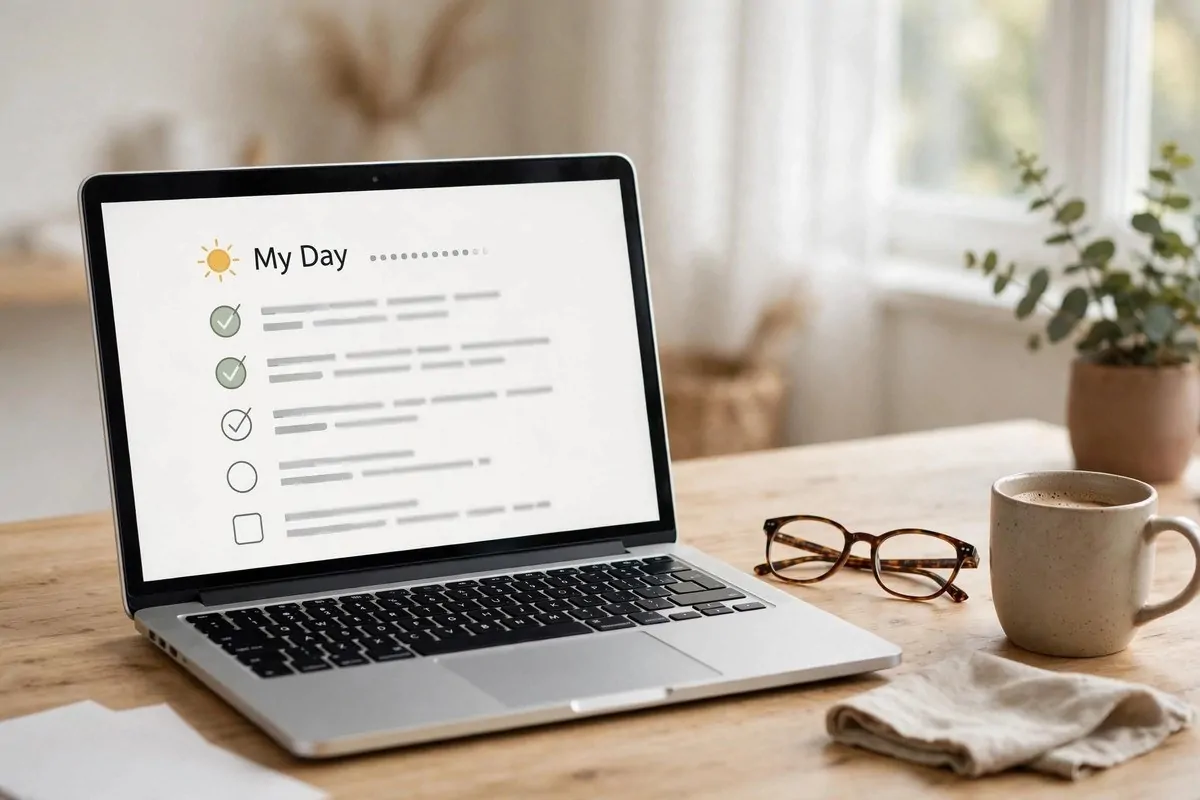
Microsoft To Do is fully free. No paid tier at all. Its best feature is called My Day. Every morning it asks you to pick the tasks that matter today.
I love how calm it feels. No clutter. Just today’s list. When the day ends, the list resets. Tomorrow you choose again.
It works great with Outlook. Flag an email and it becomes a task. If you live in email, this app will save you hours each week.
Google Calendar: The Calendar That Runs Itself
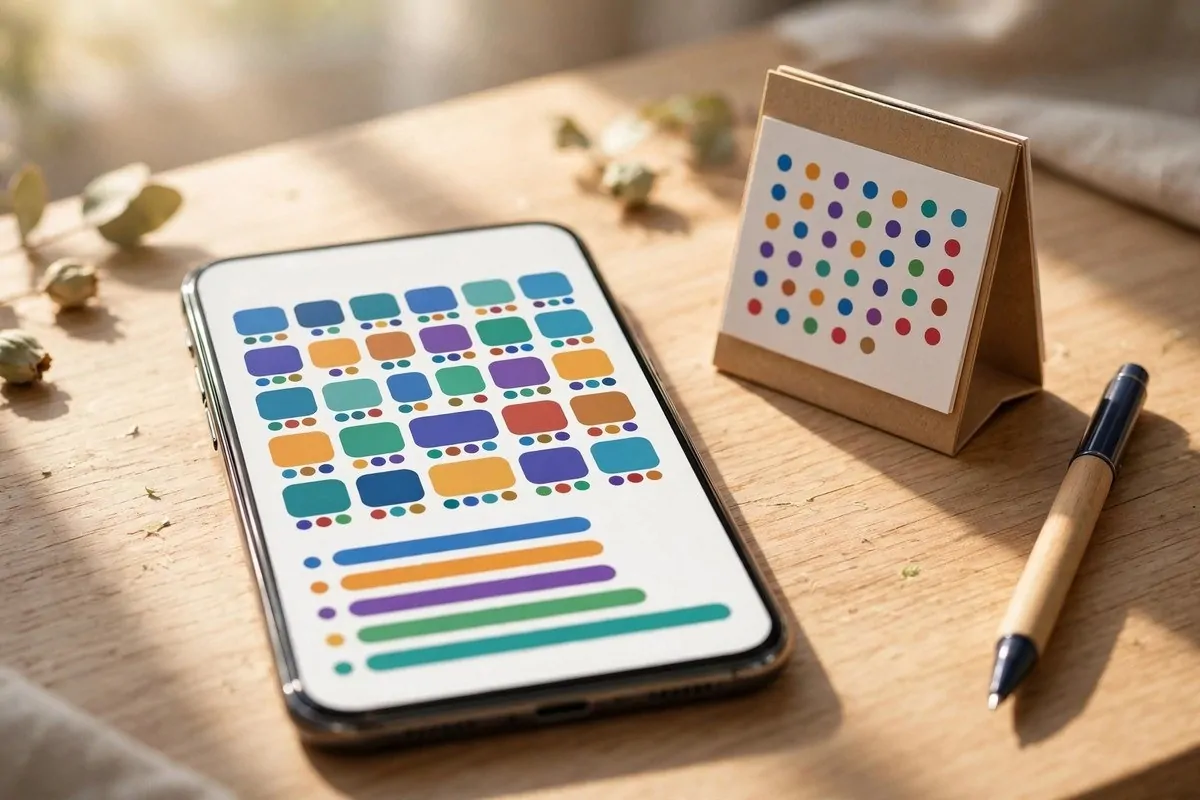
You probably already have this one. Google Calendar is free and it talks to everything. Your phone, your email, your reminders. Add an event once and it shows up everywhere.
I use it for time blocking. Big tasks get a time slot on the calendar. “Pay bills, 10 AM Saturday.” If it is on the calendar, it gets done.
Set reminders for birthdays and bills a day early. Your future self will thank you. This app is boring and perfect.
Morgen: Your Calendar and Tasks in One View
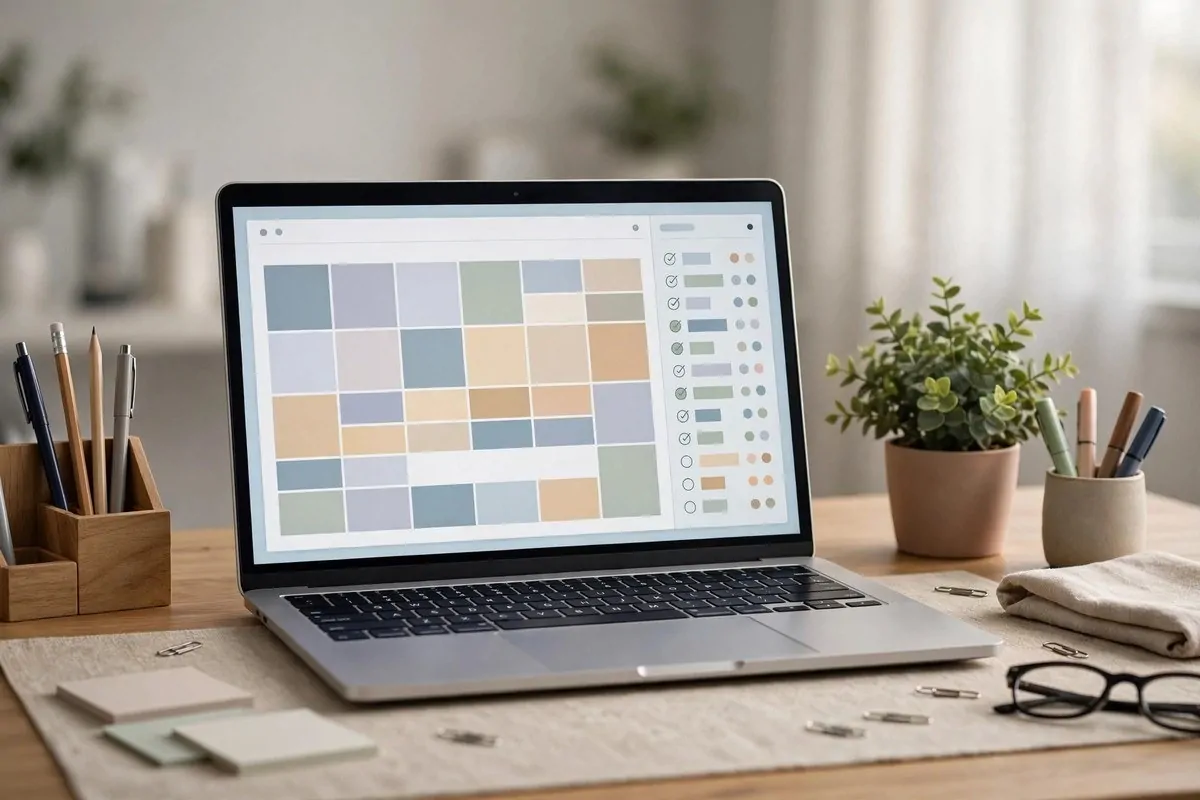
Morgen is for people who live by their schedule. It puts your calendar and your task list on one screen. You drag a task onto a time slot and it becomes part of your day.
It connects to Google Calendar and Outlook. It has AI that suggests realistic times for your tasks. No more pretending you can do 10 things in an hour.
This one costs money, but busy people swear by it. If your days are packed with meetings, try Morgen for a month.
Trello: Visual Boards for Projects and Lists
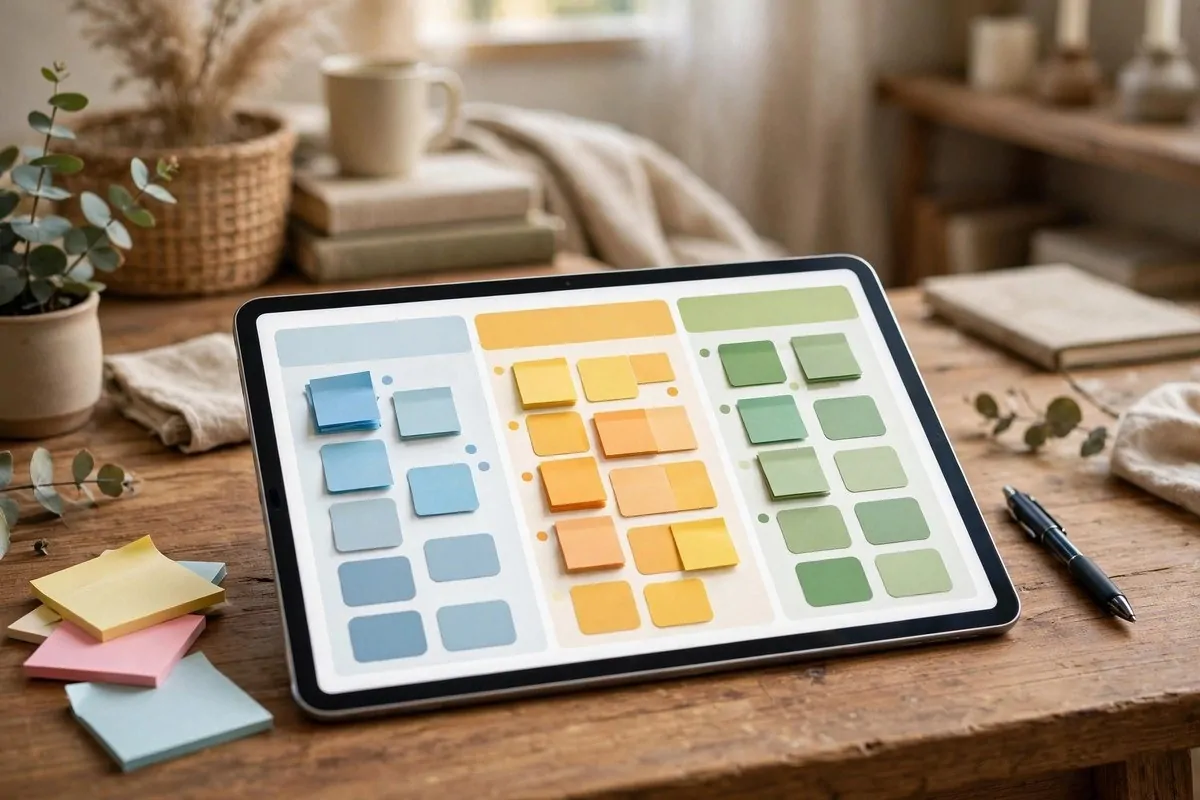
Trello is the most visual app on this list. You make boards. Each board has columns. Each task is a card you drag across. It feels like moving sticky notes on a wall.
I use a Trello board for house projects. Columns: To Do, Doing, Done. Dragging a card to Done is the most satisfying feeling.
It is great for planning trips, events, and anything with steps. Families can share a board too. My grocery board lives on Trello.
Twos: Capture Everything in Seconds
Twos is built for speed. Open it and type. A task, a note, a reminder, an event. It figures out what you meant and puts it in the right place.
The whole idea is one list for everything in your head. No folders. No setup. Just get it out of your brain fast.
The free plan is generous. If your problem is “I think of things and forget them in 30 seconds,” Twos is your fix.
Amplenote: Notes and Tasks That Talk to Each Other
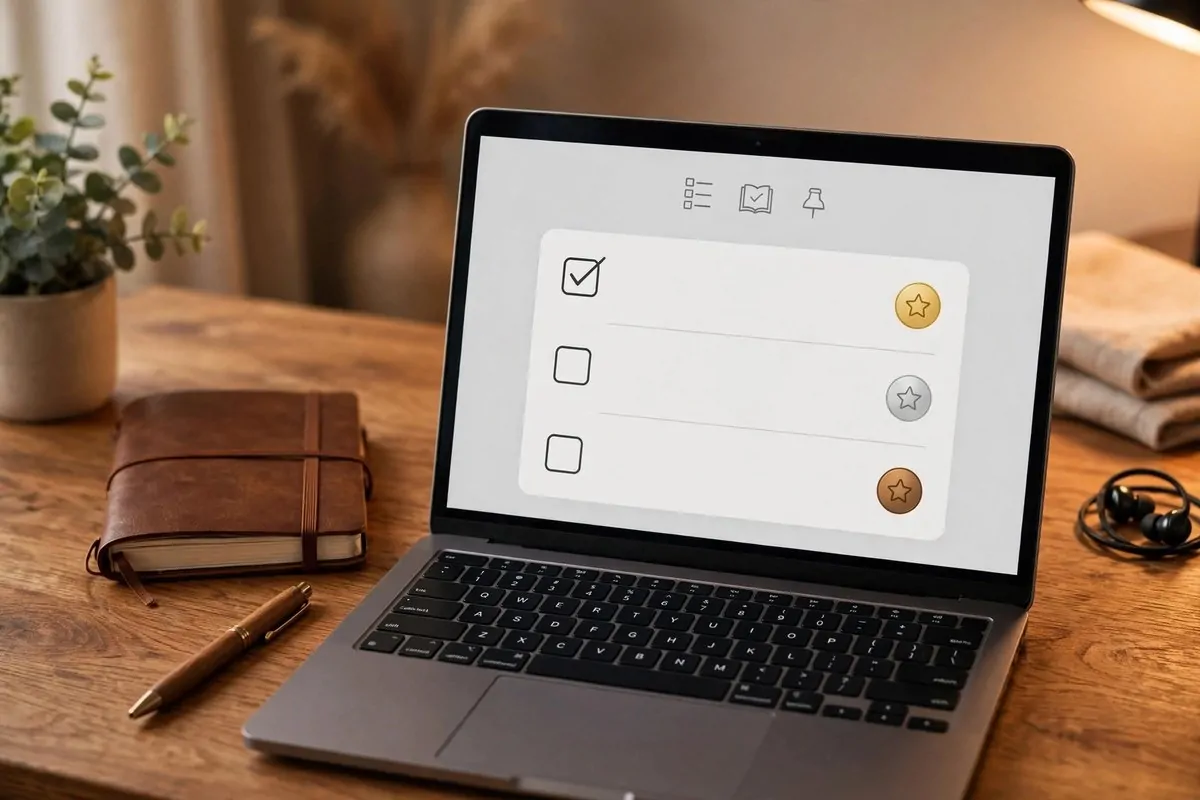
Amplenote is for note-takers who hate losing tasks inside notes. You write a note, and your action items turn into real tasks with dates.
Its best trick is the Task Score. It ranks your to-dos by urgency and importance so you know what to do first. I check mine every morning with coffee.
If you take lots of notes and your tasks hide inside them, Amplenote will find them for you. It is like a smart assistant for your notebook.
Google Keep: Colorful Sticky Notes on Your Phone
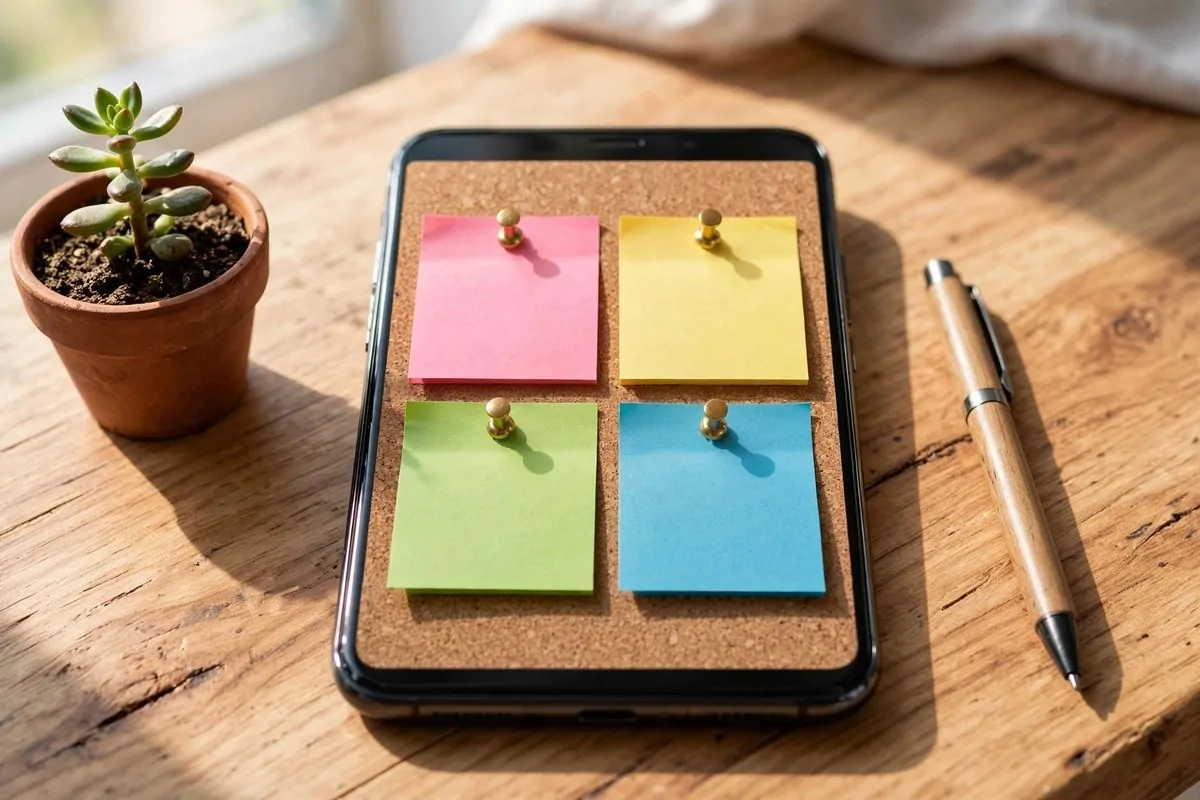
Google Keep is the simplest app here. It is digital sticky notes. Write a note, give it a color, pin the important ones to the top.
I use it for fast lists. Groceries. Packing lists. Gift ideas. It has checklists, voice notes, and photo notes. Share a list with your partner and you both can tick things off.
It is free and it syncs everywhere. Sometimes the simplest tool wins. Keep is proof of that.
Pick one app from this list. Not three. One. Use it for two weeks before you judge it. The best app to organize my life turned out to be the one I actually opened every day. Yours will be the same.
Keep Reading
How to Organize Passwords and Important Information
How to Create a Digital Second Brain