7 Best AI Tools to Organize My Life

Here is something funny. You probably already have AI organizing parts of your life. Your email sorts spam by itself. Your phone reminds you to leave early for traffic. You just never gave it a name.
In 2026, AI stopped being a tech toy. It moved inside the tools we already use. Calendars plan themselves. Inboxes sort themselves. Notes write their own summaries. The trick is picking the right AI tools for your own messy days.
I tested a lot of them. These are the 7 AI tools to organize my life that earned a permanent spot on my phone and laptop.
ChatGPT: Your Thinking Partner for Everything

ChatGPT is the most flexible helper on this list. It is not just for writing. I use it as a planning partner every single day.
Give it your messy to-do list and ask it to sort by priority. Paste a long email thread and ask for a summary. Tell it your week and ask for a meal plan. It handles all of it in seconds.
I also use it to break big scary tasks into small steps. “Plan my kid’s birthday party” becomes a checklist with dates. Suddenly the big thing feels small.
The free version is strong enough to start. If you only try one AI tool from this list, make it this one.
Notion AI: A Workspace That Writes With You

Notion AI lives inside Notion. It is like having a smart helper sitting in your notes. It can summarize a long page in one click. It can turn rough bullets into clean text.
I use it most for meeting notes. I write messy notes during the call. After, I ask Notion AI to pull out the action items. It never misses one.
It also helps with planning. Give it a goal like “organize the garage” and it drafts a project plan you can edit. You stay in charge. It just does the heavy lifting.
If you already use Notion, adding the AI is a no-brainer. If you do not, read my second brain post and start there.
Reclaim AI: A Calendar That Plans Itself

Reclaim AI is the tool for people whose calendar is a war zone. It looks at your tasks, your habits, and your meetings. Then it finds the best time for everything.
Tell it you want to exercise three times a week. It blocks the time. Tell it lunch matters. It protects lunch. Meetings move, but your habits stay safe.
I love its “habit” blocks the most. Before Reclaim, my personal stuff always lost to work. Now my calendar defends my evenings. That alone is worth it.
The free tier covers the basics. Busy professionals will want the paid plan. Your calendar finally works for you, not against you.
Motion: Your Day Scheduled Down to the Minute

Motion takes your to-do list and builds your whole day from it. You add tasks with deadlines. Motion slots each one into your calendar in the right order.
When a meeting pops up, Motion reshuffles everything. No manual fixing. It just moves your tasks to the next free spots. That part feels like magic.
It also plans projects. Add a big project with a deadline and Motion breaks it into daily steps. I used it for a home move. Every day had a clear list. We finished on time.
Motion is a paid tool with no free plan. But if your days are chaos, it pays for itself in saved stress. Try the trial and watch your week fix itself.
Saner.AI: Dump Your Thoughts, It Sorts Them
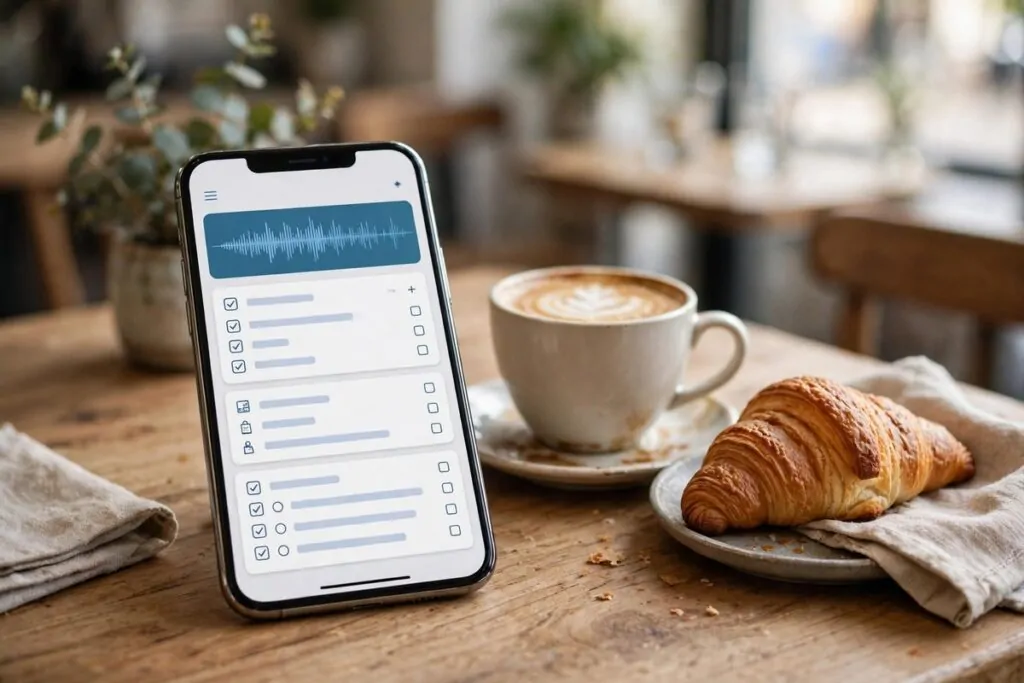
Saner.AI is built for one problem: your head is too full. You open it and just talk or type. Messy. Half-formed. No order at all. Saner.AI sorts it into tasks, notes, and reminders.
I use it on walks. I ramble about everything I need to do. Book the dentist. Text mom. Check the bill. By the time I am home, it is all organized.
It also connects to your email and calendar. It looks across everything and tells you what needs attention. Not what you asked about. What you forgot about. That part is gold.
If capturing ideas is your weak spot, start with Saner.AI. Getting it out of your head is half the battle.
Superhuman: An Inbox That Triages Itself

Superhuman is an email app with AI built deep inside. It learns which emails matter to you. The rest wait quietly. You stop drowning.
Its AI writes drafts in your voice. Its triage shows you the five emails that need you today. I clear my inbox in 20 minutes now. Before, it ate my whole morning.
It also finds old emails fast. “That email from the dentist last week” takes three seconds. Search actually works here.
It is pricey and aimed at people buried in email. If your inbox runs your life, Superhuman gives it back to you.
Otter.ai: Never Take Meeting Notes Again

Otter.ai listens to your meetings and writes the notes for you. Join a call, and it transcribes everything live. After, you get a summary with action items.
I use it for every work call now. I actually listen to people instead of typing. The summary lands in my email before I finish my coffee.
It also keeps a search box of everything ever said. “What did we decide about the budget?” Ask Otter. It finds the exact moment.
The free tier gives you a good chunk of minutes each month. If meetings eat your week, this tool gives you your notes back.
You do not need all seven. Start with one that fixes your biggest pain. Calendar chaos? Try Reclaim. Inbox drowning? Superhuman. Head too full? Saner.AI or ChatGPT.
The goal is not to have more apps. It is to have fewer worries. Pick one AI tool this week. Let it do the boring part. You keep the fun part.