How to Create a Digital Second Brain
Your brain is for having ideas. Not for holding them. That one line changed how I treat my memory. Your head is amazing at thinking up new things. It is terrible at storing old ones. That is why you forget the brilliant idea you had at 2 AM.
A digital second brain is just a simple system outside your head. It catches your ideas, your notes, your highlights, and keeps them ready for later. When you need something, you open it and it is there. No more “I know I read that somewhere.”
The name sounds fancy. It is not. You can build a small one today with a free app. Here is how.
Pick One App and Stop Switching
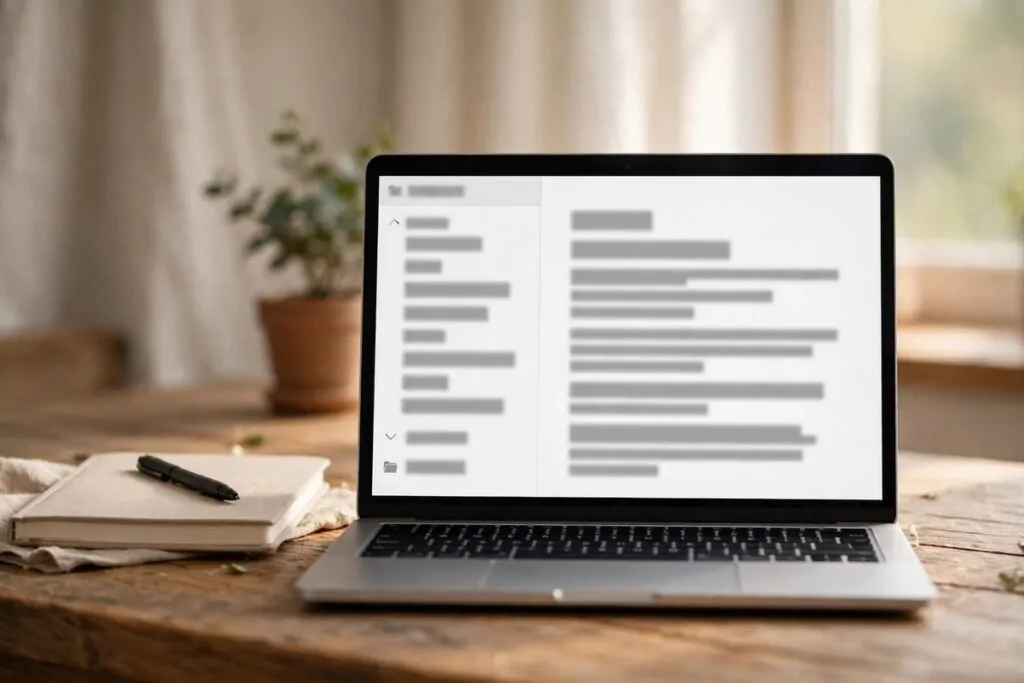
The biggest trap is the app hunt. People spend months comparing note apps. Notion or Obsidian or Apple Notes or Logseq. Then they switch again. Their second brain dies before it starts.
Pick one app you already have or can get free. I like Obsidian for this. Notion works too. So does Apple Notes. The tool matters less than you think. What matters is that you stay with it.
Give it 30 days. No switching. No watching “best note app” videos. Just use it. A simple app you actually open beats a perfect app you never touch.
Capture Everything in One Inbox
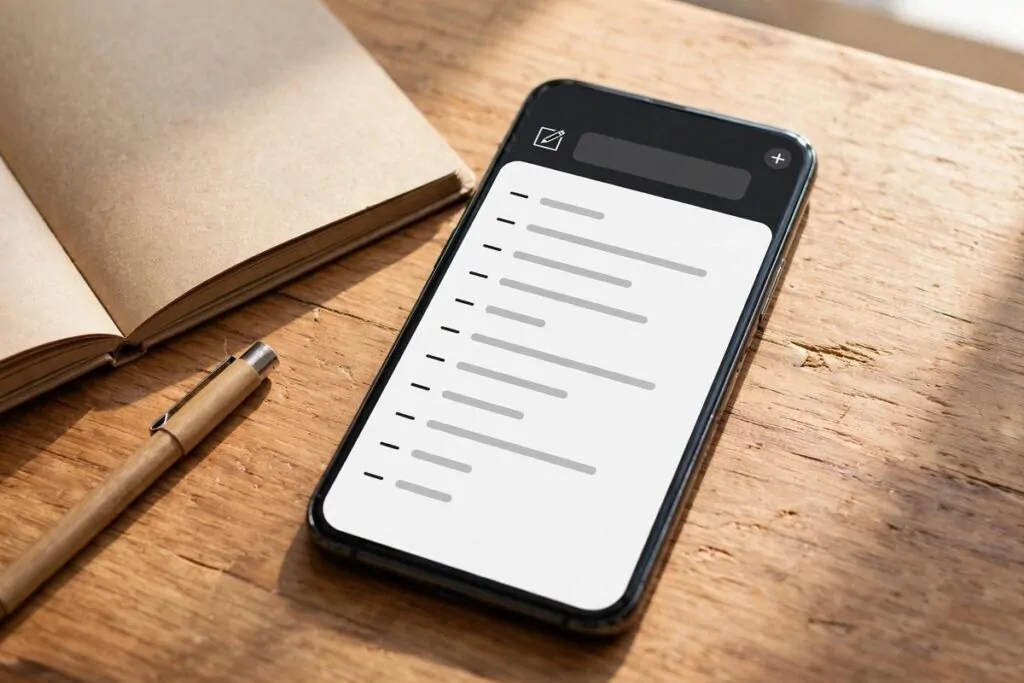
Step one of every second brain method is the same: capture. That means when something interesting shows up, you save it fast. No thinking. No filing. Just save.
An idea on the bus? Quick note on your phone. A good quote in a book? Photo of the page. A YouTube video you want to learn from? Save the link. A thought at midnight? Voice memo.
Make one place for all of this. Call it your Inbox. Everything raw goes there first. Do not judge it yet. Do not sort it yet. Capture is about speed, not order.
The habit is the whole point. Keep the app one tap away on your phone. If capture takes more than 10 seconds, you will stop doing it. Make it easy or it dies.
Organize With the PARA Method
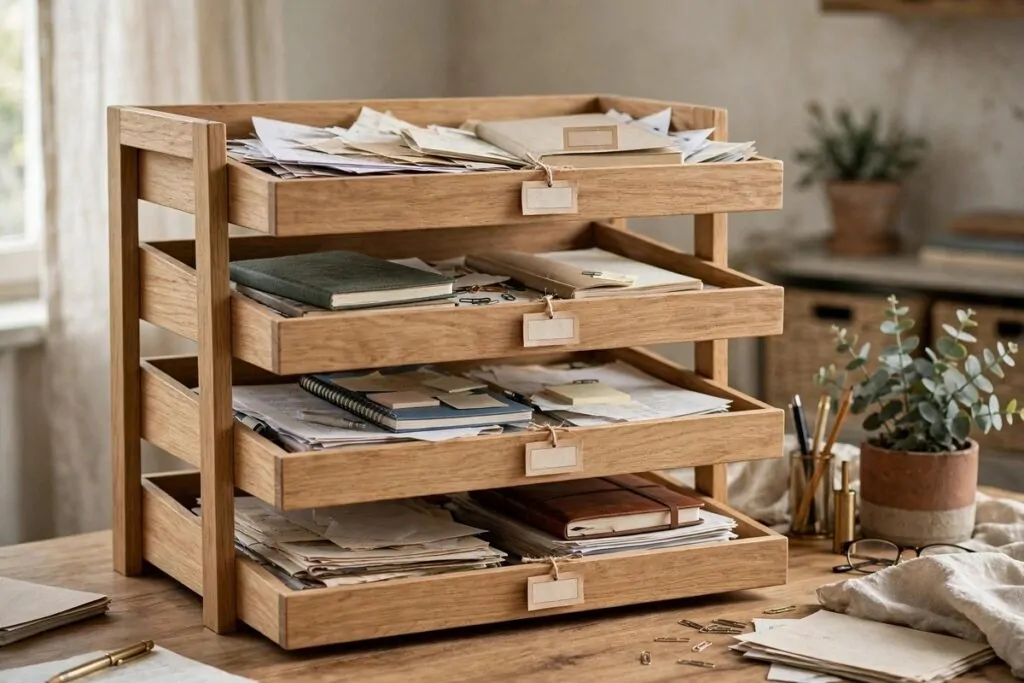
When your inbox gets full, you sort it. The best simple system for this is called PARA. It sorts notes by how useful they are right now, not by topic.
It has four folders:
Projects: things you work on now with an end date. Like “plan birthday party” or “finish report”.
Areas: parts of your life you always manage. Like health, money, or your home.
Resources: stuff you may want later. Recipes, quotes, ideas for trips.
Archives: old projects and notes you finished. Out of sight but still there.
Ask one question when you sort: “Which project or goal does this note help?” That tells you the folder. Topic folders die. Action folders live.
Distill Every Note to Its Essence

Saved notes are useless if they are too long to read again. I have a graveyard of 50 bookmarked articles I never opened twice. Collecting is not learning.
So when you keep something, pull out the main point. Write one or two lines at the top in your own words. What does your future self need to know? Write that. Forget the rest.
If you like, bold the key sentence inside longer notes. Or highlight the one quote that hit you. This layering is called progressive summarization. Fancy name, simple habit.
Short notes beat long notes. Your second brain should feel like a chat with a smart friend. Not a library nobody visits.
Use It Weekly or It Dies
A second brain is only alive if you visit it. Set a small weekly rhythm. Ten minutes is enough.
Once a week, open your inbox. Sort new notes into PARA folders. Delete what is junk. Then ask yourself: what did I learn this week? Write three lines about it.
Once a month, do a bigger clean. Merge notes that say the same thing. Delete the dead ones. Look at your old projects. You will be shocked how many good ideas you forgot you had.
This is the part most people skip. They build a beautiful system and never open it. Do not be them. The weekly visit is what turns saved notes into real results.
That is the whole build. One app. One inbox. Four folders. Short notes. And a weekly visit.
Start small tonight. Save three things you learned today into one note. That is already a second brain. It grows every day you feed it. And your first brain? It finally gets to do what it does best: think.