21 Office Set up at Work Hacks for a Cleaner, Smarter Desk

It is 5 p.m. on a Friday and my desk looks like it lost a fight. A coffee cup sits on top of a stack of papers I swear I filed already. My drawer sticks halfway shut, and I have to push it with my knee to make it close.
You know that feeling. You want to leave work behind you, but your desk makes you feel like the week is still sitting there waiting for Monday.
I used to think a tidy desk was for tidy people. I am not one of those people. My Office Set up at Work had to work for a messy person, or it would not work at all.
So I stopped trying to make my desk look perfect, and I started making it easy to keep clean. Small habits beat big clean ups, every single time.
The hacks in this post are small on purpose. Each one takes a few minutes or less. You can try one today and see if it helps you.
Here are 21 Office Set up at Work hacks for a cleaner, smarter desk. Start with the one that sounds easiest. Let the rest wait till you are ready.
The Clear Desk Reset You Do Every Night
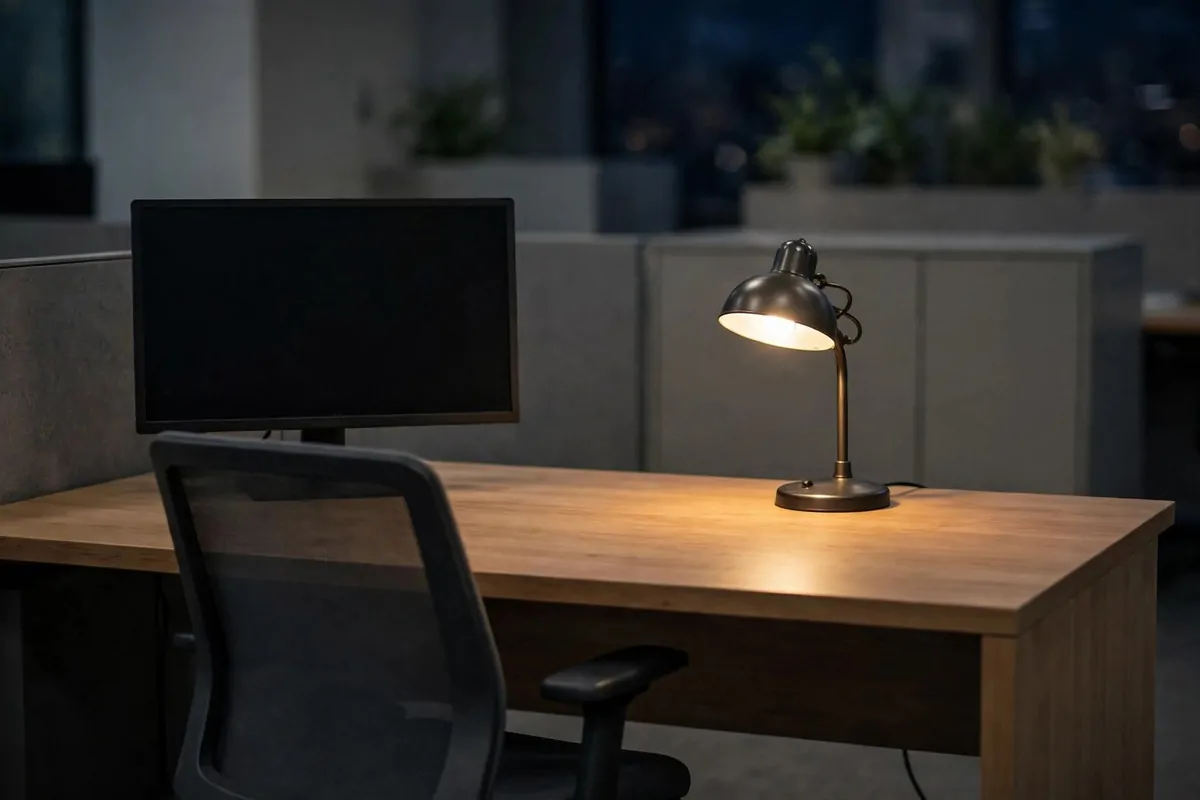
Every night, before I leave, I clear my desk. I put everything back where it belongs, or I put it in my bag to take home.
It takes less time than you think.
I start with the papers. I file the ones I need, I recycle the ones I do not need, and I stack the ones I will use tomorrow in one neat pile. Nothing stays spread out.
Then I deal with the cups and wrappers. A mug goes to the kitchen sink. A wrapper goes in the trash, not on the corner of my desk.
Your desk should look ready for tomorrow, not tired from today.
I wipe the desk top with a cloth if it needs it. Crumbs and dust make a clean desk feel dirty fast.
I check my chair too, I push it in, and I hang my jacket on its hook. A tidy chair makes the whole desk area feel calmer when I walk in next morning.
Some nights I am in a rush, and I do a quick version. I still clear the top, even if I skip the wipe.
Try it tonight, even if your desk is a mess right now. Do the quick version. You will thank yourself in the morning.
The One-Tray Rule for Papers
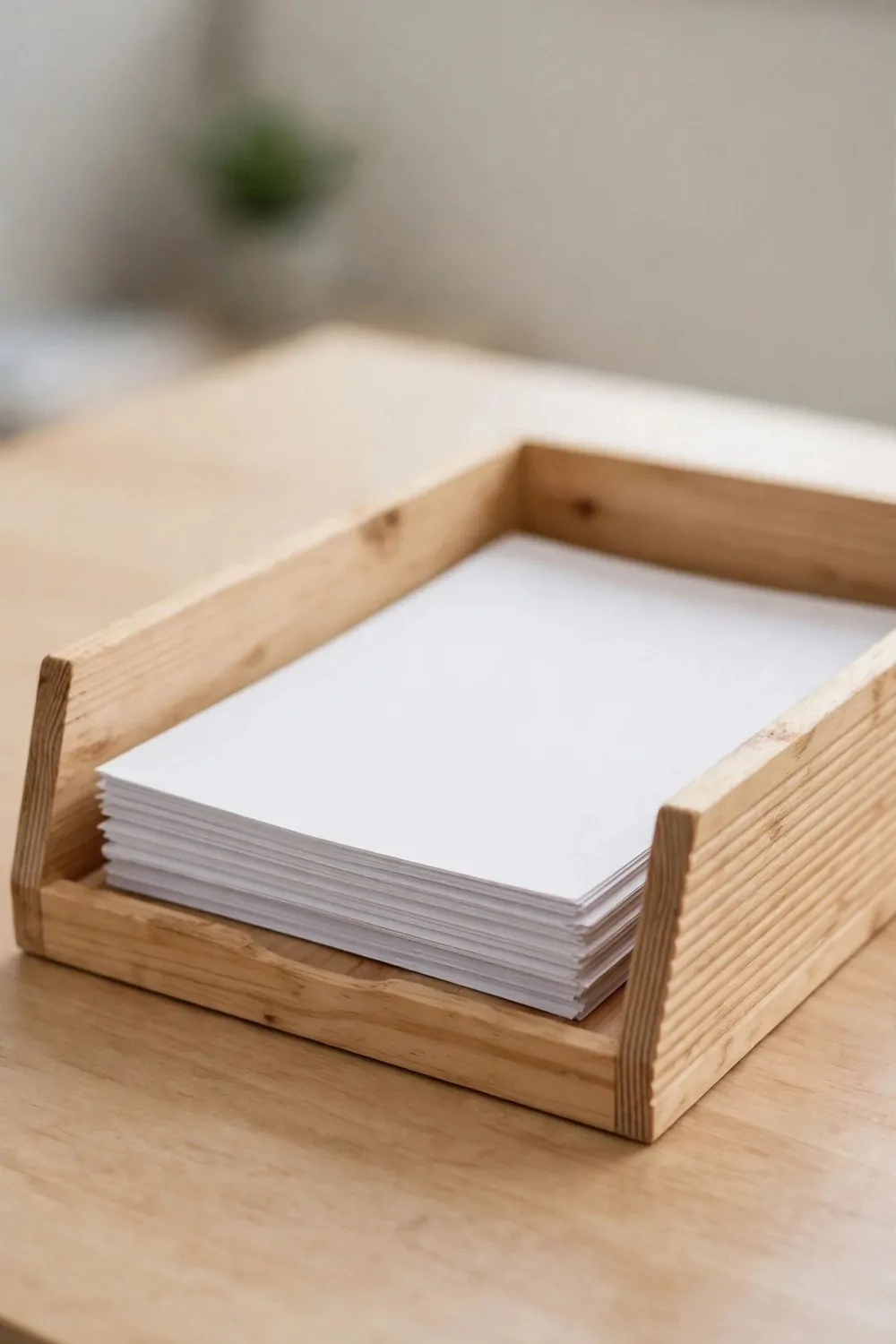
I used to have papers in five places. My desk, my chair, the floor, a shelf, and a pile by the printer. Now I have one tray, and that is it.
One tray. One place for paper.
Every paper that lands on my desk goes in the tray first. I do not let it sit on the desk top and grow into a pile.
At the end of the day, I sort the tray. I keep what I need and file it or put it in my bag, and I toss or recycle the rest.
If the tray gets full, that is my sign to sort it right away. A full tray is a warning, not a storage box.
You do not need a fancy tray.
Mine is plain and flat. It holds letter papers without bending them. It sits at the left side of my desk, where my hand reaches for it without thinking.
Tell yourself the rule out loud if it helps. New paper goes in the tray. Old paper leaves the tray.
It sounds too simple to work. It works because it is simple, and you can keep doing it.
The Cable Spine Down the Desk Leg
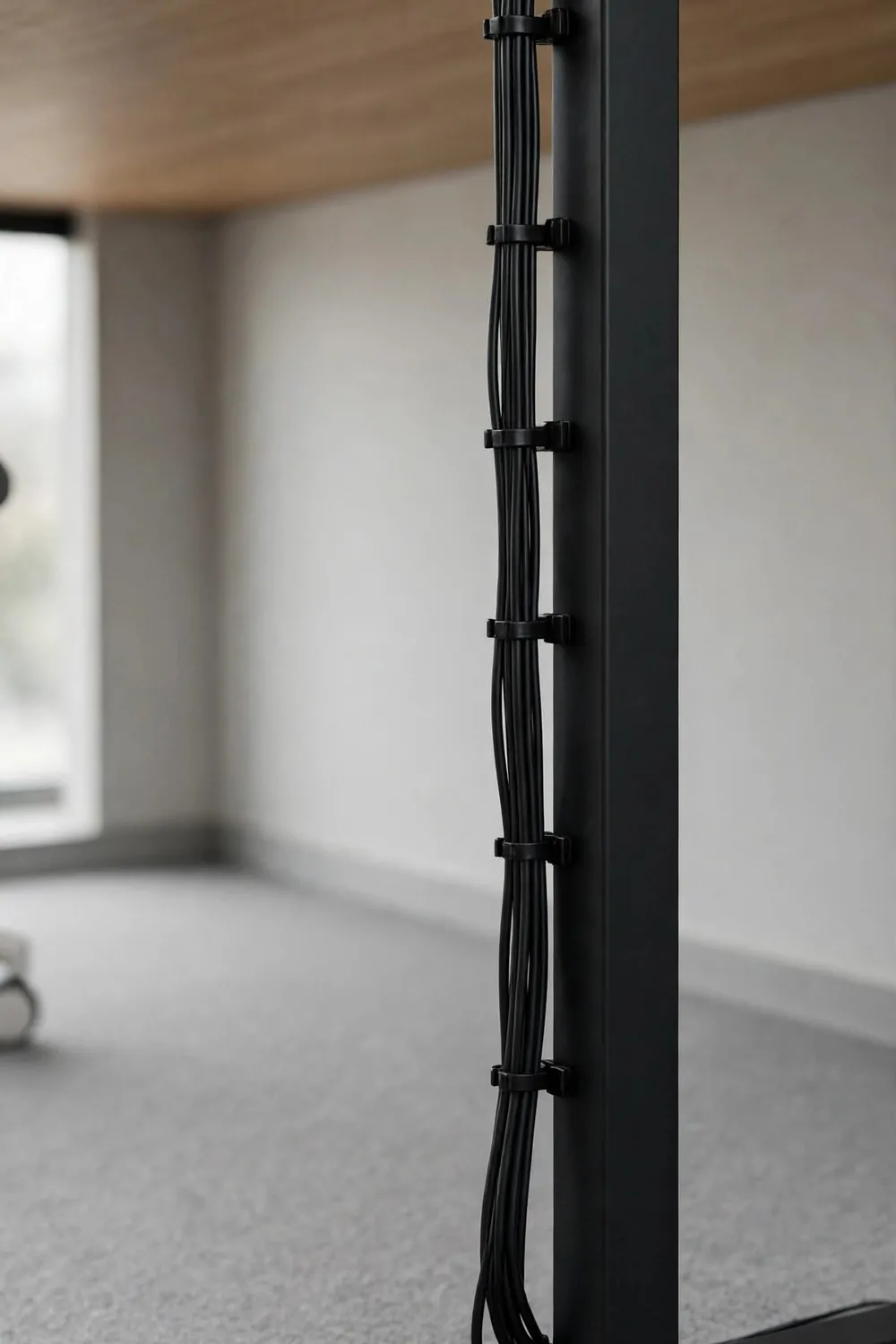
Cables used to crawl all over my desk. My charger, my monitor cable, and my headset wire made a small nest behind my keyboard.
Now I run them down one desk leg. I call it the cable spine. It keeps the wires off my desk top and out of my way.
You can see your desk again when the cables are gone.
I use small clips to hold the cables to the back of the desk leg. I space them out so the cables do not sag or pull.
I leave a little slack at the top. You need slack to plug things in and move them. But I do not leave so much slack that the cables droop onto the floor.
Start with the cable you use most.
Run that one first, and clip it in place. Then add the next cable beside it, one at a time.
I label the ends with a bit of tape if two cables look the same. I write what each one is for in plain words. It saves me from unplugging the wrong thing in a hurry.
Check the spine once a week. Cables slip. A quick push back into the clip keeps the whole thing neat.
The Vertical File Sorter That Ends Piles
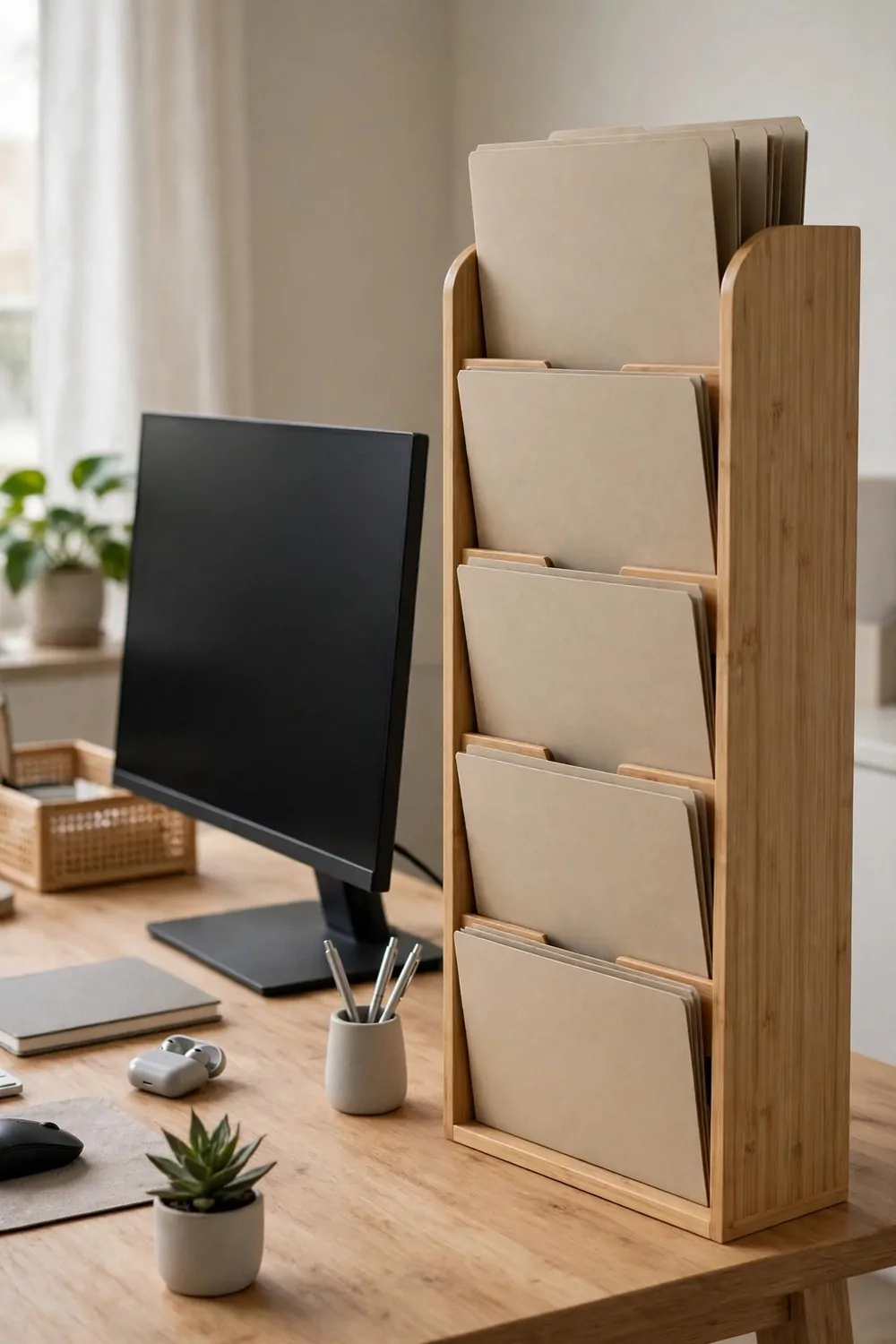
Flat piles grow fast. You put one paper on top of another, and soon you have a stack you are scared to touch. A vertical sorter stops that from happening.
Standing papers up changes everything.
A vertical sorter holds folders upright, side by side. You can see each label at a glance. You do not have to dig through a stack to find one sheet.
I keep one slot for work in progress, one slot for papers I must sign, and one slot for papers I must file. That is all I need most days, and it keeps my desk clear.
If a slot gets too full, I know I have put off a job. I empty that slot first, before I add anything new to it.
Put the sorter where you can reach it without standing up.
Mine sits at the back corner of my desk. It does not block my screen. It does not eat up the space where I write.
Use plain labels that you will really read. Write words like today, this week, and file. Skip the fancy words that sound good but mean nothing to you.
When the sorter is empty, my desk feels done. That empty feeling is worth keeping, so I guard it a little.
The Drawer Dividers That Stop the Junk Drawer
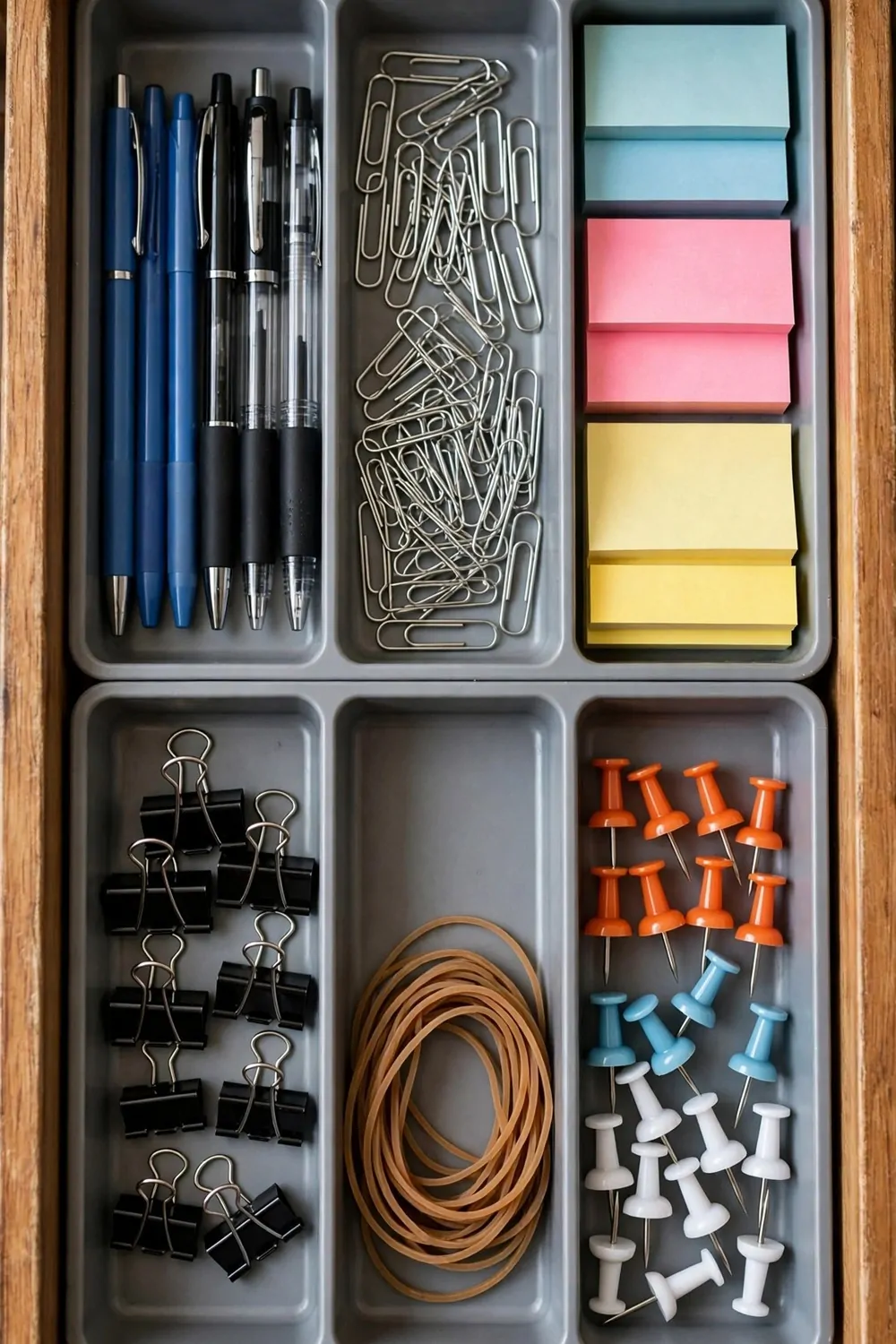
Every desk has one drawer that eats things. Pens, clips, old notes, a charger you forgot, and three keys you cannot place. Mine was like that for a long time.
Dividers fixed it in one go.
I put small boxes inside the drawer, one for each kind of thing. Pens go in one box, clips go in another, and sticky notes get their own small spot.
Now I open the drawer and I see what I have. I do not dig or move five things to find one pen, I just pick it up and close the drawer.
You do not need to buy a full set to start. Use small boxes you already have at home or at work. A clean box works just as well as a store bought divider.
Keep one empty box on purpose.
That empty box is for the odd thing that shows up and has no home yet. When it fills up, I sort it out. It keeps the rest of the drawer tidy in the meantime.
I check the drawer when I do my Friday reset. I toss dried out pens and broken clips. I put stray papers back in my tray or in the sorter.
A tidy drawer sounds small. It saves you a lot of small, fussy minutes through the week, and those minutes add up.
The Monitor Riser That Frees the Desk
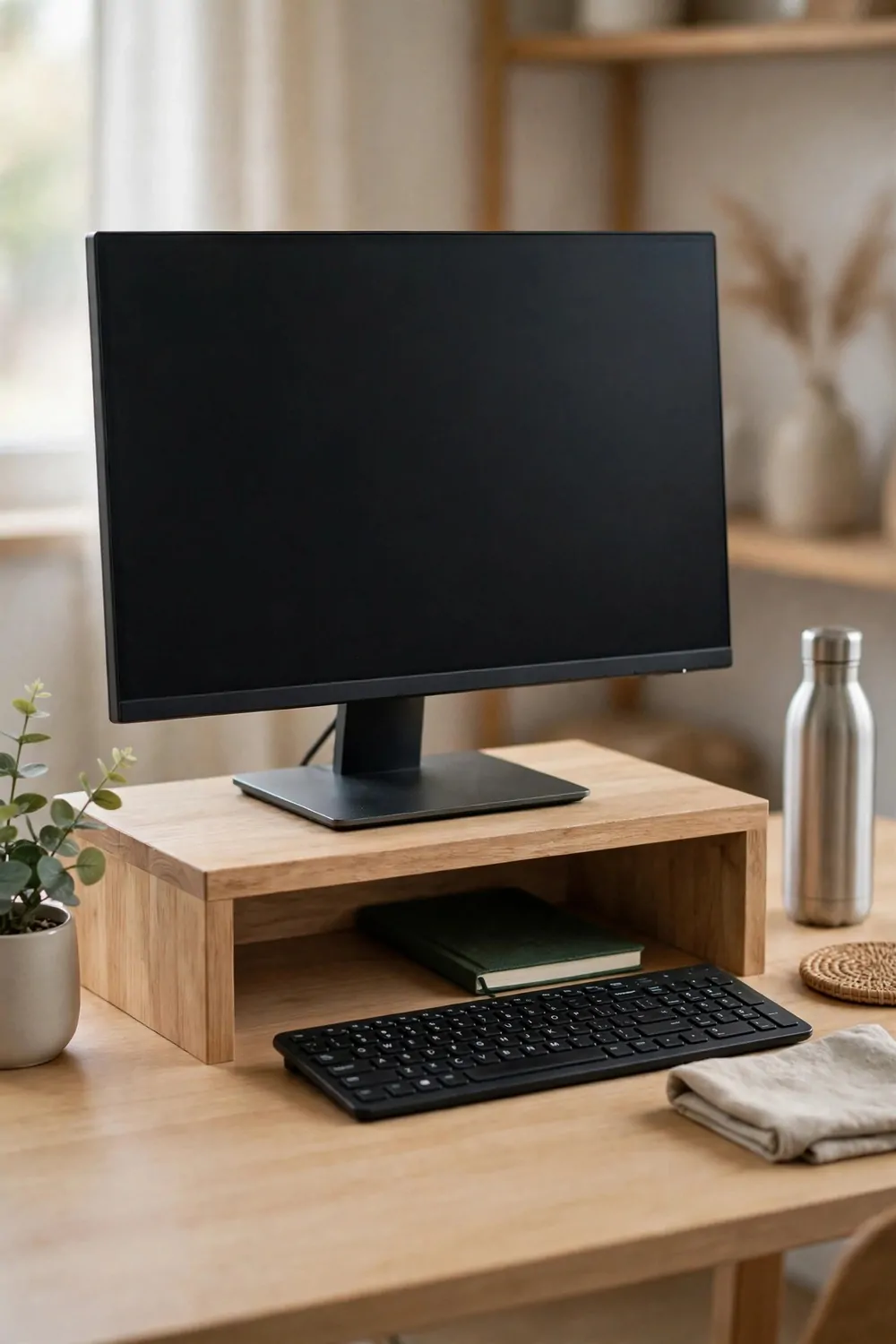
My monitor used to sit flat on my desk. It took up a big square of space, and the space under it was dead space I could not use at all.
A riser lifts it up and gives that space back to you.
With a riser, I can slide my keyboard under the monitor when I need room to write. I can keep a small notebook under there too. My desk feels wider, even though it is the same desk.
It helps my neck as well. My screen sits a bit higher now, so I am not looking down all day. I sit up a little straighter without even trying.
| Type | What it holds | Best for |
|---|---|---|
| Simple wood riser | One monitor and a notebook underneath | A small desk that needs more room |
| Metal riser with a drawer | A monitor plus pens and small supplies | A desk with no spare drawer space |
| Adjustable riser | A monitor at a height you can change | Sharing a desk or fixing neck strain |
| Riser with side shelves | A monitor plus books and folders | A desk that must hold a lot at once |
Pick a riser that feels steady when you type. If it wobbles, it will annoy you all day. A steady riser is worth more than a pretty one.
Do not pile the space under the riser full of junk. Keep it for one or two things you use a lot. If it fills up, it stops being useful space.
I keep my notebook and a pen under mine. That is it. When I need to write, I pull the notebook out, and the desk is ready.
Check the height on your first day with it. Your eyes should rest near the top of the screen without you tilting your head up or down a lot.
If you share your desk, write down your height setting. It saves you from hunting for the right height each time you sit down again.
The Small Trash Can Within Arm’s Reach
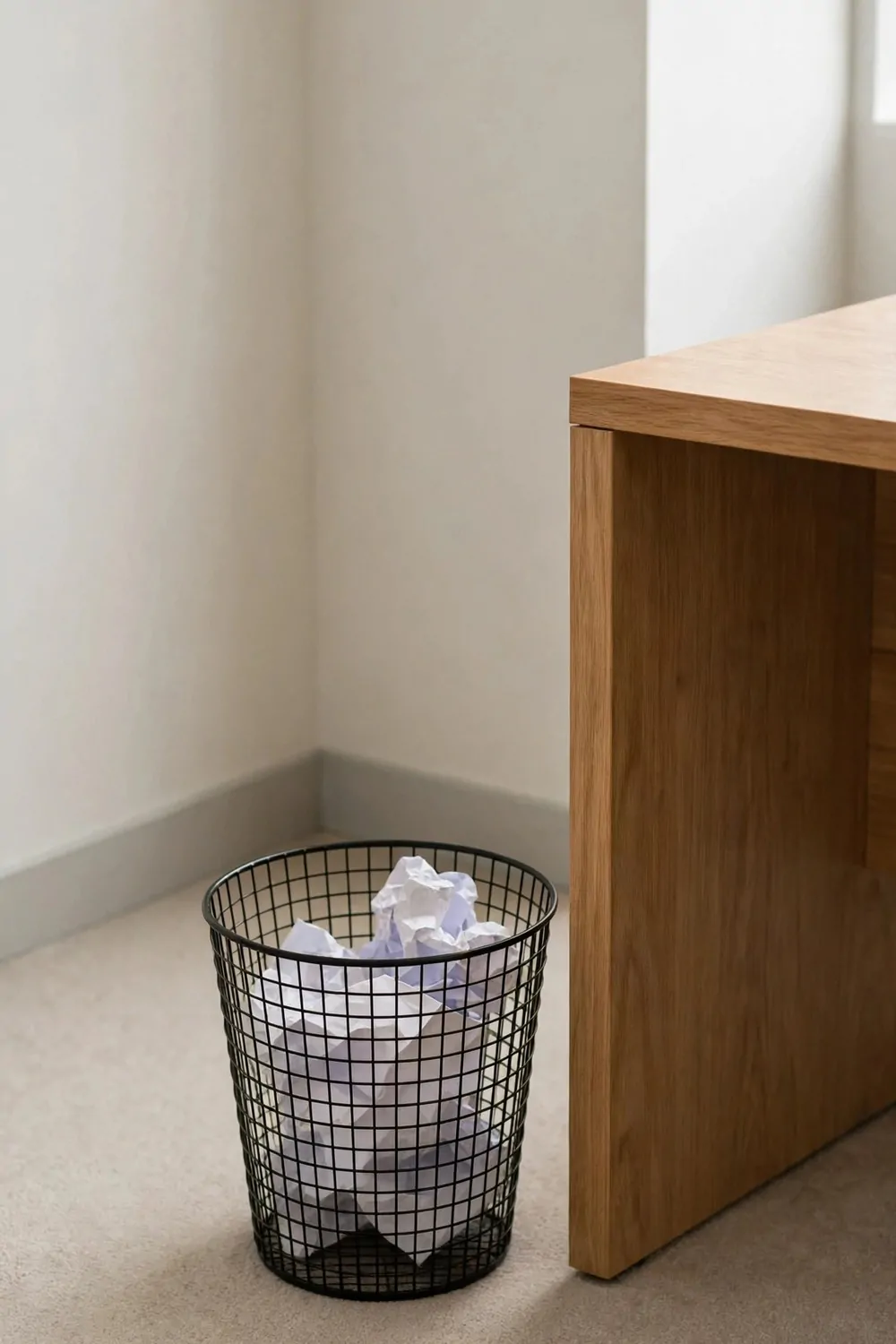
I used to walk across the room to toss a wrapper. Most times I did not bother, so the wrapper stayed on my desk. Then another one joined it.
A small trash can next to my desk ended that habit.
Now I can toss trash without getting up. I reach down, I drop it in, and my desk stays clear. It is a tiny change with a big result.
Pick a can that fits under or beside your desk without blocking your feet. It should be easy to reach but hard to kick over by mistake.
Empty it at the end of each day. A small can fills fast, and a full can makes you start piling trash beside it, which defeats the whole point.
Keep a spare bag in the bottom of the can.
When you pull the full bag out, the next bag is right there waiting. You do not have to hunt for bags, and you will not leave the can bagless.
I only put dry trash in my desk can. Food wrappers with crumbs go in the kitchen trash. It keeps the smell away from my desk, and that matters a lot.
Your desk will thank you for this one. So will the person who sits next to you, even if they never say it out loud.
The Wipe-Down Kit in One Caddy
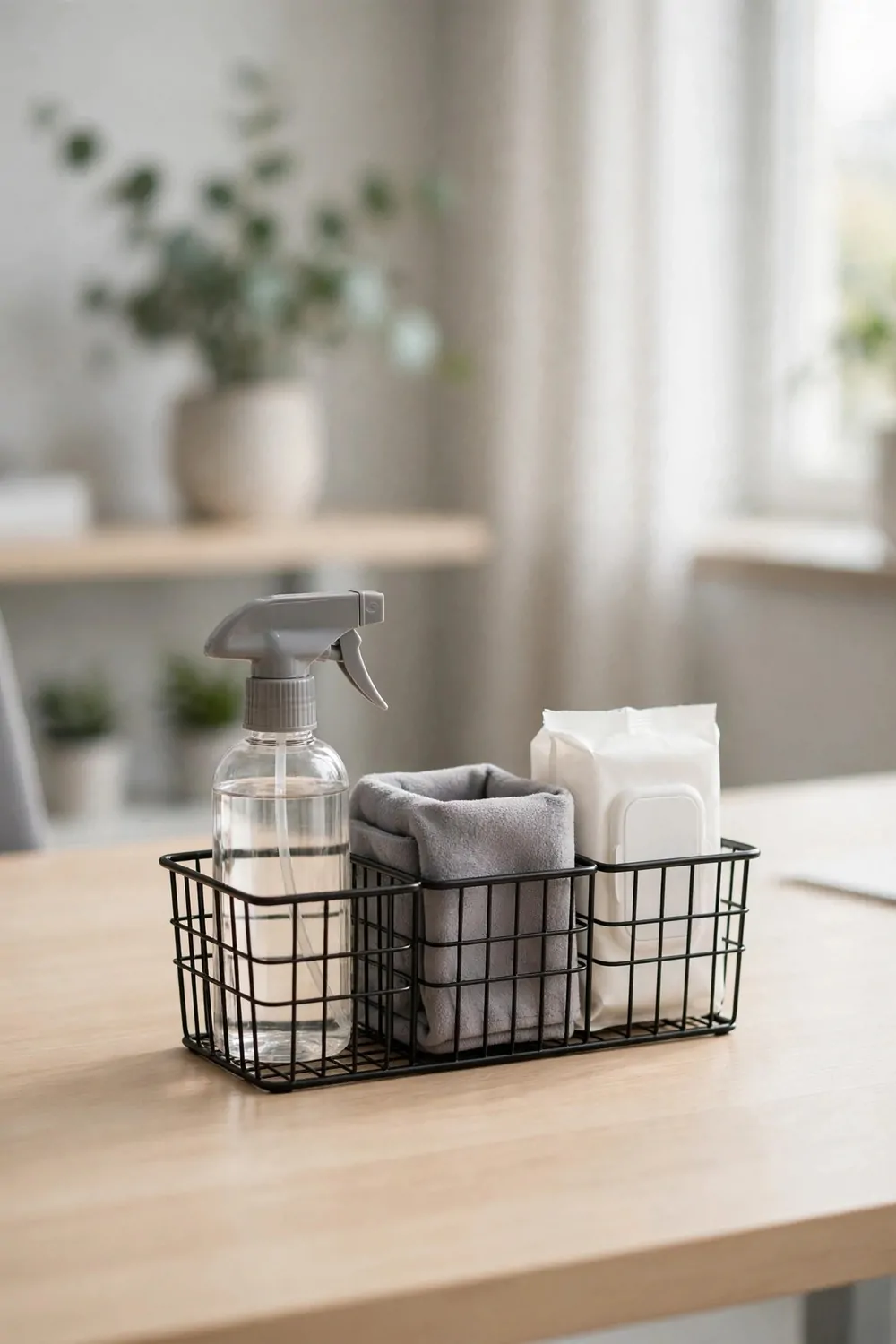
I used to keep wipes in one drawer and spray in another. By the time I found both, I had lost the will to clean anything. Now it all lives in one small caddy.
One caddy, one grab, one clean desk.
My caddy holds wipes, a small spray, and a clean cloth. That is all it needs to hold. It sits on a shelf near my desk, where I can reach it in seconds.
I wipe my desk top at the end of the day, or after lunch if I ate at my desk. Food crumbs and coffee rings build up fast when you leave them alone.
Do not soak your desk. A light wipe is enough. Too much spray gets into keyboards and papers, and it makes a bigger mess than the one you started with.
Keep the cloth clean, or the kit does no good.
I rinse my cloth and let it dry, and I toss wipes after one use. A dirty cloth just moves dust from one spot to another, and that is not cleaning at all.
If you share a desk, keep the caddy in a shared spot. A kit everyone can reach gets used. A kit hidden in your drawer gets forgotten.
Refill the caddy on Friday, when you do your shutdown check. A kit that runs dry on Monday morning will not help you start the week clean.
The Charging Station With One Plug
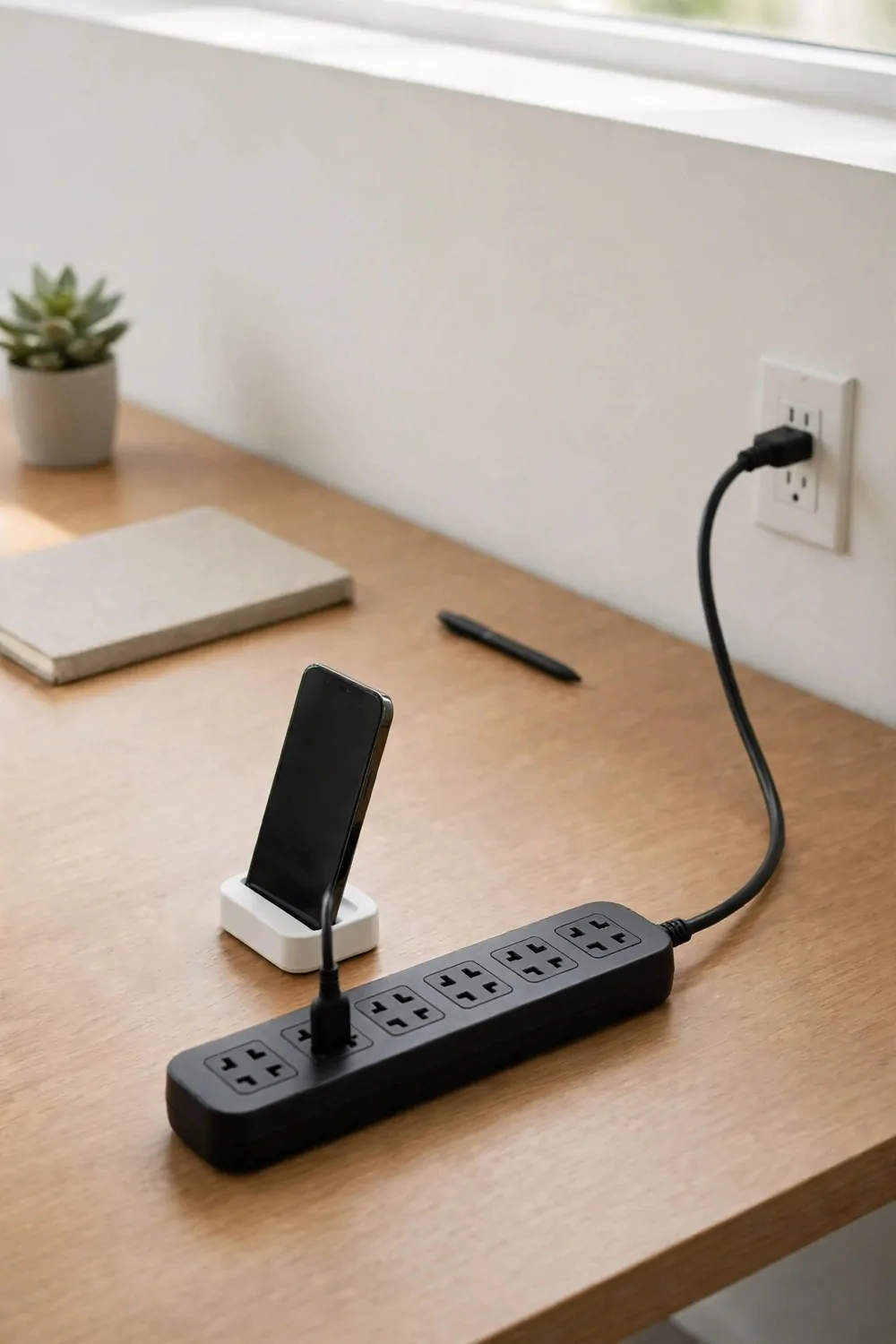
Chargers used to spread all over my desk, with my phone charger on the left and my headset charger on the right. A spare cable lived somewhere in the middle, doing nothing.
Now they all live in one charging station with one plug.
I plug one power strip into the wall, and I plug all my chargers into that strip. The strip sits behind my desk, out of sight. Only the cable ends come up to the desk top.
It looks calmer at once. One plug going to the wall is easier to manage than four plugs fighting for space. It is also easier to unplug at the end of the day.
- A phone charging cable, kept short so it does not tangle
- A headset charging cable, in the same spot every day
- A laptop charger, plugged in only when you need it
- One spare cable, for a guest or a second device
Label the cables if they look alike. A small piece of tape with a word on it saves you from pulling the wrong plug when you are in a rush.
Keep the station off the floor if you can. A strip on the floor collects dust and gets kicked. A strip clipped under the desk stays clean and safe.
Charge your phone away from your main work spot if you can. I put mine at the back corner, so I do not grab it every time it lights up.
At night, I unplug the strip with one switch. It is a small end of day habit, and it makes the desk feel switched off, not just left on pause.
You do not need a new gadget for this. A plain strip, a few clips, and five minutes of sorting will do the job just fine.
The Personal Items Limit: Three Things Only
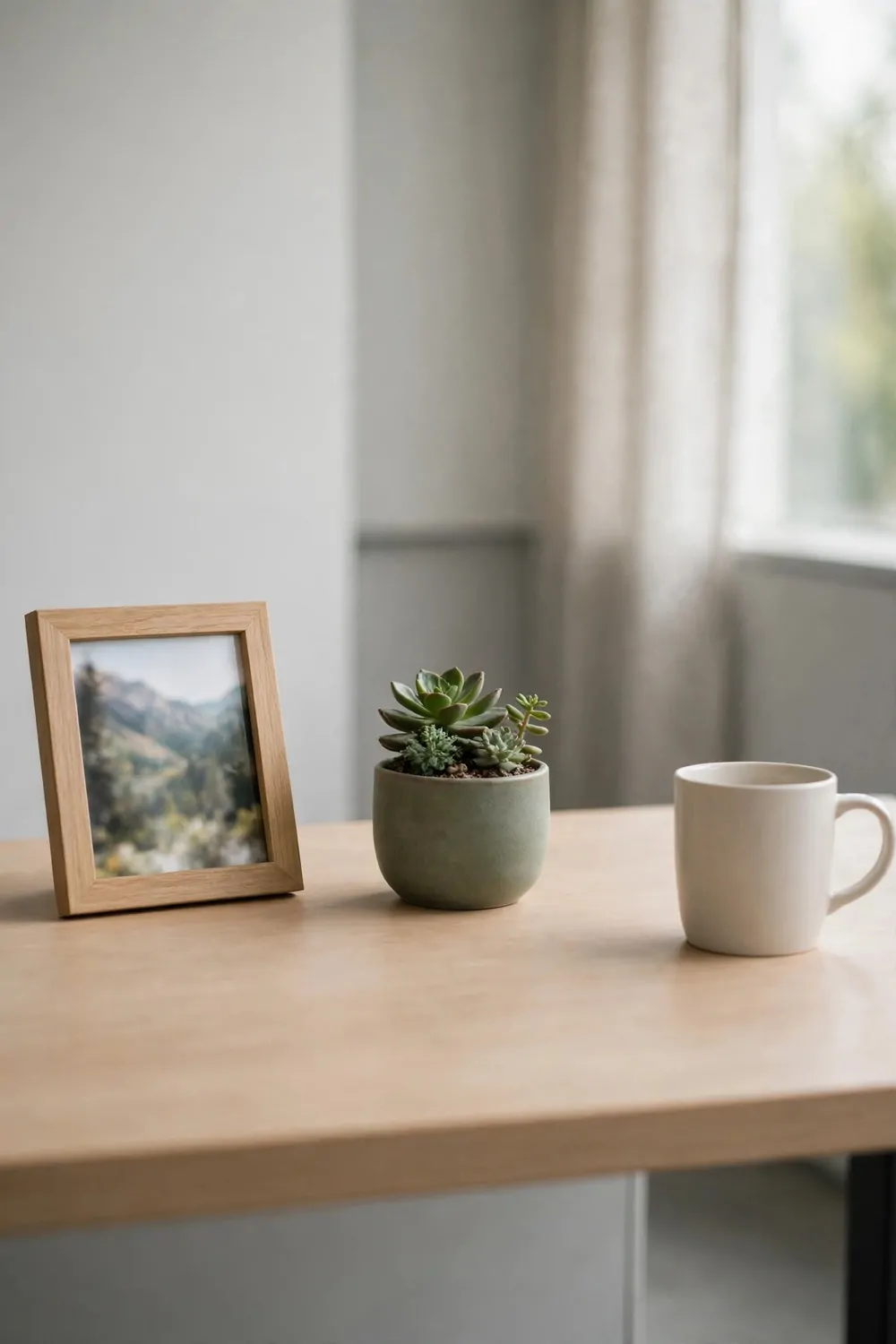
I love personal things on my desk. A photo, a small plant, a mug from home. But my desk is small, and love does not make it bigger.
So I set a limit. Three things only.
I pick three personal items, and the rest stay home or go in a drawer. My three are a photo, a small stone, and a mug I really like. Yours will be different, and that is fine.
Three things give your desk warmth without taking it over, and you can see and enjoy each one. None of them gets lost in a crowd.
If you want to swap one out, you swap it, you do not add to it. One thing comes off the desk when a new thing goes on. That is the deal I made with myself.
It helps on busy days too.
When papers pile up, they have nowhere to hide behind personal clutter. You see the mess right away, and you deal with it while it is still small.
Pick items that make you smile but do not need a lot of care. A photo in a frame is easy. A pile of loose keepsakes is not easy at all.
Try the limit for one week. If your desk feels cold, add one more thing. If it feels calm, keep it at three and enjoy the space.
The Label Maker That Ends the Guessing
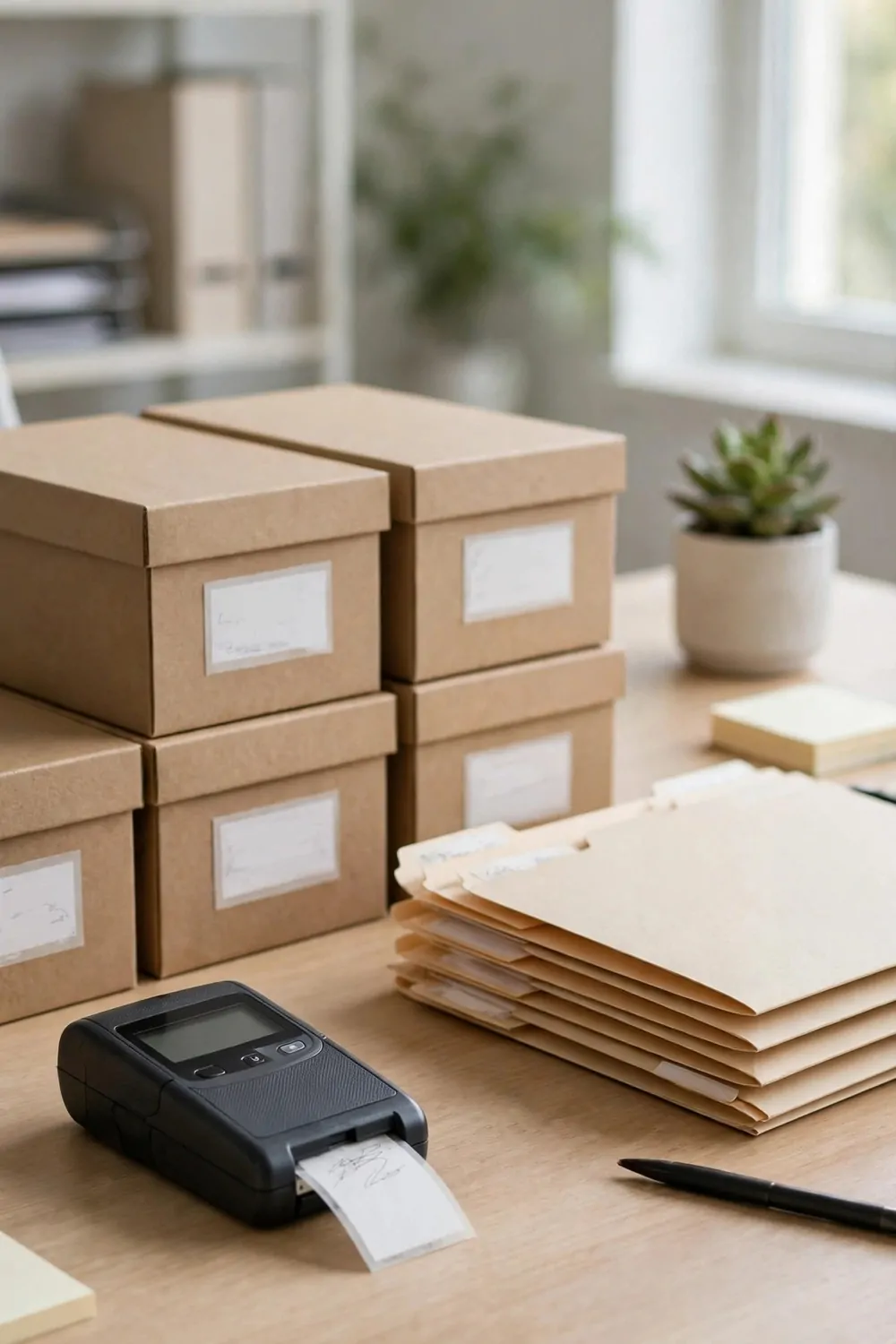
I used to open three boxes to find one thing. I used to open two drawers to find a folder. Labels ended all that guessing for me.
A label tells you what is inside without opening anything.
I label my folders, my boxes, and my drawer dividers. I use short words that I will read at a glance. I write today, file, and supplies, not long notes that no one will read.
Keep the words plain and honest. If a box holds cables, write cables, and if it holds old notes, write old notes. A cute name that hides the truth is no help at all.
You do not need a fancy label maker to start. A pen and a strip of tape will do the job. Use the label maker later if you want it to look neater.
Label the front, not the top.
You see the front when you sit at your desk. You have to lift a box to see the top, and you will not bother most days.
I redo labels when the contents change. An old label on a new box is worse than no label, because it sends you to the wrong place with confidence.
Label one drawer today, just one. See how it feels to open it and find what you want on the first try. You will want to label the rest.
The Weekly 10-Minute Desk Audit
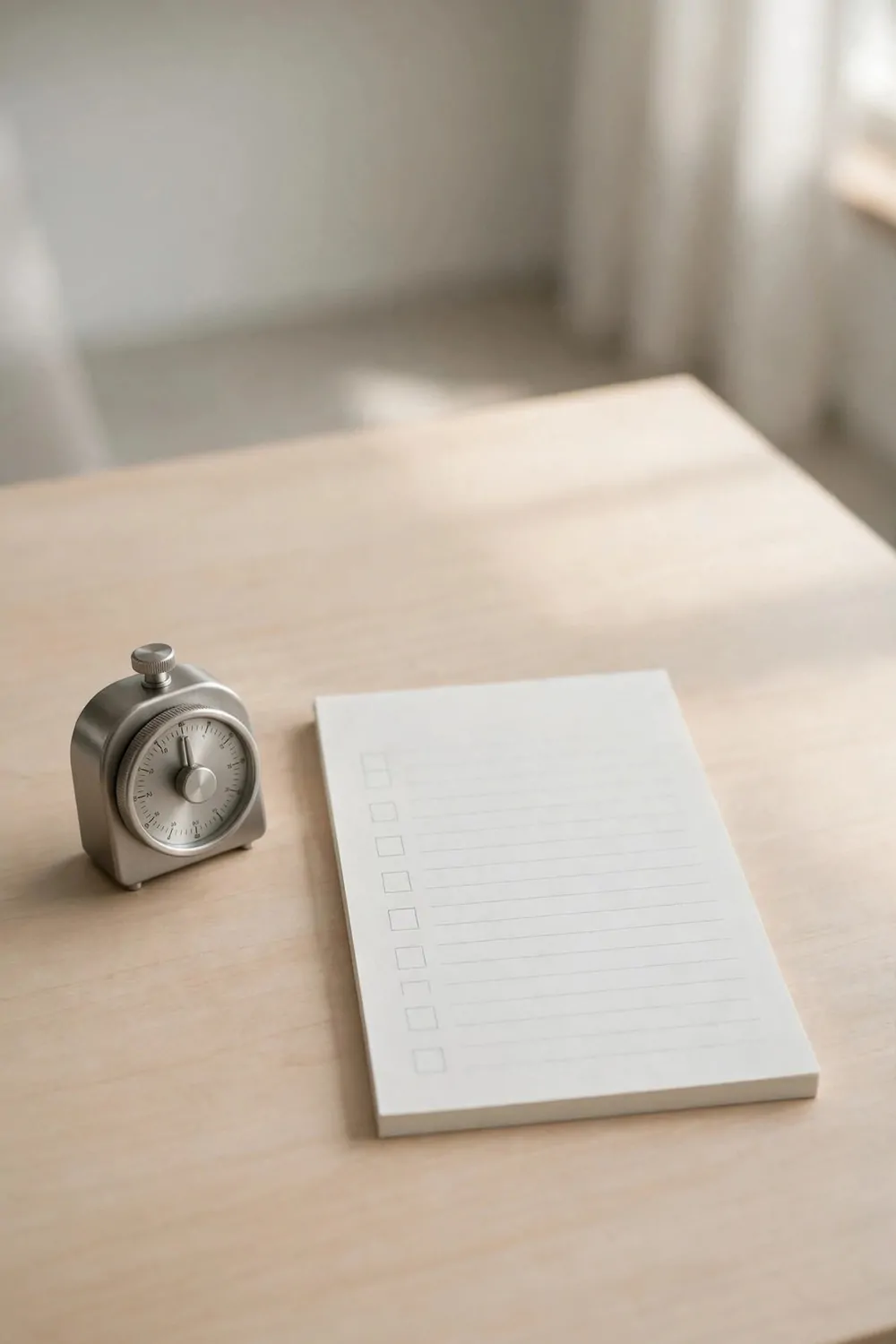
Once a week, I give my desk a quick audit. I do it on Friday, before my shutdown check. It takes about ten minutes, and it stops small messes from turning into big ones.
Think of it like a quick look around, not a deep clean.
I walk through the same spots each time, in the same order. Desk top first, then tray, then drawer, then cables. Same order means I do not miss a spot.
I ask one plain question at each spot. Does this belong here, and do I still need it here? If the answer is no, it moves or it goes.
| Spot | What to check | What to do |
|---|---|---|
| Desk top | Papers, cups, and loose items | File papers, toss trash, and clear the top |
| Paper tray | Papers left unsorted all week | Sort, file, or recycle every sheet |
| Drawer | Pens, clips, and stray items | Toss broken items and put the rest back |
| Cables | Loose or tangled wires | Clip loose cables back into the spine |
| Shelf or sorter | Full slots and old folders | Empty full slots and file what is done |
Set a timer if you tend to drift. Ten minutes is enough for a look around. If you go past that, you are cleaning, not auditing, and that is a different job.
Write down one fix you notice each week. It might be a tray that keeps filling up, or a drawer that keeps breaking its rule. One fix a week adds up fast.
Do not beat yourself up if the audit finds a mess. The audit did its job. It found the mess while it was still small and easy to fix.
I keep my audit on the same day each week. Same day, same order, same questions. A habit you can count on beats a perfect system you forget.
When the audit is done, I close my notebook and I leave. My desk is ready, my head is clear, and my weekend starts clean.
The Keyboard and Mouse Wipe Habit
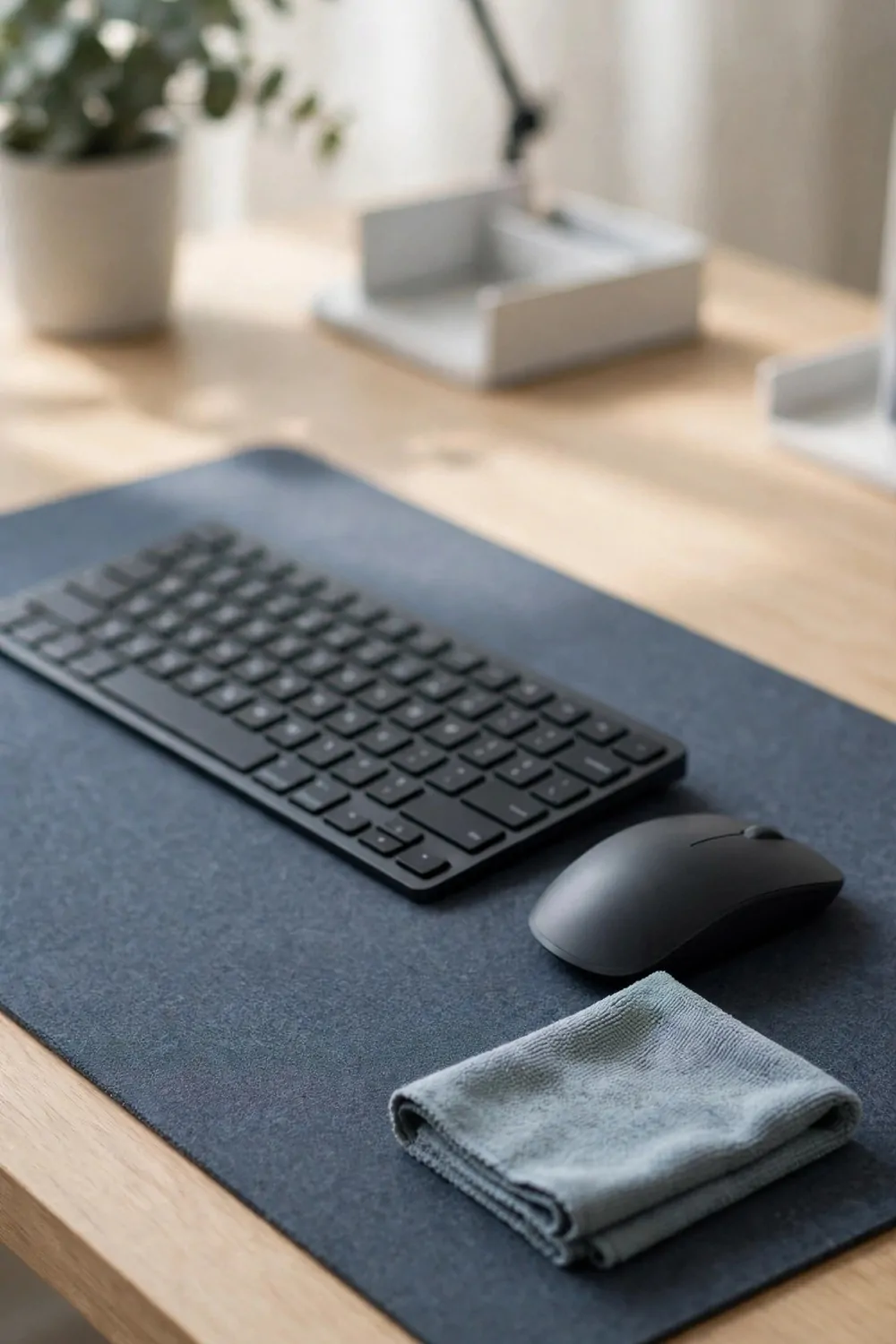
My keyboard collects dust and crumbs like it is its job. I type all day, I eat lunch at my desk sometimes, and the keys show it by Friday.
A quick wipe each day keeps it clean.
I turn my keyboard over and give it a gentle shake over the trash can first, so crumbs and dust fall out. It takes a few seconds, and it helps a lot.
Then I wipe the keys with a lightly damp cloth or a wipe made for electronics. I do not soak it. I do not spray cleaner right onto the keys.
I wipe my mouse the same way. I wipe the top, the sides, and the scroll wheel. A sticky mouse makes work feel slow, even when the work is fine.
Do this at the end of the day, not in the middle of a rush.
Your keyboard needs a minute to dry before you use it again. End of day is perfect, because it dries overnight while you are gone.
If you share a keyboard or a mouse, wipe it before you use it too. It is a kind habit, and it keeps germs from moving from one person to the next all day.
Keep wipes in your caddy, right where you can reach them. If the wipes are far away, you will skip the habit, and the crumbs will stay.
The “One In, One Out” Rule for Desk Stuff
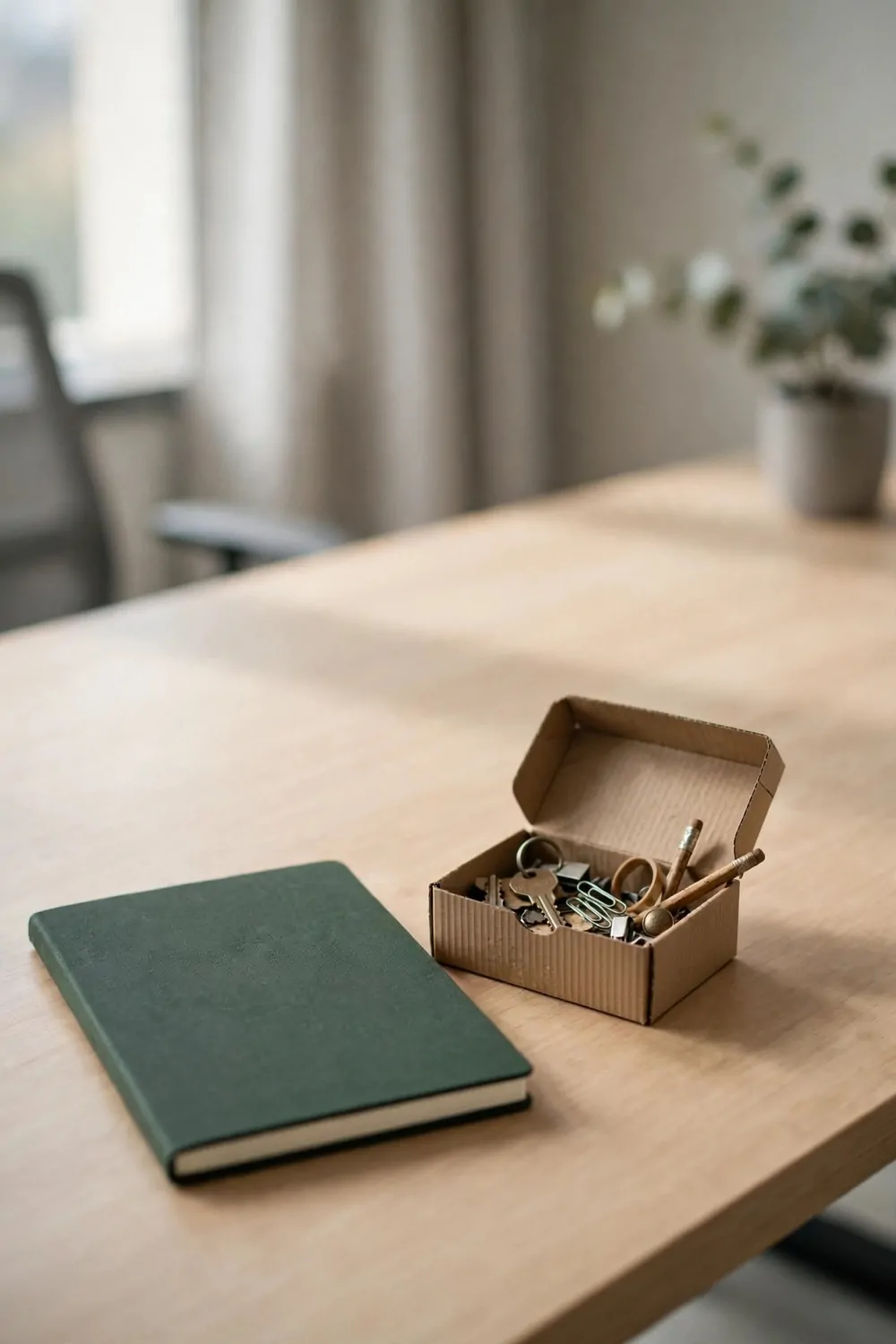
Desk stuff creeps in one piece at a time, a new notebook here, a new mug there, and a small gadget someone gave you. None of it feels like much on its own.
Together, it fills your desk.
My rule is simple. When one new thing comes in, one old thing goes out, so a new notebook means an old notebook leaves the desk and a new mug means an old mug goes home.
It keeps my desk at the same size, week after week. I do not have to do a big clear out, because I never let the pile grow in the first place.
Ask yourself one question before you keep a new item. What will leave to make room for it? If you cannot name it, the new item waits.
Gifts are the hardest part of this rule.
Someone gives you a desk toy, and you feel bad saying no to the desk. You can still accept it with thanks. You can keep it at home, or you can swap it for something already on your desk.
I keep a small out box in my drawer for this rule. Items that leave my desk go in the box. At the end of the week, I take the box home or I pass things on.
This rule is not about being strict. It is about keeping room to work. Your desk is a work space first, and a shelf second.
The Under-Desk Basket for Bags and Coats
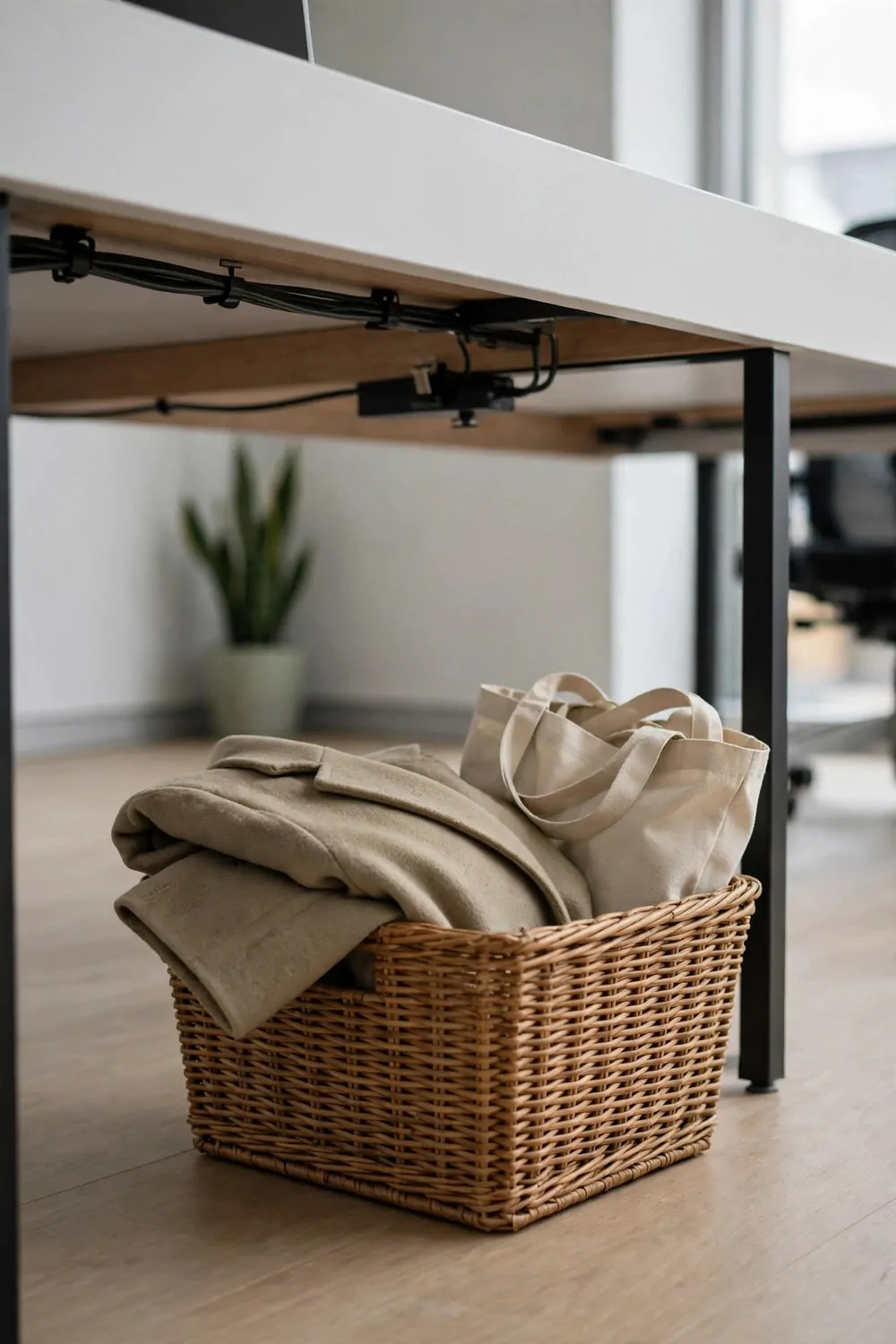
My bag used to live on the floor beside my chair. My coat lived on the back of my chair. Both of them slid off, got stepped on, or blocked the walkway.
An under desk basket fixed both problems at once.
I slide my bag into the basket when I arrive. I drape my coat over the basket edge or on a hook beside it. My floor stays clear, and my things stay clean.
Pick a basket that fits under your desk without pushing your knees out. It should hold your bag with room to spare, but it should not stick out into the walkway.
- A sturdy basket that holds its shape when your bag goes in
- A hook beside the desk for a coat or a scarf
- A small mat under the basket if the floor gets dirty
- Room to pull the basket out without moving your chair far
Keep only your bag and coat in the basket. Do not let it turn into a second junk drawer. Shoes, boxes, and spare papers do not belong in there.
If your bag is big, look for a wide, low basket. A tall basket will tip when you pull a heavy bag out of it in a hurry.
I empty the basket each night before I leave, and my bag and coat go home with me. The basket stays empty and ready for morning.
Your workmates will like this one too. A clear floor is safer to walk through, and no one has to step over your bag to get past your desk.
Try it for a week and watch how much calmer your desk area feels. A clear floor makes the whole desk feel bigger, even when nothing else changes.
The Meeting Notes Notebook, One Only
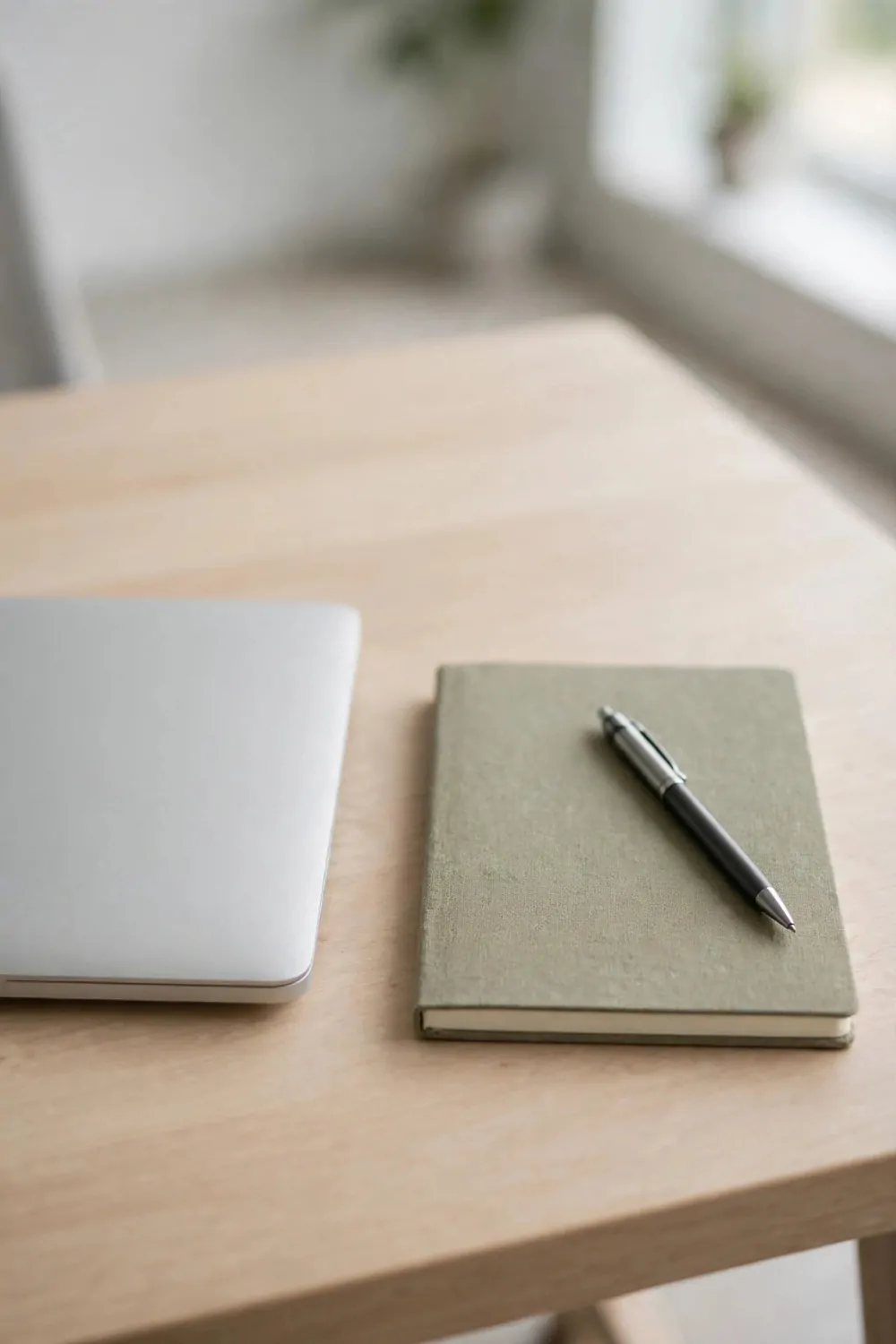
I used to have notebooks everywhere. One for meetings, one for ideas, one for phone notes, and one I could never find when I needed it. I lost notes all the time.
Now I keep one notebook only.
Every meeting note, every idea, and every phone number I must keep goes in that one book. One book, one place, no hunting.
I date each page at the top. I write the meeting name next to the date. When I need an old note, I flip back and I find it in seconds.
Keep the notebook on your desk, in the same spot each day. Mine lives under my monitor riser, where I can pull it out fast. A notebook in a drawer gets forgotten.
Use the first pages as a simple index.
I write the date and a short word for each meeting on those first pages. It is not fancy. It just tells me where to look when I need an old note in a hurry.
When the notebook fills up, I start a new one and I file the old one. I label the old one with its dates on the cover. It goes on my shelf, not in a pile on my desk.
Do not start a second notebook for a fresh project. Start a new section in the same book. One book keeps your notes together, and together is where you can find them.
The Plant That Survives Office Air
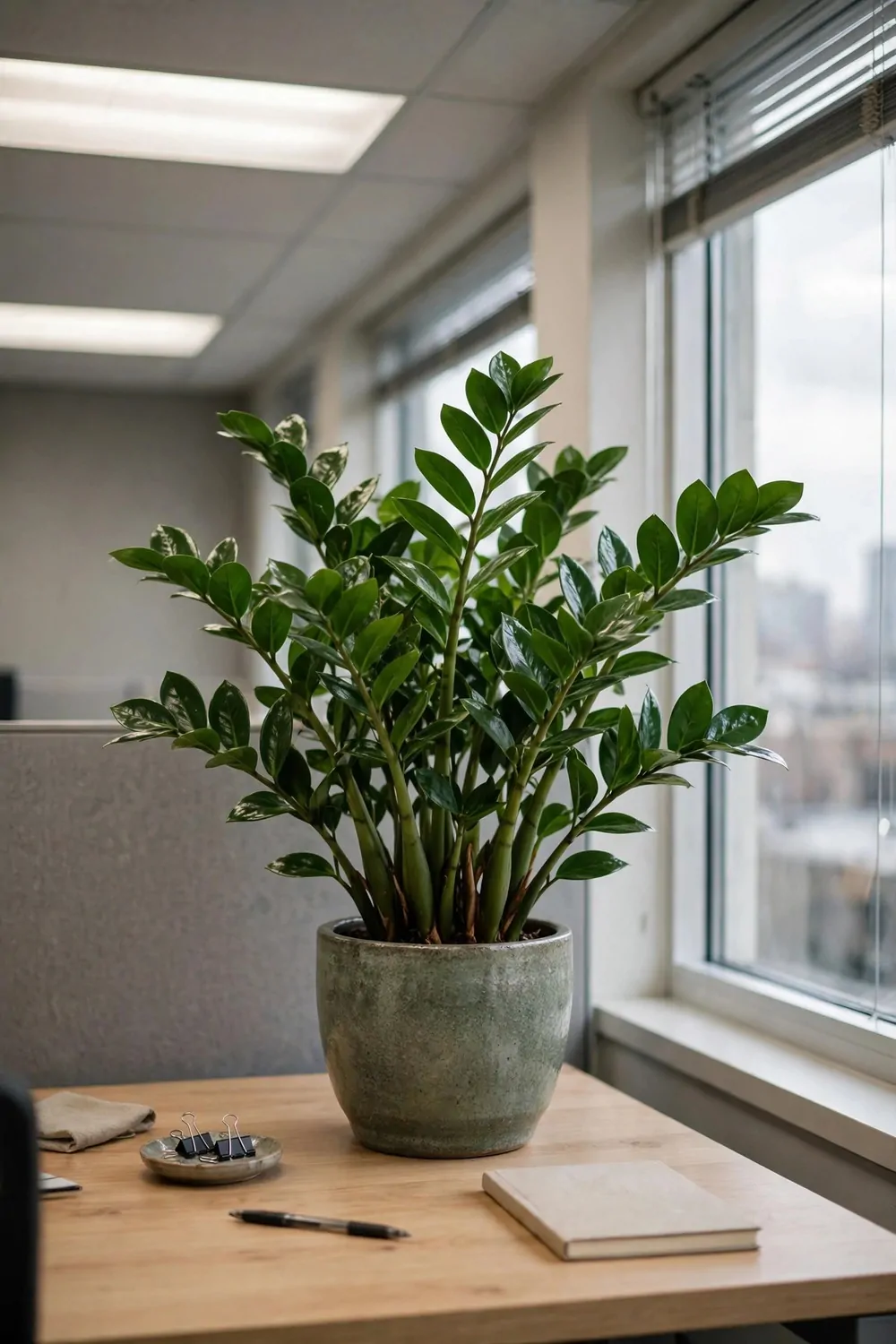
Office air is dry, and office light is weak. A lot of plants give up in that kind of room. I killed a few plants before I learned to pick one that can take it.
Pick a tough plant, not a pretty fussy one.
I keep a small plant that likes low light and does not need water every day. It sits in a corner of my desk, where it gets light from my lamp and from the window across the room.
Water it on the same day each week, and only a little. Too much water kills office plants faster than too little water does. I check the soil with my finger first, and I water only if it feels dry.
Keep the pot on a small tray. A tray catches drips and keeps water off your desk and your papers. It also makes the plant easy to move when you wipe the desk.
Do not put the plant right next to your keyboard.
Leaves drop, soil spills, and water splashes. A plant at the back corner gives you the green view without the mess on your work space.
Wipe the leaves now and then with a damp cloth. Dust sits on leaves in an office, and dusty leaves look tired. A quick wipe brings the green back.
A plant makes a desk feel alive, even on a long grey day. It is a small bit of calm in a room full of screens and papers, and it asks for very little in return.
The Snack Drawer That Stays Shut
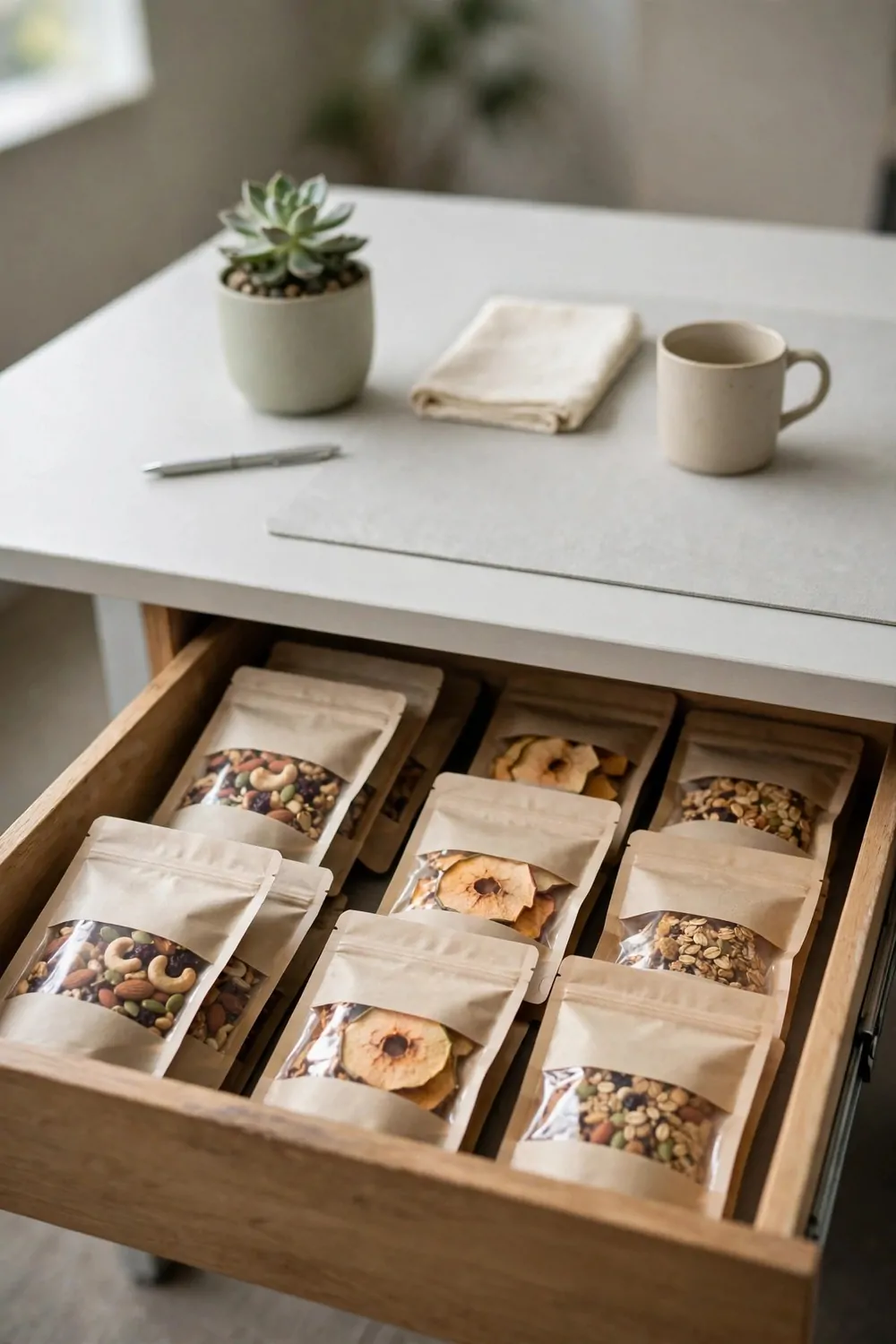
Snacks at your desk are a trap. You open the drawer for one biscuit, and you end up with crumbs on your keyboard and an empty packet by lunch. I know, because I did it for years.
My fix is a snack drawer that stays shut.
I keep snacks in one drawer, in a small box with a lid. The lid matters. It keeps smells in, it keeps crumbs in, and it makes me stop and think before I grab a snack.
I stock it once a week, on Monday, and I put in a few small snacks I like. When they are gone, they are gone till next week, and that limit keeps me from snacking all day without noticing.
Keep the snacks sealed. Open packets spill, and open packets go stale fast in dry office air. A sealed snack stays fresh, and it stays out of your keyboard.
Eat away from your desk when you can.
I take my snack to the break room or to a window seat when I have time. I enjoy it more, and my desk stays clean. If I must eat at my desk, I use a plate and I wipe up right after.
Do not keep snacks on the desk top. A bowl on the desk top invites you to graze all day. A drawer that stays shut invites you to work, and to eat when you mean to eat.
Clean the snack drawer on Friday, with the rest of your desk. Toss stale snacks, wipe the box, and start Monday with a clean drawer and a fresh stock.
The Headphone Hook and the Quiet Signal
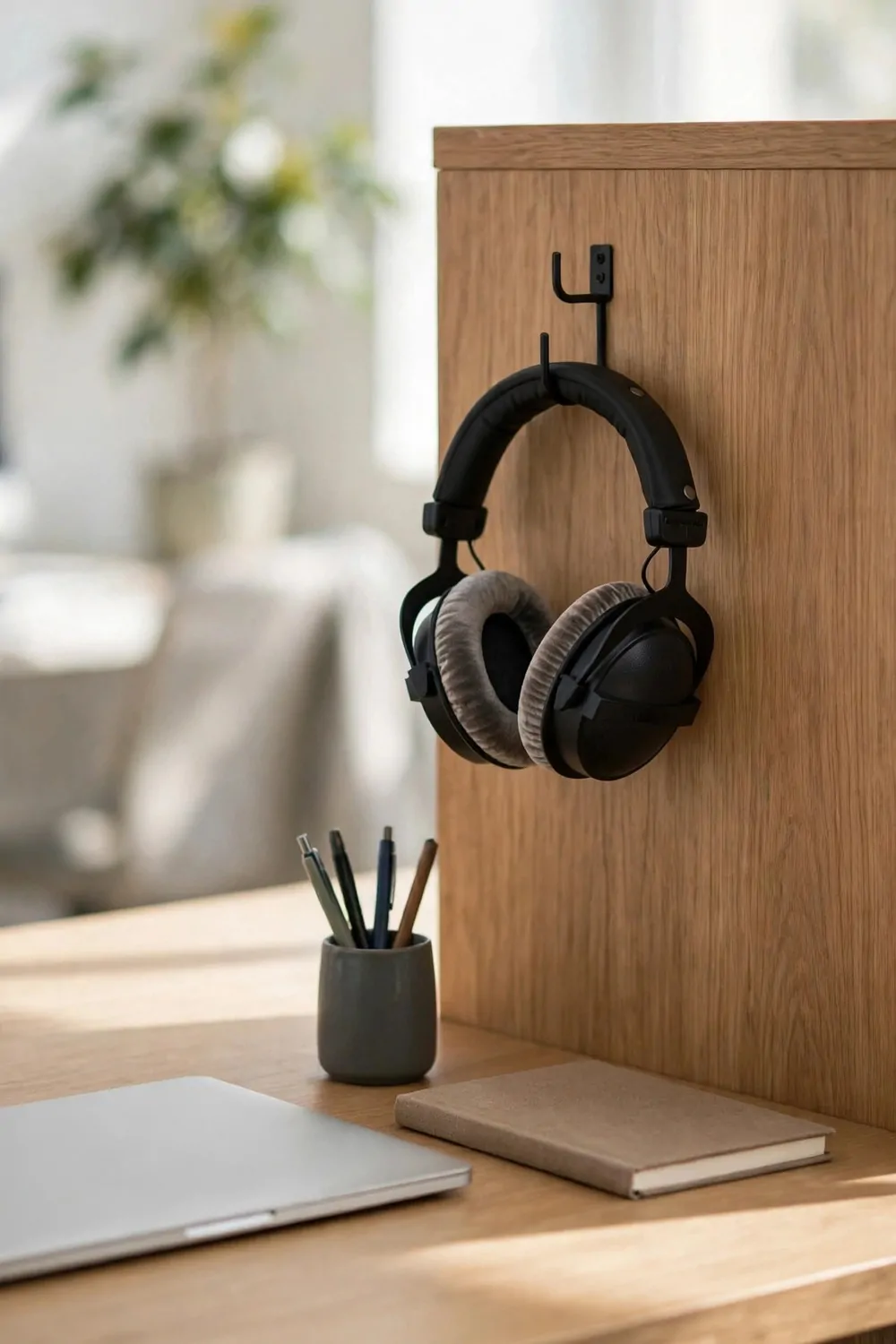
My headphones used to live on my desk. They took up space, they got tangled in cables, and they slid off the desk more times than I want to admit.
A hook on the side of my desk solved it.
I hang my headphones on the hook when I am not using them. They are off the desk, they are easy to grab, and the cable hangs down neatly instead of crawling across my work space.
The hook does a second job too. When my headphones are on, my workmates know I am in focus mode. It is a quiet signal, and it works better than a sign on my desk.
Pick a hook that holds your headphones without squeezing them. A wide, flat hook is best. A thin hook can bend the headband over time, and that is not good for your headphones.
Keep the hook on the side away from the walkway.
Headphones that stick out into the walkway get bumped. A hook on the inner side keeps them safe, and it keeps the walkway clear for everyone else.
Tell your team what the signal means, in plain words: headphones on means please send a message first, and headphones off means I am free to chat. A signal only works if people know what it means.
When you take your headphones off, hang them up at once. Do not put them on the desk for just a minute. That minute turns into all day, and the desk fills up again.
The Friday Shutdown Checklist
Friday is when I shut my desk down for the weekend. I do not just walk away and leave the week sitting there. I close it out, step by step, in the same order each week.
A checklist keeps me from forgetting a step when I am tired.
I keep my checklist on a small card taped inside my drawer. I can see it when I open the drawer, and I tick each step off in my head as I go. It is plain, and it works.
I start by clearing the desk top, with papers in the tray or in my bag, cups in the kitchen, and trash in the can. The top should be clear when I am done.
| Step | Time it takes | Done when |
|---|---|---|
| Clear the desk top | About 2 minutes | The top is clear and the chair is pushed in |
| Sort the paper tray | About 2 minutes | The tray is empty or holds only Monday work |
| Wipe the desk and keyboard | About 1 minute | The desk feels clean and the keys are dry |
| Check the drawer and snack box | About 1 minute | Stale snacks are out and pens are in place |
| Unplug and pack up | About 1 minute | The strip is off and your bag is ready to go |
Then I sort the tray and the sorter. I file what is done and keep only what I need on Monday in one small pile, and the rest leaves my desk before the weekend starts.
I wipe the desk and the keyboard, and I empty the trash can. A clean desk over the weekend means a clean desk on Monday, and Monday me is always glad Friday me did it.
I check my drawer and my snack box last, I toss what is stale, and I put stray items back where they belong. It takes a minute, and it stops Monday surprises.
Finally, I unplug my charging strip, pack my bag, hang my headphones on their hook, and push my chair in. My desk looks done, because it is done.
Walk away without looking back. Your weekend starts now, and your desk will wait for you, clean and ready, till Monday morning.
The Monday Morning Five-Minute Setup

Monday morning feels better when my desk is ready for me. I do not have to clean up last week before I can start this week. I just set up, and I start work.
I give myself five minutes, no more.
First, I put my bag in the basket and my coat on its hook. I hang my headphones on their hook too, till I need them. My floor and my desk top stay clear from the first minute.
Then I check my Monday pile. It is the small pile I left on Friday, with the work I must do first. I put it in front of me, and I put the rest away in the tray.
I plug in my charging strip and I put my phone at the back corner. I open my notebook to a fresh page, and I date it. My desk is now set up for the day.
Write down your top three jobs for the day.
Three jobs, not ten. Three jobs you can really finish. Write them at the top of your notebook page, where you will see them all day.
I wipe my desk top if it needs it, and I fill my water bottle. A clean top and a full bottle sound small, but they set the tone for the whole morning.
Start with your first job, not your inbox. Inbox work will wait five minutes. Your top job is the one that moves your week forward, so do it first while your head is fresh.