How to Organize My Email Inbox

Let me be real with you. My inbox once had over 2,000 unread mails. I felt sick each time I opened the app. That little red number just kept growin. Maybe yours looks the same right now.
Most of us get more than 100 mails a day. Work notes. Bills. Ads we never asked for. No shock we feel buried. But I found a way out, and it took me less than a week. I am no tech whiz. I just took small steps. Here they are.
Why Your Inbox Feels So Full
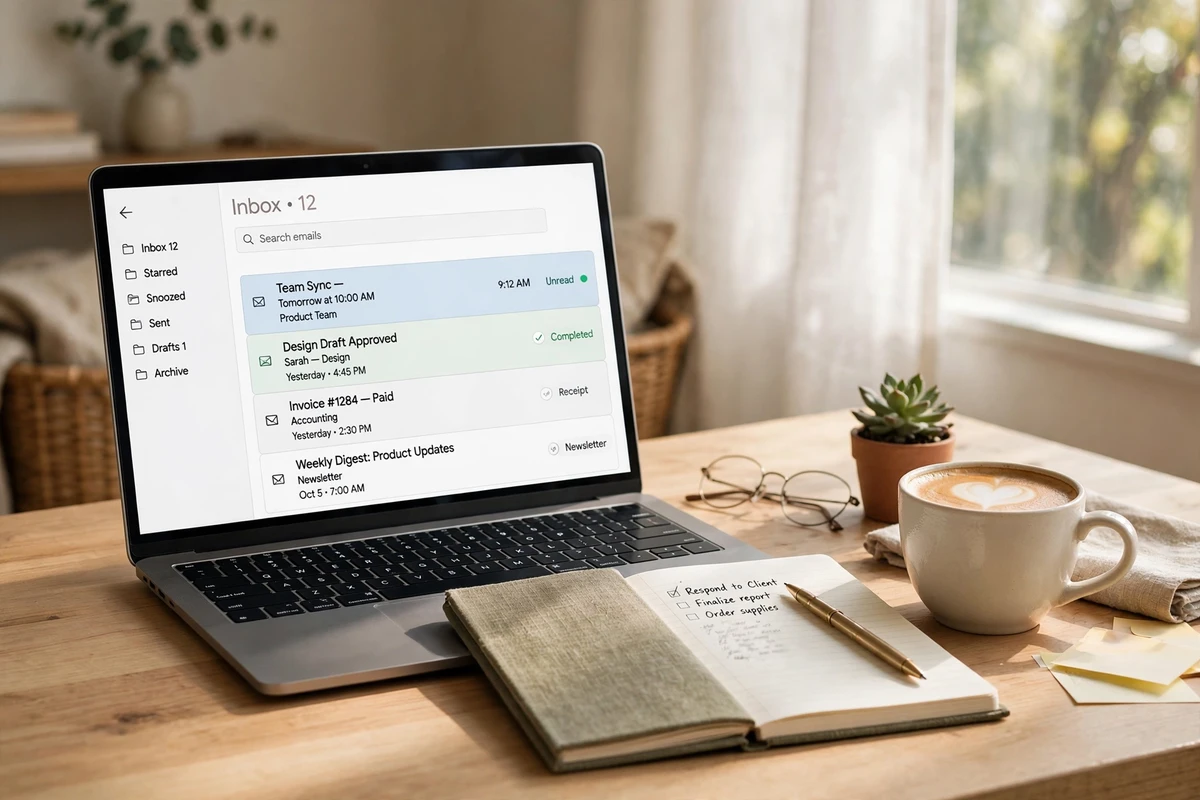
Think of your inbox like a front door. Each day, more and more junk mail gets pushed through it. Ads. News. Alerts you never asked for. Soon you can not see the floor.
I learned that most of my mail was not real mail. It was noise. Once I saw that, the fix felt easy. You do not need more time. You need less junk.
And here is a fact. The more mail you keep, the more mail you get. Old lists sell your name. So a big inbox just gets big and big. Time to cut it down.
Step 1: Delete in Bulk First
Do not read. Just cut. That is my rule for day one.
Open your mail. Type “unsubscribe” in the search box. You will see all the ads you never open. Pick them all. Hit delete. Then hit unsubscribe on the ones you can.
Next, type “promo” or “deal”. Same thing. Delete what you do not need. I cut 900 mails in one hour this way. It felt so good.
Do not feel bad. If you did not read it in a month, you will not miss it. Trust me on this.
Step 2: Keep Only a Few Folders
Many folks make 30 folders. Then they never use them. I keep just four.
- Do Now – mail I must act on this week
- Wait – I replied, now I wait to hear back
- Bills – cash stuff I may need
- Keep – kind notes and key info
That is all. Each mail goes in one box. If you want more boxes, you can add one. But start small. Small wins.
Step 3: Let Rules Do the Work
This step is my top pick. Rules sort your mail for you. You set them once. They work each day.
Here is what I did. My power bill now skips my inbox and goes to Bills. Mails from my kids school go to Keep. News I like goes to a Read box.
It took me 20 min to set five rules. Now I save that much time each week. And my inbox stays calm all by itself.
Step 4: Use the Two-Minute Rule
This one changed my days. When you open a mail, ask one thing. Can I fix this in two min?
If yes, do it now. Reply. Pay. Book. File. Done. If no, move it to Do Now. Then close it.
What you must not do is read it and leave it. That old way is how the pile grows. Touch it once. Pick. Move on.
Step 5: Check Mail at Set Times
I used to check mail all day. Ping, ping, ping. Each ping broke my focus. Sound like you?
Now I check three times. Once in the morn. Once at lunch. Once near 4 pm. That is it. I turned off all pings on my phone.
No mail is so hot that it can not wait a few hours. If it is that hot, they will call. This one step gave me back my calm days.
Step 6: Tidy a Little Each Week
Pick one day. I pick Fri. Spend 15 min. That is all.
Clear your Do Now box. Dump the trash. Say bye to new junk lists. Move done mails to Keep or out.
I do this with tea in hand. It feels like a small gift to my next week. Mon morn starts clean. You will love it.
Quick Answers to Common Questions
How long will this take?
Plan two hours for the first clean. Then 15 min a week. That is it.
Must I get to zero mails?
No. Zero is nice but not a must. Aim for a box you can scan in one min. That is the real win.
What if I fear I will miss key mail?
You will not. Rules keep key mail safe. And you still check three times a day. Nothin key gets lost.
Is it okay to mass delete?
Yes. If you did not need it for weeks, you do not need it now. Be bold. Your mind will thank you.
You Can Start Today
Do not wait for the right mood. Pick step one. Open your mail. Type “unsubscribe”. Cut ten mails. That is a start.
I was just like you. Scared of my own inbox. Now I smile when I open it. You can get there too. One small step at a time. I am rootin for you.
Keep Reading
Liked this one? Here are more reads from the Home & Living shelf: