19 Content Creator Studio Setups for Every Budget
The first time I saw a real ring light, it was clipped to a shelf in my friend’s bedroom. It made her face glow like she was sitting by a morning window. She filmed her whole channel from that tiny bedroom, and nobody could ever tell.
That night I learned something big. A studio is not a room full of fancy gear. It is just a corner that is ready when you are. A corner with good light, clean sound, and a background that does not distract.
I spent weeks looking at real creator setups after that. Tiny closets. Corners of living rooms. Desks under loft beds. People with almost no money were making videos that looked like a million dollars. I took notes on everything.
So I gathered the 19 best ideas I found. They cover every budget, from almost free to a proper splurge. Every single one is something a real person actually uses in their home.
Pick the one that fits your space and your wallet. Start small. You can always grow your Content Creator Studio one light at a time.
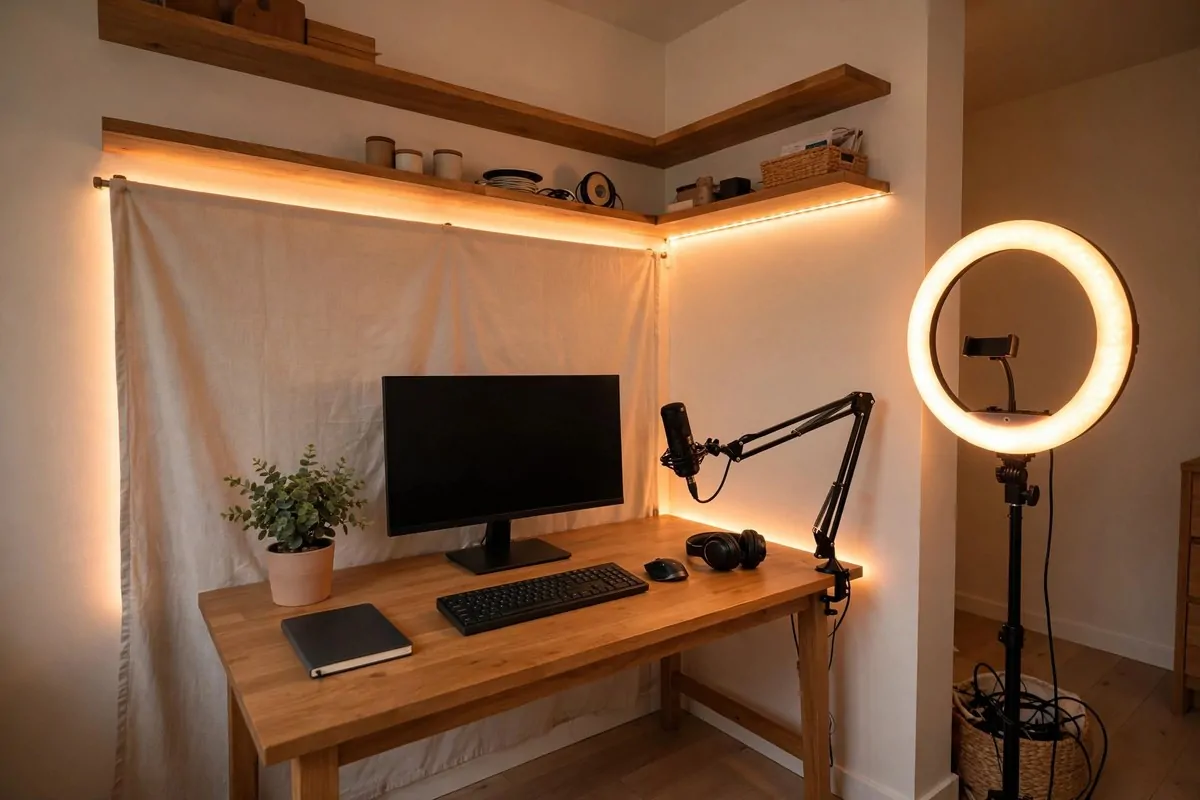
1. The $50 Corner Nook That Started It All
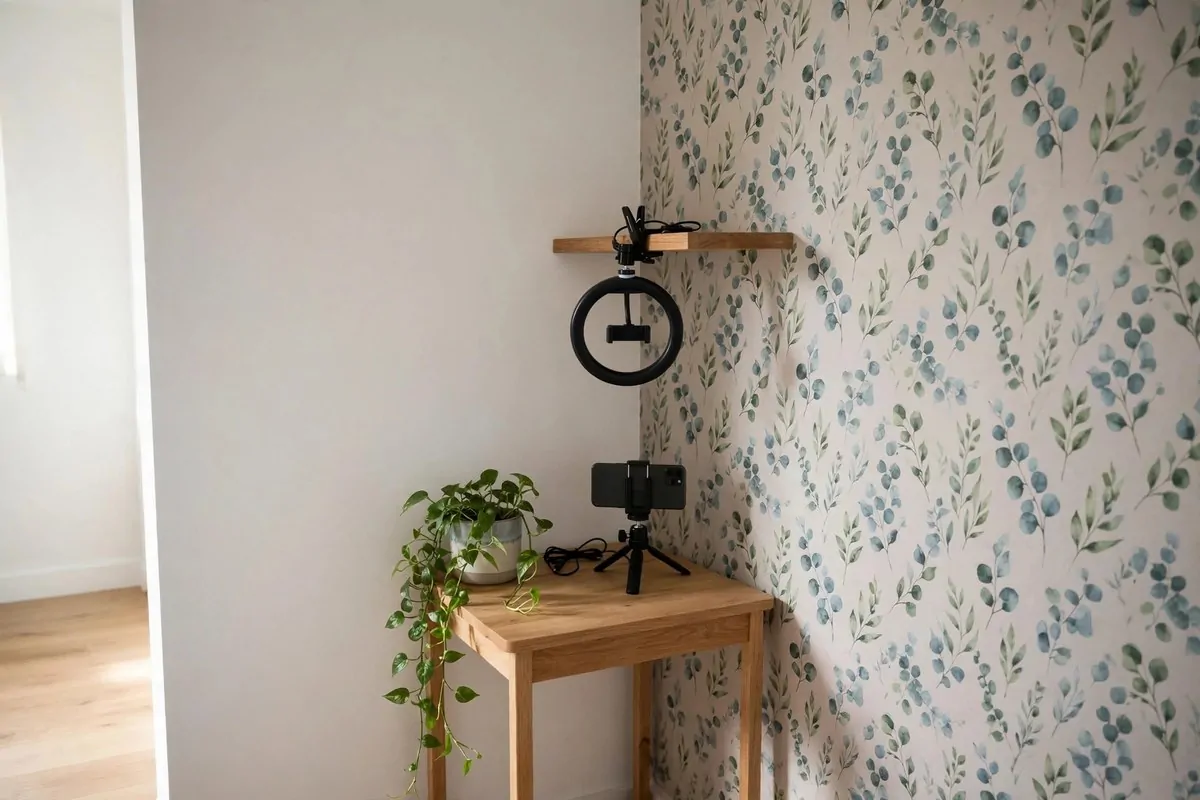
Pick any corner of your room. Push a small desk or table into it. That is your studio.
The corner does something magic. It gives you two clean walls to work with as a background. That doubles your visual space without taking up more floor space. Smart, right?
Position a ring light or a gooseneck clip light above or beside your phone. Your phone is your camera for now. Most modern phones shoot sharp video, so do not worry.
Add one small floating shelf behind you. Put a plant on it. Maybe a small LED strip too. The key word is few. Less is more in a small space.
Peel-and-stick wallpaper is your friend here. One panel behind you can turn a boring wall into a styled background. It comes off clean when you move, which renters love.
I love this setup because it costs almost nothing. A clip-on ring light, one shelf bracket, a trailing plant, and a small piece of wallpaper. You can build it for under $50.
Keep cables tidy with a few clips. Nothing ruins a clean background faster than a snake of cords.
Film facing into the room. Keep the door out of your shot. Simple.
When you outgrow this corner, the shelf and light move with you. Nothing is wasted.
Start here if you are brand new. This is the classic starter setup, and it works for a reason.
2. The Closet Conversion (Your Clothes Are Free Sound Panels)
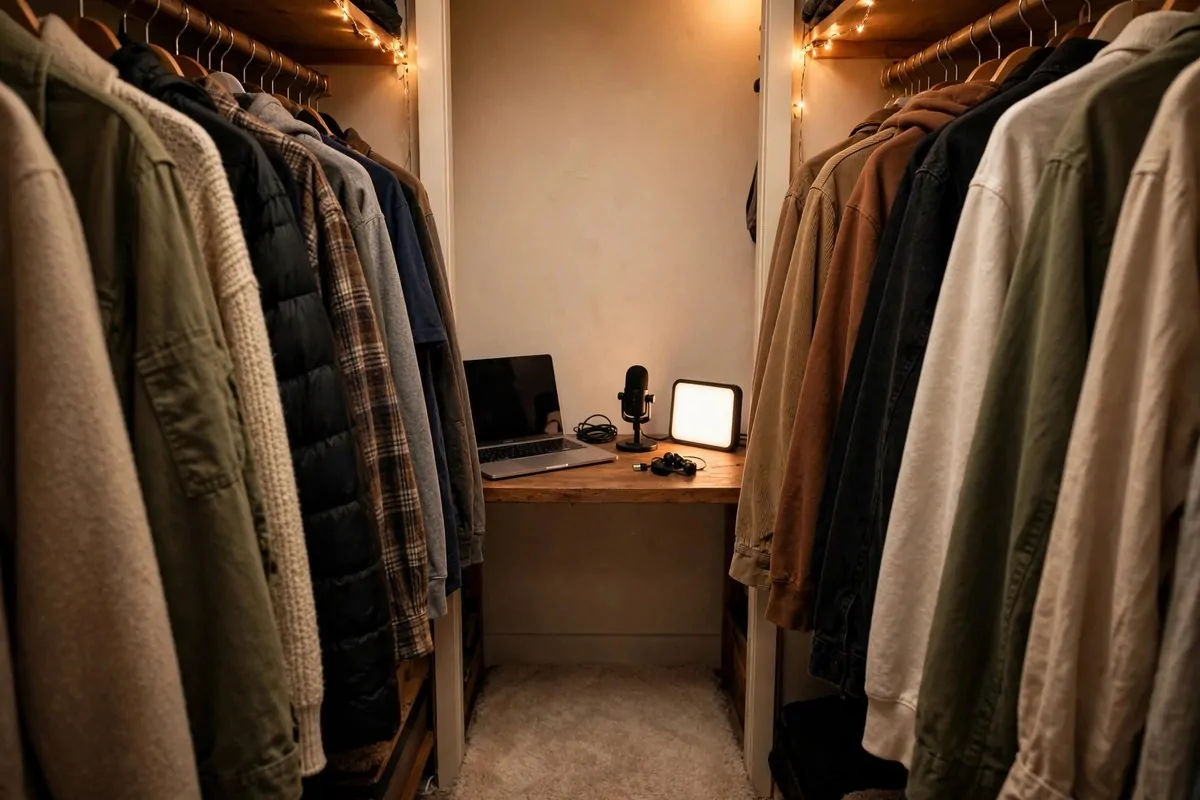
Your closet is already a studio. You just did not know it.
Closets are small and full of soft clothes. Clothes act as natural acoustic panels. That means less echo and cleaner sound with zero money spent. I was shocked when I learned this.
Clear one side if you can. Hang your thickest coats and sweaters behind where you will sit. They swallow reflections better than anything cheap you can buy.
Slide in a thin desk or even a wide shelf as your table. A laptop fits fine. A mic on a small stand fits fine too.
Add a movable ring light. Clamp it to the shelf or hang it from a hook. Closets are dark, so light matters here more than anywhere.
Hang a tension rod near the front with a plain curtain or fabric. This becomes your background. Pull it closed and the messy bedroom behind you vanishes.
The best part? Close the door and the whole studio disappears. Perfect for renters. Perfect for people who share a room.
Record a 30-second test clip first. Listen with headphones. Fix what bugs you, then record again.
A small rug on the closet floor helps too. Hard floors bounce sound around. Soft floors do not.
This setup is the secret weapon of so many podcasters. Solo shows recorded in closets sound amazing.
You already own the sound treatment. It is called your wardrobe.
3. The Window-Light Wall (The Free Studio)
The best light in your house is free. It comes through your window every morning.
Face the window when you film. Not with the window behind you. Behind you turns you into a dark silhouette, and no one wants that.
Morning and late afternoon light is the softest. It flatters skin and needs zero equipment. Film facing the window and you get natural front lighting that looks expensive.
Side-on to the window gives a more dramatic look. It is a bit moody and editorial. Try both and see which fits your channel.
Hang a sheer white curtain to diffuse harsh sun. It softens shadows and keeps things even. A cheap curtain rod does the job.
The catch is the schedule. Natural light changes all day and vanishes at night. If you film mostly in the evenings, you will still need a lamp or two.
Pair the window with a muted wall behind you. Light-toned walls bounce the glow around nicely. Add a small plant stand for a touch of green.
Lifestyle and wellness creators live for this setup. Soft daylight suits their content perfectly.
Here is my honest take. Start with window light and save your money. When you are ready for consistent light at any hour, buy your first softbox.
Free light, real results. Hard to beat.
4. The Phone-First Studio (Under $100)
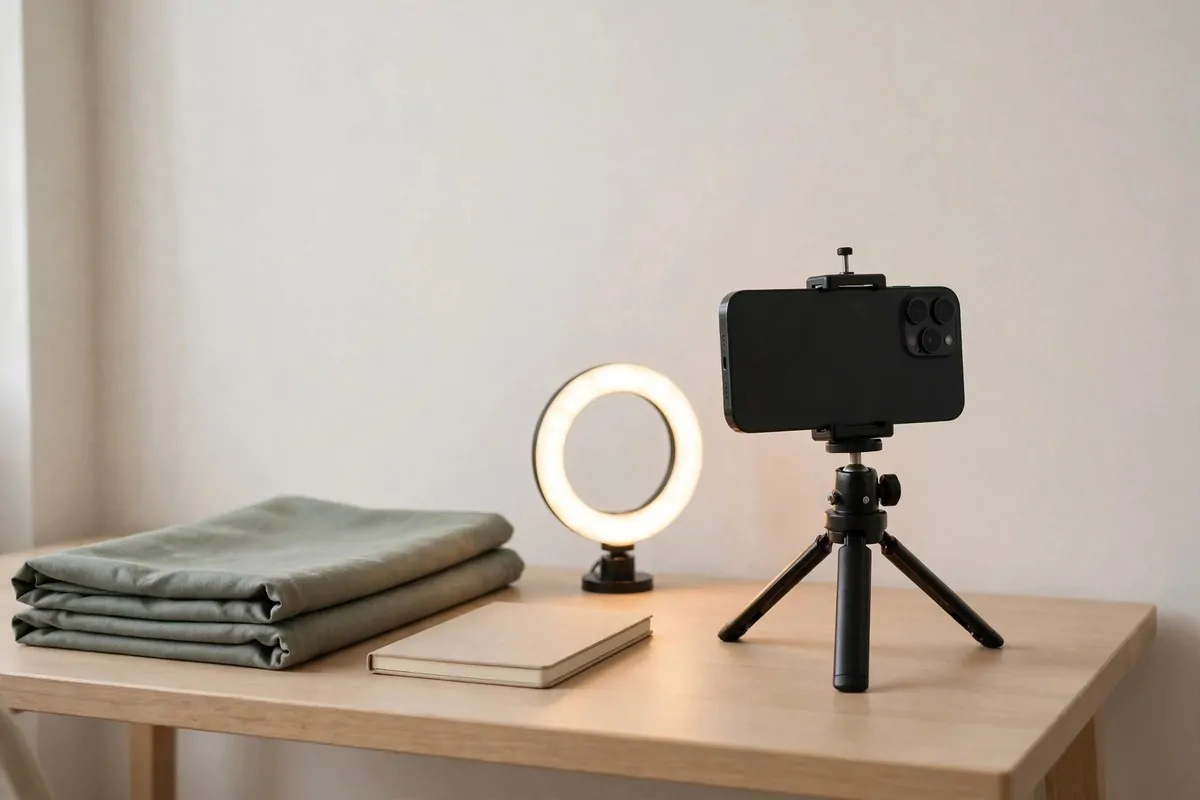
You do not need a fancy camera to start. Your phone is enough.
Most modern phones shoot in HD or even 4K. That is better than what big creators used ten years ago. Use what you have.
Film with the rear camera. It is sharper than the front one. Wipe the lens first, because pockets leave smudges everywhere.
Lock your focus and exposure before you hit record. Tap and hold on your subject. This stops the camera from hunting around mid-video.
A cheap phone tripod costs very little and changes everything. No more shaky hands. Set it at eye level and forget it.
Add a small ring light for $10 to $15. It fills in shadows and makes your face look clear. Instant upgrade.
Grab a simple fabric backdrop for another $10 to $15. A plain color keeps your shot clean and polished.
For editing, free apps do plenty. Learn one app well instead of downloading ten. Your workflow will thank you.
Here is a sample under-$100 kit:
- Used older phone with a good camera: $60 to $70
- Ring light: $10 to $15
- Simple fabric backdrop: $10 to $15
- Free editing app: $0
That is a full filming studio for less than a nice dinner out. Adjust the spending to what you already own. If your phone is fine, put that money toward a mic instead.
Start here, grow later. The camera matters far less than the person using it.
5. The Bedroom Desk Command Center
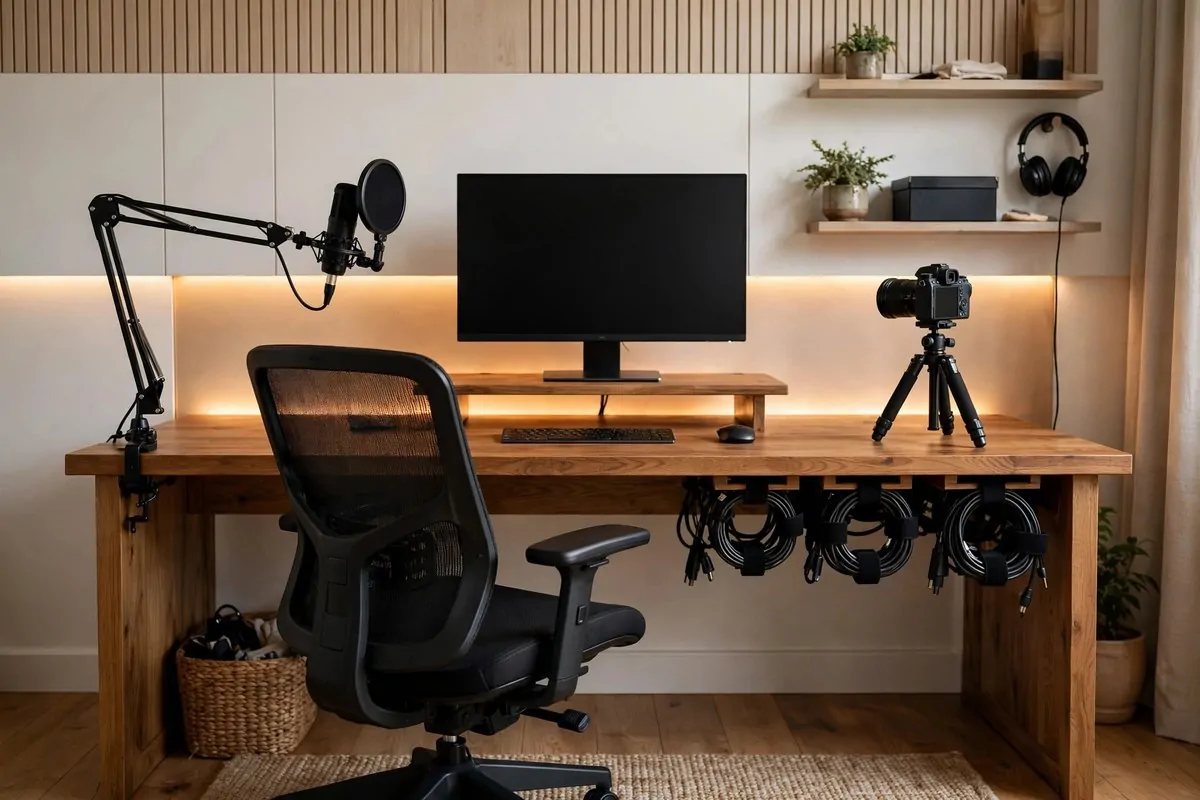
Your desk is the heart of your studio. Treat it like a command center.
Center your monitor or laptop. Put it on a riser if you can. Your eyes should sit about a third down from the top of the screen.
Left side gets the mic boom arm. A boom arm brings the mic close to your mouth without eating desk space. Your audio will sound closer and cleaner.
Right side gets the camera tripod. Or put the tripod behind the desk if you film head-on. Either way, it stays out of your way while you work.
Behind the desk is your background. Keep it clean, or style it with a few props and an RGB light. This is what your viewers see every single video.
Cable management is not optional. Use velcro ties and an under-desk tray. One messy cable can ruin an otherwise perfect frame.
Your chair matters more than you think. I used a basic chair at first and my back hated me. Get one with lumbar support and adjustable height. You will sit here for hours.
If you edit for long stretches, think about a standing desk. They help with posture and energy. Even a desk converter on your current desk works.
Add a desk with shelves or risers to free surface space. Vertical storage keeps your gear close without cluttering the top.
This layout keeps everything within arm’s reach. Keyboard, notes, mic, camera, and yes, coffee. Obviously.
6. The $500 Starter Kit Corner
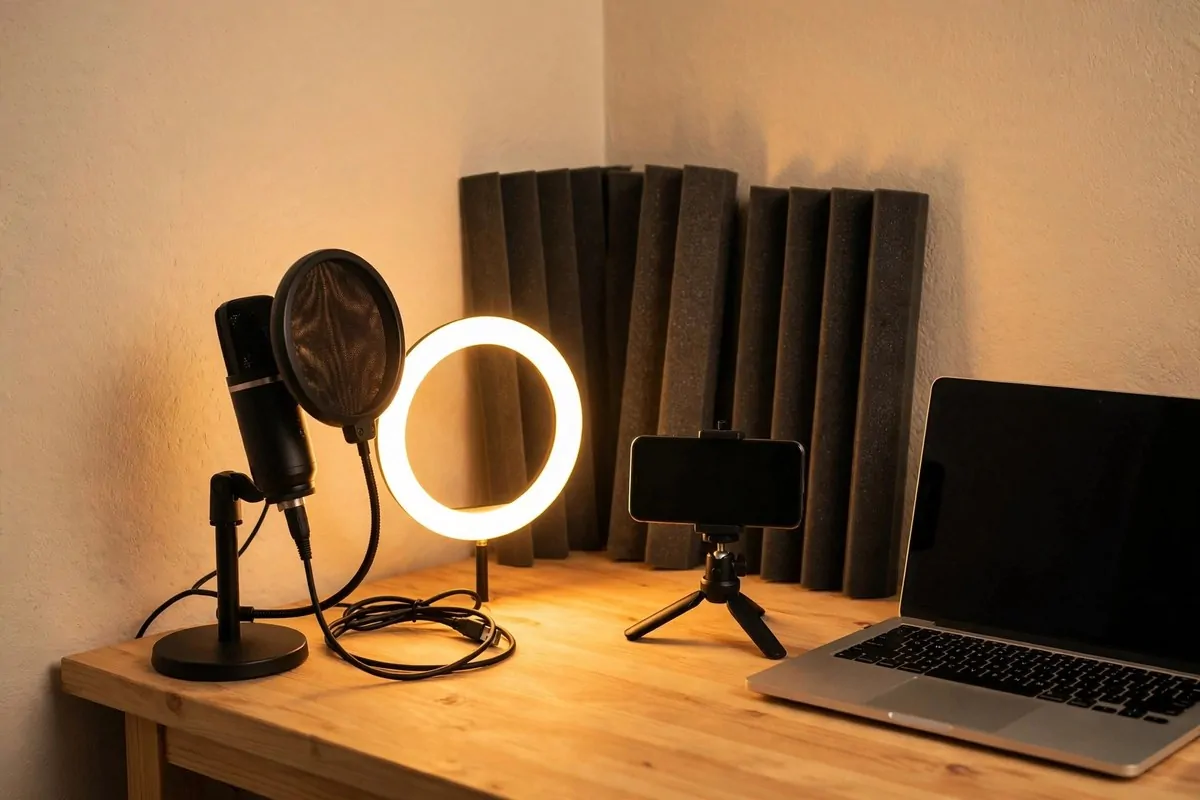
Ready to spend a little? $500 builds a corner that looks and sounds pro.
Here is a realistic breakdown that real beginners use:
| Gear | What to buy | Typical price |
|---|---|---|
| Microphone | USB condenser mic | $40 to $80 |
| Lighting | Ring light or small softbox | $20 to $50 |
| Camera support | Phone tripod | $15 to $30 |
| Sound | Foam panels for the wall | $30 to $50 |
That leaves you room for a decent chair or a desk upgrade. Plenty of creators film their best work on exactly this kit.
Buy in this order: mic first, then light, then everything else. Viewers forgive average video. Bad audio is a dealbreaker. I can not say this enough.
A USB mic is plug-and-play. No interface needed. No confusing settings. You plug it in and you sound clear.
Add a pop filter or foam windscreen to the mic. It cuts harsh P and S sounds. It costs almost nothing and makes a surprising difference.
Foam panels go on the wall closest to you. You do not need to cover the whole room. Treat the spots nearest your mouth first.
This is the sweet spot for most beginners. Serious enough to grow with you. Cheap enough to not hurt if you quit.
Spend the leftover money on your chair. Your back will thank you every single day.
7. The Ring Light Glow-Up
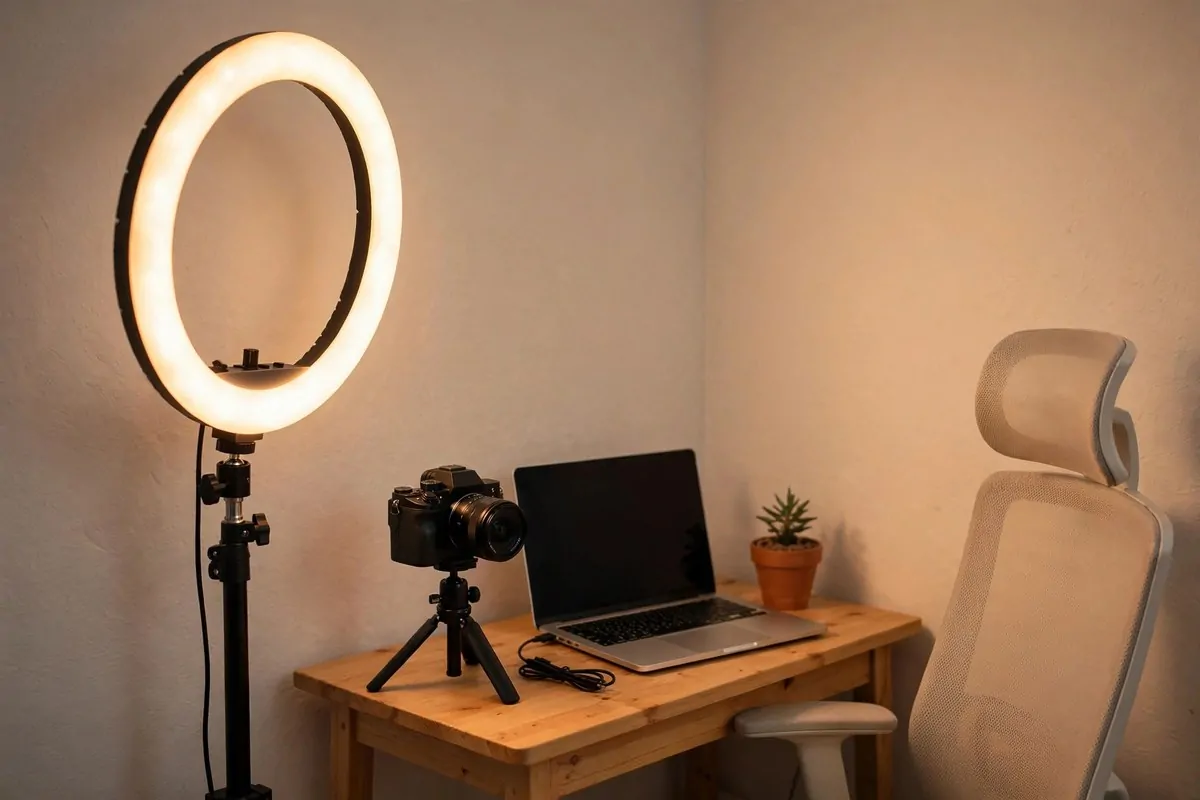
One ring light can change your whole channel. I mean it.
A ring light works as a fill light. Place it on the opposite side of your main light. It softens shadows and keeps your face looking natural on camera.
Your eyes get that pretty circular catchlight too. Viewers may not know why your videos look better. They just feel it.
Clip-on versions save tons of space. Clamp one to your desk or a shelf and skip the floor stand. Small rooms need this trick.
Look for one with adjustable color temperature. Three options is common: warm, neutral, and cool white. Match it to your main light so your skin looks right.
Ten brightness levels sounds like a lot. You will use maybe three. Start low and raise it until the shadows soften.
Place it at eye level or just above. Too low and it lights your chin weirdly. Too high and it flattens your face. Eye level is the sweet spot.
A ring light alone can be your only light when you start. Plenty of creators use a single soft light and get fantastic results. Do not overthink it.
Pair it later with a softbox as your key light. The ring becomes the fill. That two-light combo looks seriously pro.
Small, cheap, and everywhere for a reason. The glow-up is real.
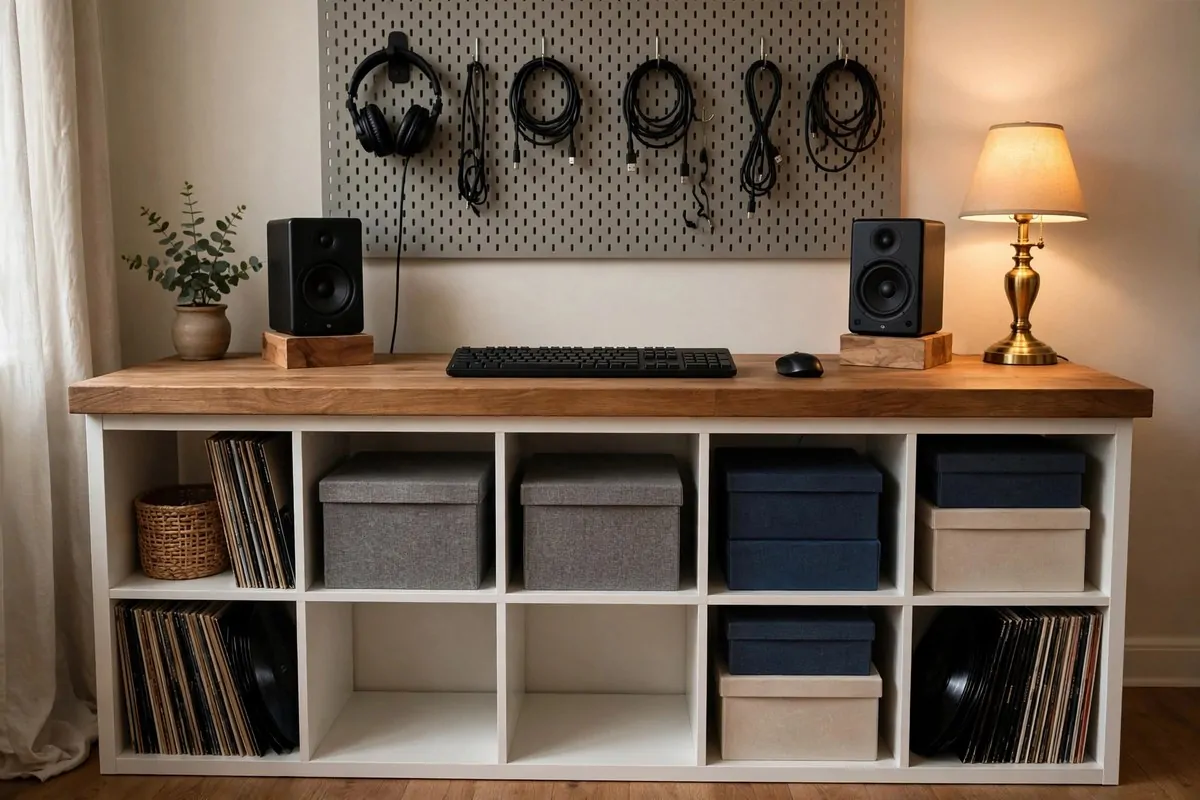
8. The Pegboard Gear Wall
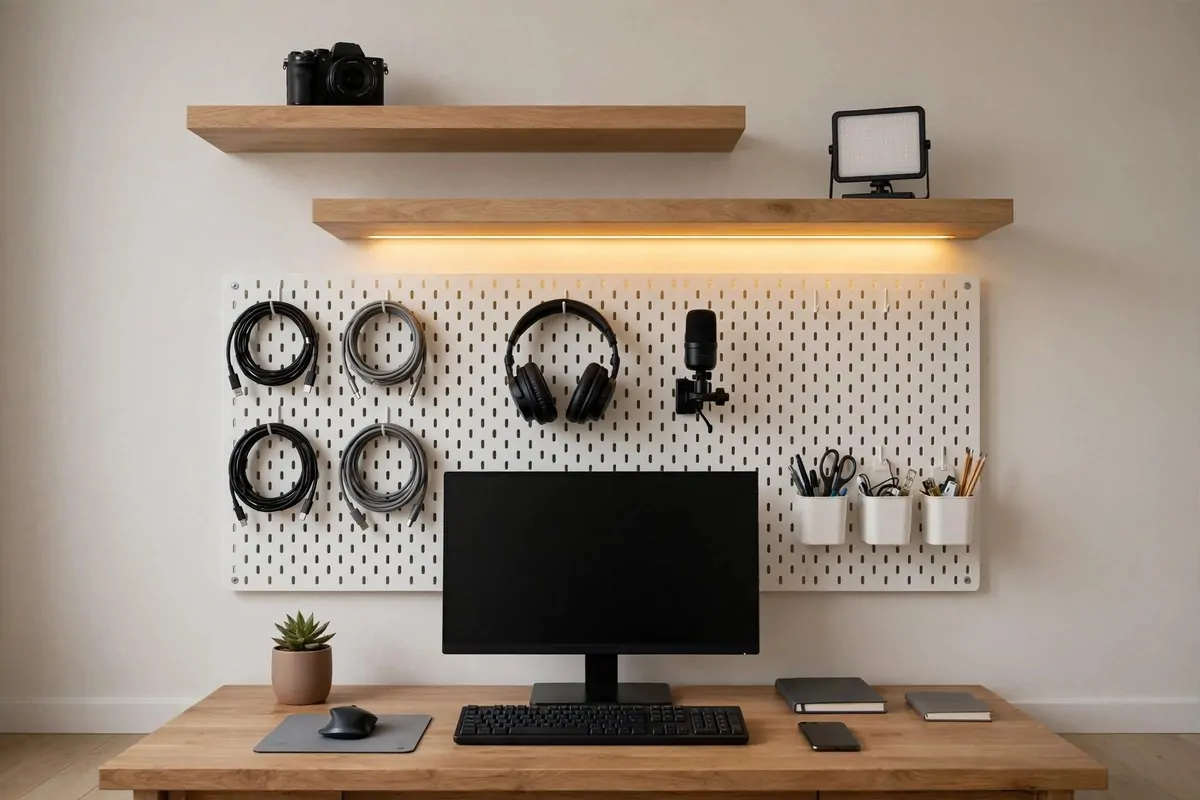
Look at the wall above your desk. That is free storage you are not using.
A pegboard turns that dead wall into a gear station. Hang your headphones, coiled cables, mic, and little storage cups on hooks. Everything visible. Everything in reach.
It keeps your desk surface clear for actual work. No more mic tangled with your keyboard. No more headphones sliding off the desk.
Mount cameras and lights on the shelves above instead of on the desk. Expensive gear stays safe up high. Cheap gear stays out of the way.
Cord management clips along the board keep cables neat. Run everything in straight lines. It looks sharp and feels calm.
Add a warm LED strip beneath the shelf. It gives that contemporary glow behind your setup. Your background suddenly looks styled instead of plain.
Light-colored board and shelves keep small rooms feeling open. Dark rooms can feel cave-like fast, so watch that.
This is perfect for tech reviewers and vloggers. Your gear becomes part of the background. Viewers love seeing the tools.
Rearrange the hooks whenever your setup changes. Nothing is permanent. That flexibility is the whole point.
A wall of pegboard costs very little and looks like you hired an organizer. Best of both worlds.
9. The KALLAX Desk Hack (Under $400)
This is the famous budget studio desk. Real creators swear by it.
You build it from simple store parts. A cube shelf becomes the base. A wood plank becomes the top. It holds a shocking amount of gear.
| Part | What it does | About |
|---|---|---|
| 4×2 cube shelf | Desk base with storage | Around $80 |
| Wood plank top | Deep, sturdy desktop | Around $50 |
| Small side table | Rack for audio gear | Around $14 |
| Step stools x2 | Raise monitors to ear height | Around $50 |
| Cable managers x2 | Hide wires under desk | Around $30 |
| Pegboard panel | Gear hooks above desk | Around $30 |
Total comes to roughly $384. A similar setup in dedicated studio furniture runs well over $1,200. Same function, third of the price.
The cube shelves hold your audio interface, headphone amp, and storage boxes. Everything has a home. Nothing piles up.
Use the step stools as monitor stands. Your speakers should sit at ear height. Your mixes and your videos will thank you.
Here is the smart part. Take the money you saved on furniture and spend it where it actually shows. Acoustic treatment first. Then better monitors. Then a better mic.
A $300 bass trap kit transforms a bedroom more than a $300 desk upgrade. Treat the room before you buy fancier furniture. I wish someone told me this earlier.
The hack is not about being cheap. It is about being smart with what your money actually does.
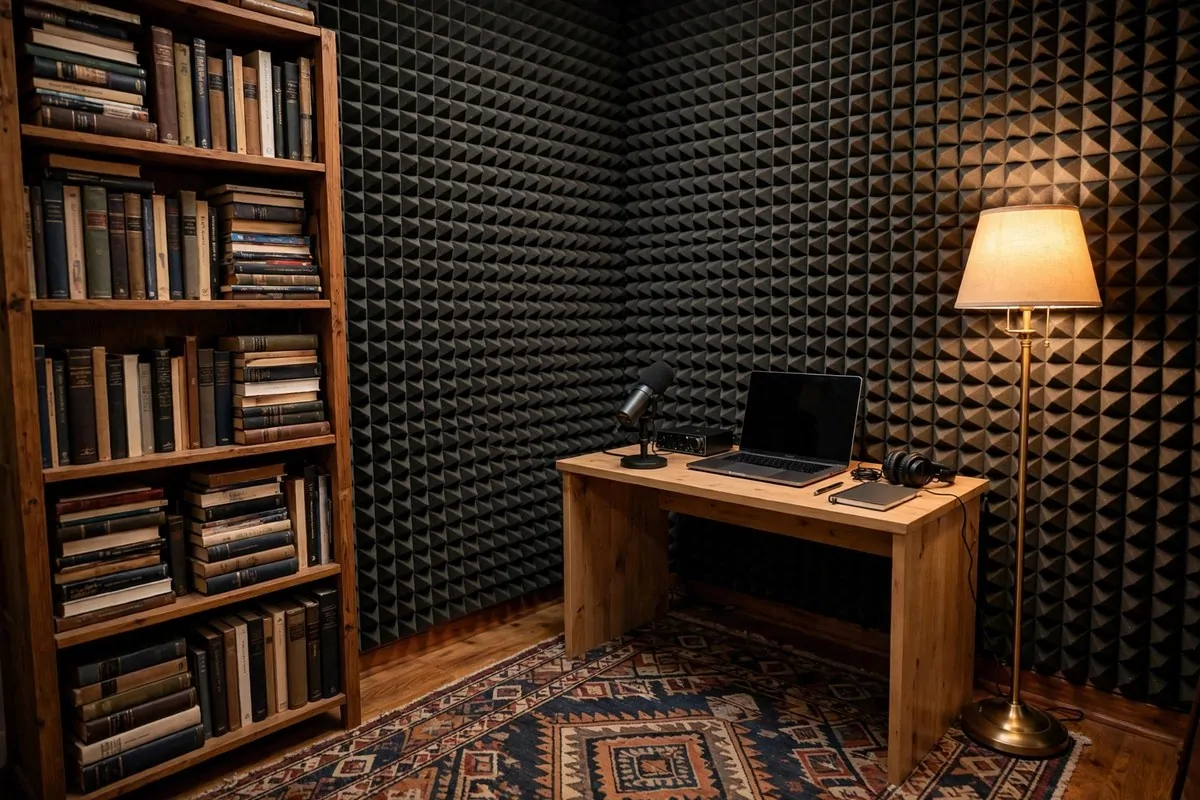
10. The Acoustic Foam Corner
Echo is the enemy. Your room is probably echoing right now and you do not even hear it.
Your mic hears everything. Bare walls bounce your voice around and make recordings sound hollow. Fixing this is easier than you think.
Start with the quietest room you have. Listen for fridge hums, traffic, and air conditioner drones. Move away from them or switch them off.
Foam panels go on the walls nearest you. You do not need to foam the whole room. Treat the reflection points first and listen to the difference.
A thick rug kills floor bounce fast. Hard floors are echo machines. One rug under your chair changes the sound more than you would beleive.
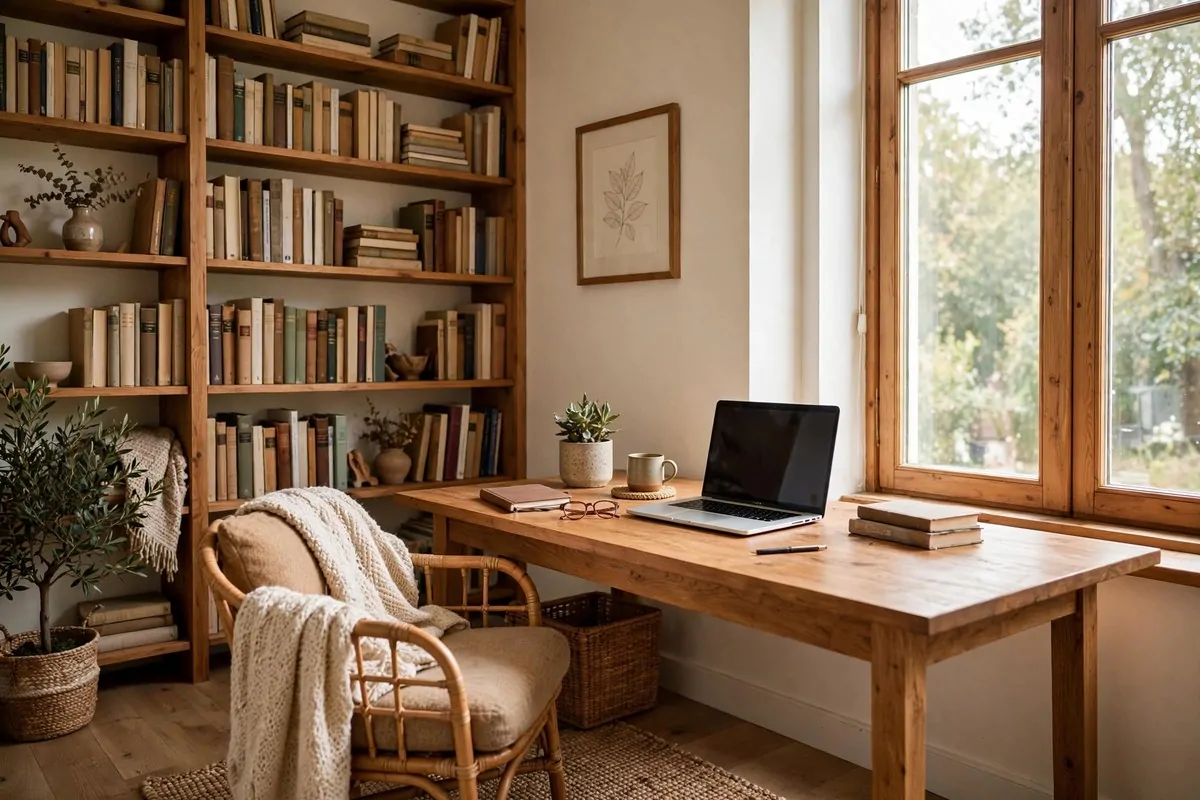
Bookshelves work shockingly well. Books break up sound waves. A full shelf behind you doubles as a nice background too.
Heavy curtains help the same way. They soften the wall behind the window. Two jobs, one curtain.
For bigger rooms, corner bass traps are the serious upgrade. They tame the low rumble that foam alone can not fix. Worth every penny if you record music or deep voices.
Test as you go. Record 30 seconds, add one treatment, record again. Your ears will tell you what worked.
Good sound makes a $100 setup feel like $1,000. Bad sound makes a $1,000 setup feel like $100. Choose wisely.
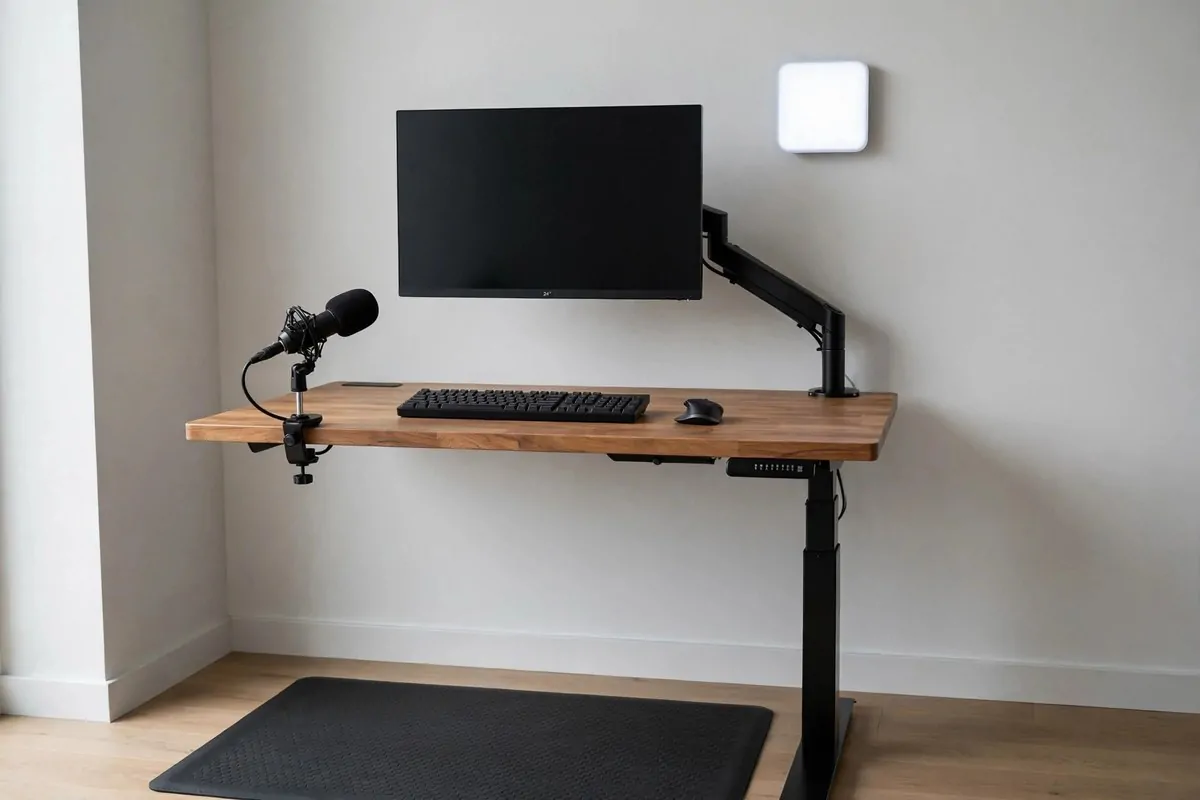
11. The Standing Desk Nook
Sitting all day drains your energy. Your videos feel it too.
A standing desk nook fixes that. You stand while you film, which gives your voice more energy and your body better posture. Viewers can hear the difference.
Mount a boom arm to the desk with a clamp. No drilling needed. Your mic floats right where you need it and swings away when you sit to edit.
Clamp your monitor to an arm too. It frees the whole desktop for your keyboard, notes, and scripts. Small desks feel twice as big with arms instead of stands.
Put an anti-fatigue mat under your feet. Standing on hard floors gets old fast. A soft mat makes long filming days way easier.
Keep the desk compact. You do not need a huge surface. You need everything within arm’s reach: mic, camera remote, water, notes.
Cable management matters more on a standing desk. Cables must move with the desk. Use a tray under the top and leave slack at the back.
Raise the desk to film. Lower it to edit. The switch itself wakes you up. I love that little reset between tasks.
This setup shines for energetic content. Tutorials, live streams, fitness creators. Anything where your energy is the product.
Stand up, plug in, and press record. Simple as that.
12. The Two-Person Podcast Corner
Two people, one corner, great sound. Totally doable.
Start with a small round or square table. It seats two without eating the room. A conference-style table works if you have the space, but small is fine.
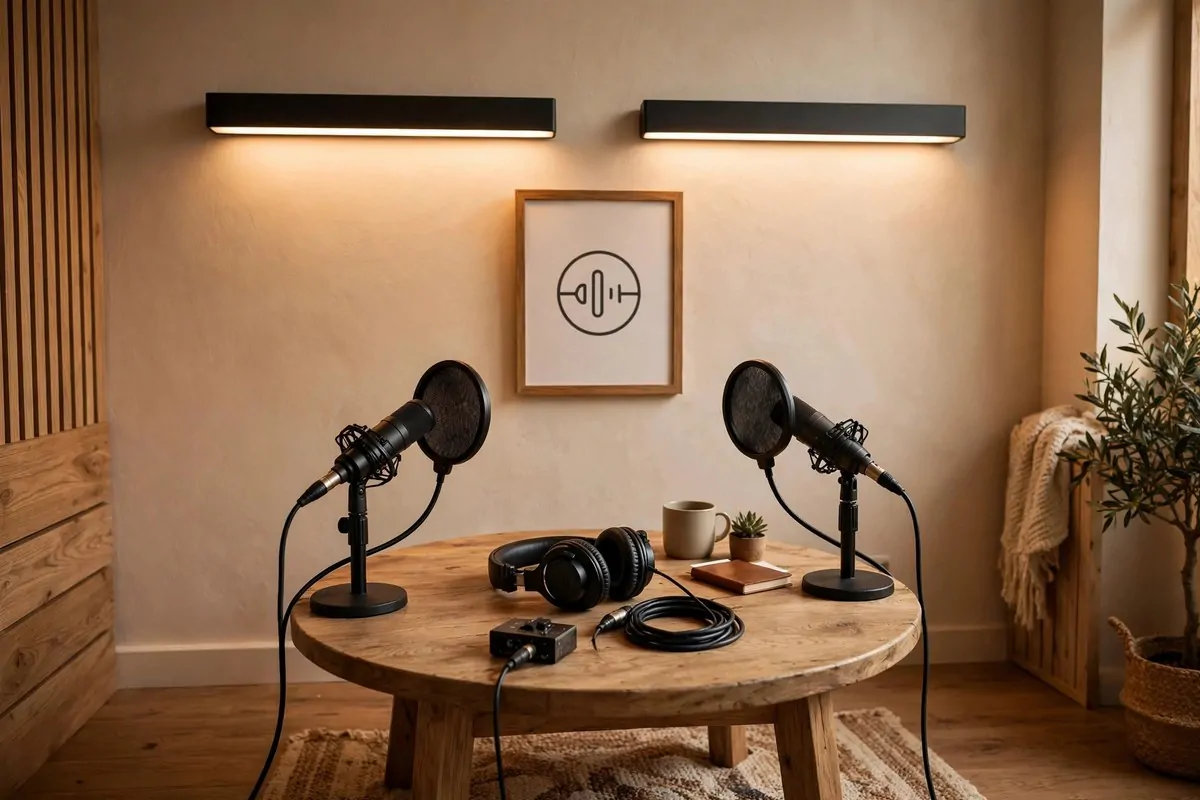
Each person gets a mic with a pop filter. Keep mouth-to-mic distance at a fist’s length. Close and consistent beats expensive and far every time.
Sit or stand the same way every episode. Your tone stays consistent when your position does. Sounds fussy, but it works.
Put a framed logo or simple art on the wall behind you. One branded element makes the shot feel like a real show. Keep it simple and readable.
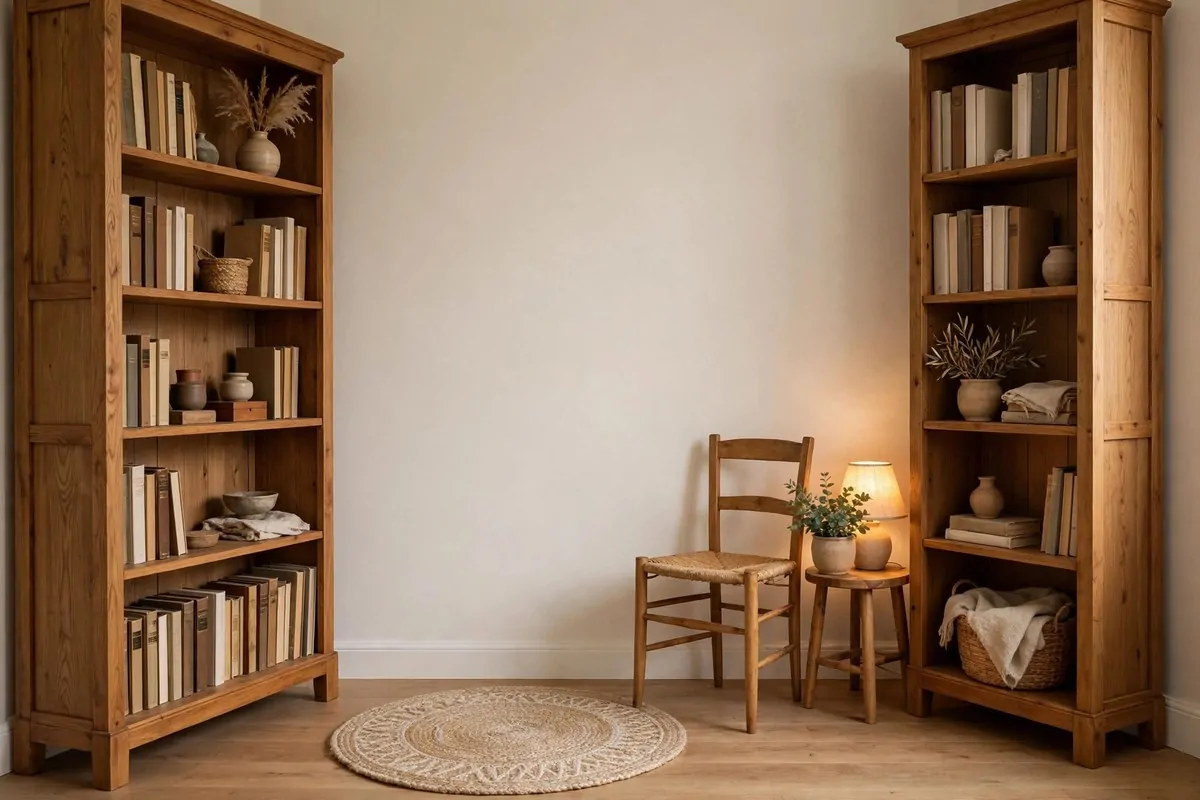
Frame the shot with two bookshelves if you can. They add depth on both sides and double as sound treatment. Books are magic like that.
Drop a small rug under the table. It kills the echo bouncing off the floor. Your listeners will hear the difference even if they never see the rug.
Mount two small LED panels above or beside you. Even lighting on two faces is tricky with one light. Two small panels solve it cheaply.
Record a 30-second test with both mics before every session. Check levels separately. One loud guest can wreck an episode.
Clear the view behind you. Anything the camera sees shapes how viewers feel. Remove clutter or add one nice thing. Not both.
Two mics, one table, zero excuses. Your podcast corner is ready.
13. The Floating Shelf Studio
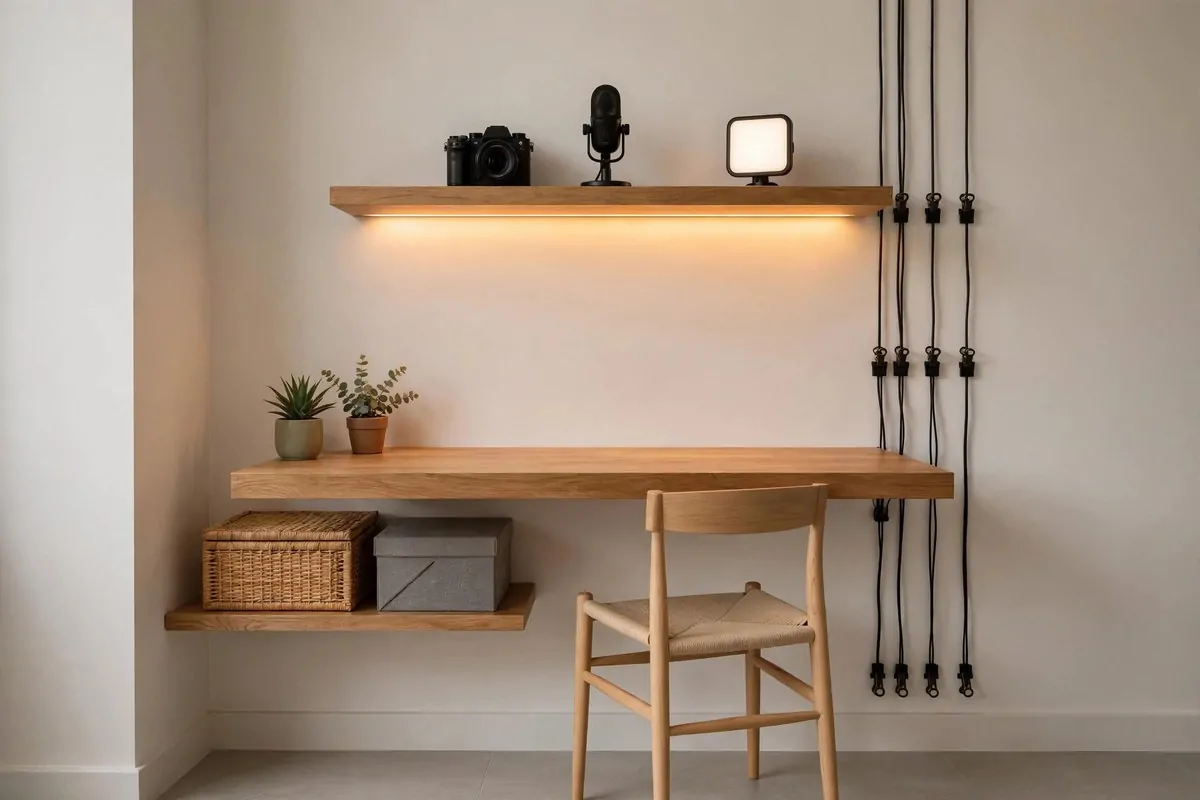
No floor space? Go up the wall.
A floating desk mounts straight to the wall with no legs. It holds your laptop and a notebook just fine. The floor underneath stays open and the room feels bigger.
Put shelves above the desk. This is where your gear lives. Camera, microphone, small LED panel. All of it off the desk and out of the way.
Add shelves underneath too. Storage boxes slide in neatly. Cords run down the wall through little management clips. Clean lines everywhere.
Light-colored wood keeps it airy. A dark floating desk in a small room can feel heavy. Light tones bounce the light around.
Run an LED strip under the top shelf. It washes the desk in a soft glow that looks amazing on camera. Contemporary and expert with almost no effort.
This is a favorite for tech reviewers and vloggers. Your gear is displayed, not hidden. It becomes part of your background story.
Keep the desk surface for digital work only. When the camera and mic live on the shelves, your desk stays clear for typing and writing.
Make sure the wall anchors are strong. A floating desk with gear on it carries real weight. Use proper anchors, not just hope.
Wall-mounted, light, and tidy. Small homes were made for this one.
14. The Loft Bed Studio
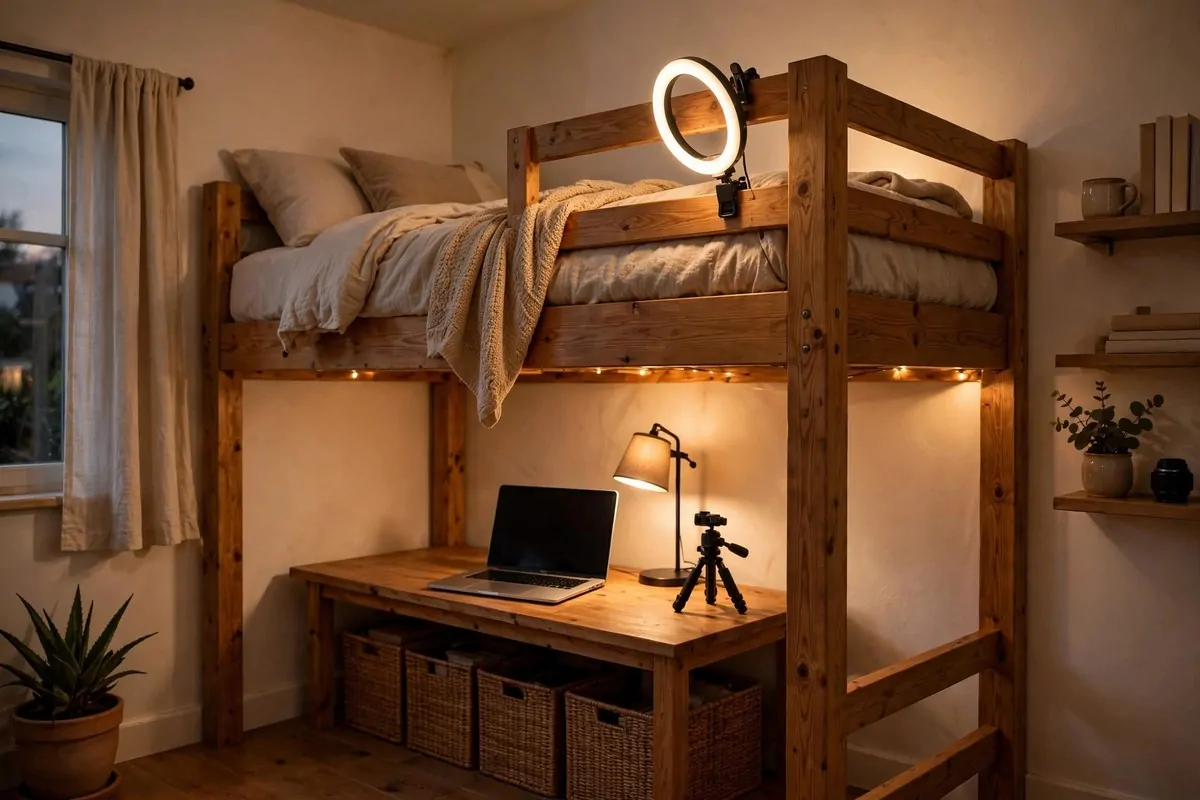
Your bed is the biggest thing in your room. Lift it up and steal the space underneath.
A loft bed frame gives you a full desk zone below the mattress. Tall frames run about 65 to 72 inches high. That is enough for a desk and a seated creator.
Slide a desk or rolling carts underneath. Rolling carts are great because you can pull them out when you film and tuck them back after.
Clip your ring light to the bed railing. It is the perfect height already. Clip a small tripod there too. The frame becomes your light stand for free.
Check your ceiling height first. You need headroom above the mattress too. Cramped sleep is not worth a cool studio.
A daybed with storage drawers is the simpler cousin of this idea. It reads like a couch on camera and swallows props in the drawers. Cheap and versatile.
Foldable platform frames with bins underneath are the cheapest option. You get hidden storage without lifting anything. Twin size usually fits best.
Keep the area under the bed tidy. It is tempting to shove everything down there. A messy under-bed zone creeps into your background shots.
String a few warm fairy lights along the frame. They make the nook feel cozy instead of cave-like. Your background gets instant warmth.
Sleep up top, create down below. One piece of furniture, two jobs.
15. The RGB Mood Corner
Color is branding. One glow can make your channel recognizable.
RGB lights are not essential. But they are fun. A wash of color behind you adds mood without adding clutter to your small space.
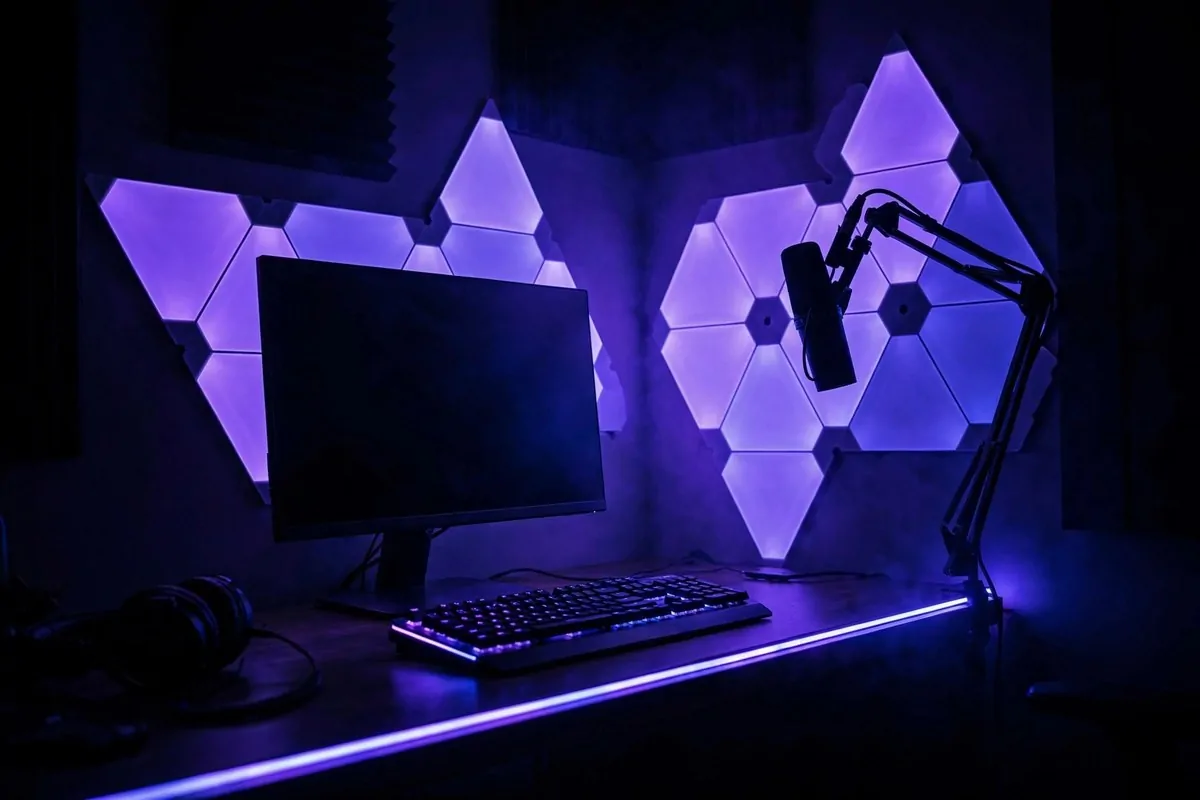
Use small RGB panels as a back light. Place them behind you, aimed at the wall. They separate you from the background and add depth to your frame.
Pick one signature color. Purple for chill. Blue for tech. Warm orange for cozy. When viewers see that glow, they know it is you.
Change the color per series if you want. One color for tutorials, another for vlogs. It is like a new set with zero rebuilding.
Keep the color off your face. RGB belongs on the background, not on your skin. Your key light should stay neutral white so you look natural.
LED strips along the desk edge or shelf add the same vibe for less money. Run them behind furniture so you see the glow, not the strip.
Dim the room lights a little. RGB looks strongest against a darker room. You do not need total darkness, just less overhead glare.
Do not overdo it. One or two colored sources is plenty. Five colors looks like a nightclub, not a studio.
A little color goes a long way. Your corner, your signature glow.
16. The Three-Point Lighting Corner
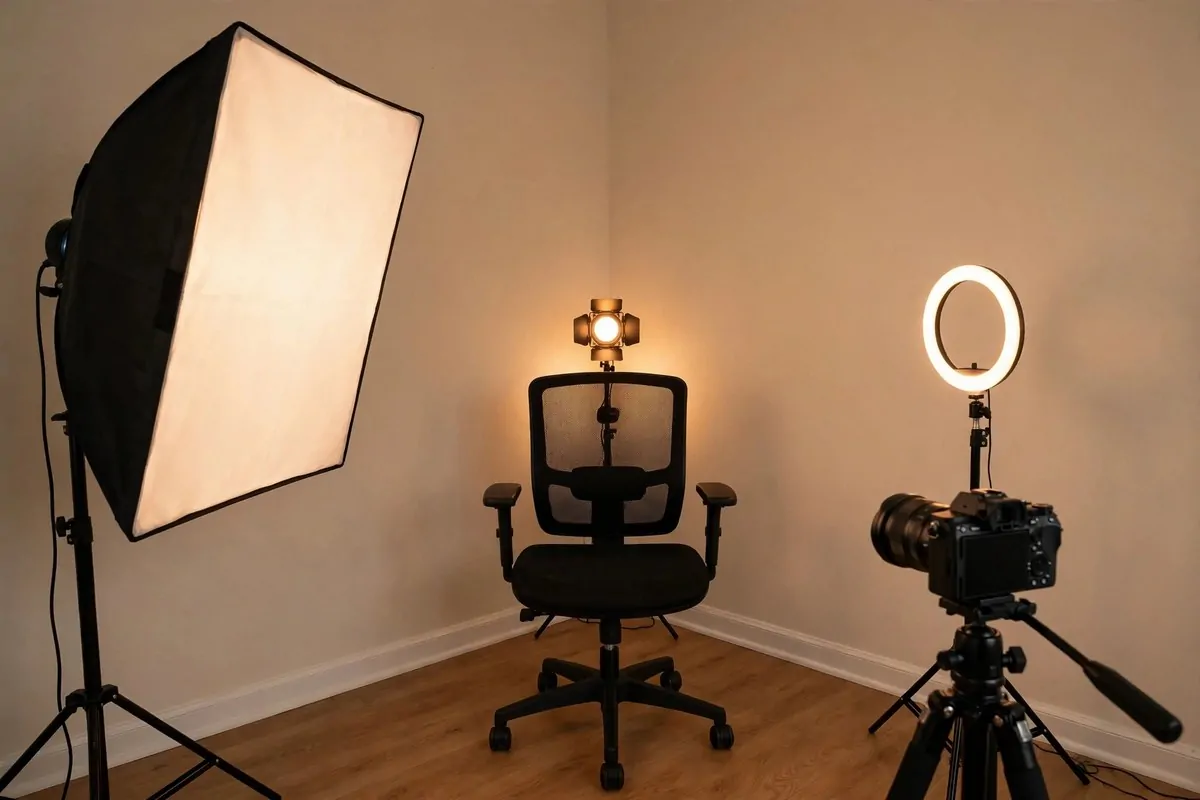
This is the classic lighting triangle. Pros have used it forever. You can too.
Light one is your key light. This is the main source. A softbox LED placed at a 45-degree angle from your face gives balanced, flattering light. If you are starting out, even a desk lamp with soft diffusion works.
Light two is your fill light. A smaller light on the opposite side softens the shadows the key creates. A ring light is perfect here. It keeps your face looking natural.
Light three is your back light. It sits behind you and separates you from the background. A small clip-on light or RGB panel does the job. This one adds the depth that makes video look expensive.
Start with just one light and build up. Plenty of creators use a single soft light and get fantastic results. Add the fill next, then the back light last.
Watch your color temperature. Mixing warm and cool lights makes skin look strange. Pick one temperature and match all your lights to it. Soft white is the safe choice for most rooms.
Use flicker-free lights if you can. Some cheap panels flicker on camera even when your eyes see nothing wrong. Flicker-free panels give a smooth, even glow.
Keep lights out of your shot. Nothing breaks the magic like a light stand in the corner of the frame. Angle them in from the sides.
Three lights, one triangle, endless polish. This corner punches way above its price.
17. The Overhead Craft Desk
Hands-on creators need a different angle. Literally.
An articulating camera arm clamps to your desk edge and holds your camera above your work. It points straight down at your hands. Perfect for crafts, cooking, drawing, and unboxings.
No more wobbly overhead tripods. The arm locks in place and stays there. Adjust the angle in seconds when you switch projects.
Free up floor space with mounted light channels. Instead of bulky floor stands, mount your lights on the wall or ceiling. Move them up, down, or sideways for perfect light.
This is great for top-down mic setups too. Hang a small mic above the desk for crisp voiceover while your hands stay free. Pro-level audio with no desk clutter.
Use flicker-free light panels here. Standard lights can flicker on camera, which ruins smooth top-down footage. Flicker-free panels give soft, even light with no extra softbox needed.
Keep your desk surface simple. A plain mat or cutting board as your work zone. Everything else off to the sides. The camera sees a clean stage.
Mark your arm positions with a bit of tape. When you find the perfect angle, save it. Next filming day starts in seconds, not twenty minutes.
This setup turns any desk into a mini production table. Your tutorials will look like they came from a real studio.
Overhead, locked in, and ready. Your hands do the talking.
18. The Edit Station With Stacked Monitors
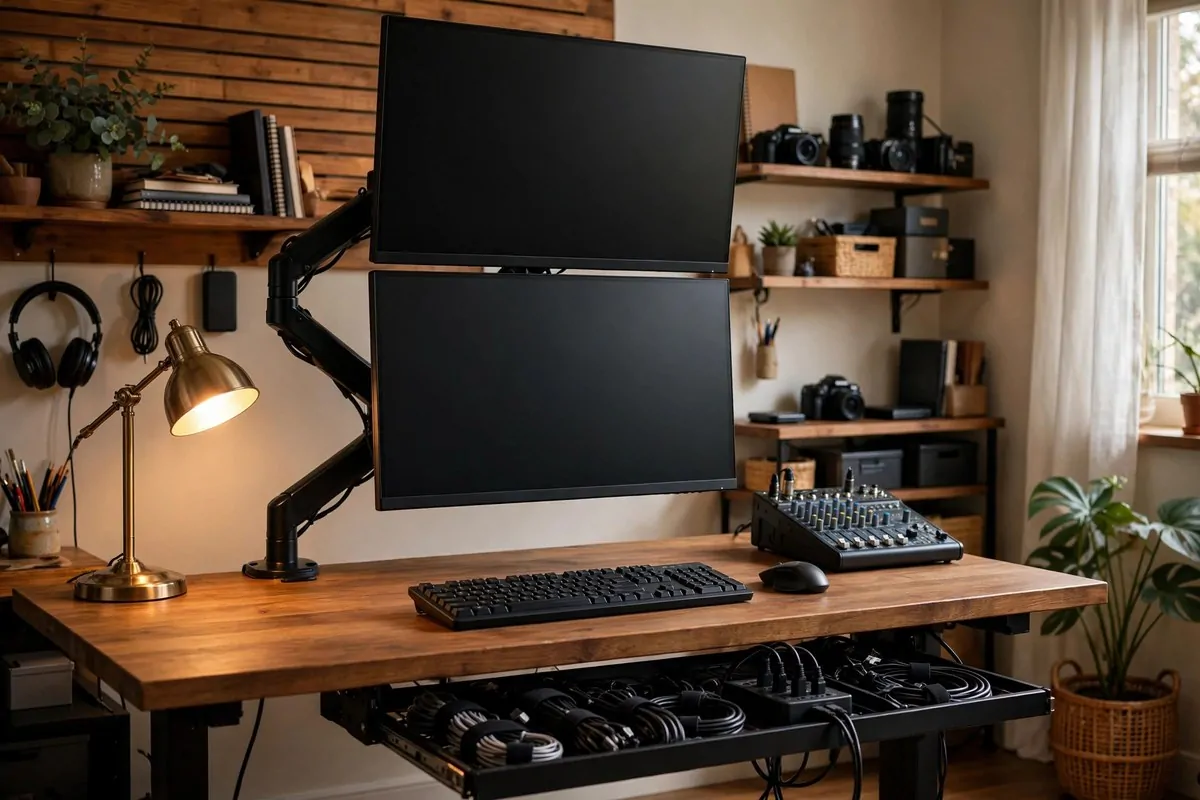
Editors need screen space. This setup gives you two screens in the width of one.
Stack two monitors vertically on a single dual monitor arm. Your editing timeline lives on one screen. Your preview and notes live on the other. No more tab switching every ten seconds.
Here is the key detail. Do not stack them evenly. Your primary monitor should sit so its center is 10 to 15 degrees below your natural eye level. The second screen goes above it. This stops the neck craning that a centered stack causes.
Use a desk with a sturdy top. Two monitors on one mount point carry real weight. A flimsy desk will wobble and drive you crazy.
Power everything through one strip. Mount a single power strip inside an under-desk cable tray. Now only one cable runs from your desk to the wall. The floor stays clear and clean.
Bundle the rest with velcro ties. Short, tidy runs. Label the plugs if you are fancy. Future you will be grateful during troubleshooting.
This layout is about information density. Streamers watch chat and gameplay. Traders watch feeds. Editors watch timelines. Whatever you watch, it all fits.
Add a small audio mixer beside the keyboard if you record voiceovers. Faders beat mouse sliders every time. Your levels stay smooth.
Give your eyes a break too. Match both monitors to the same brightness and color. Mismatched screens strain your eyes over long edits.
Two screens high, one cable out. The edit station is open for business.
19. The Prosumer Splurge Corner
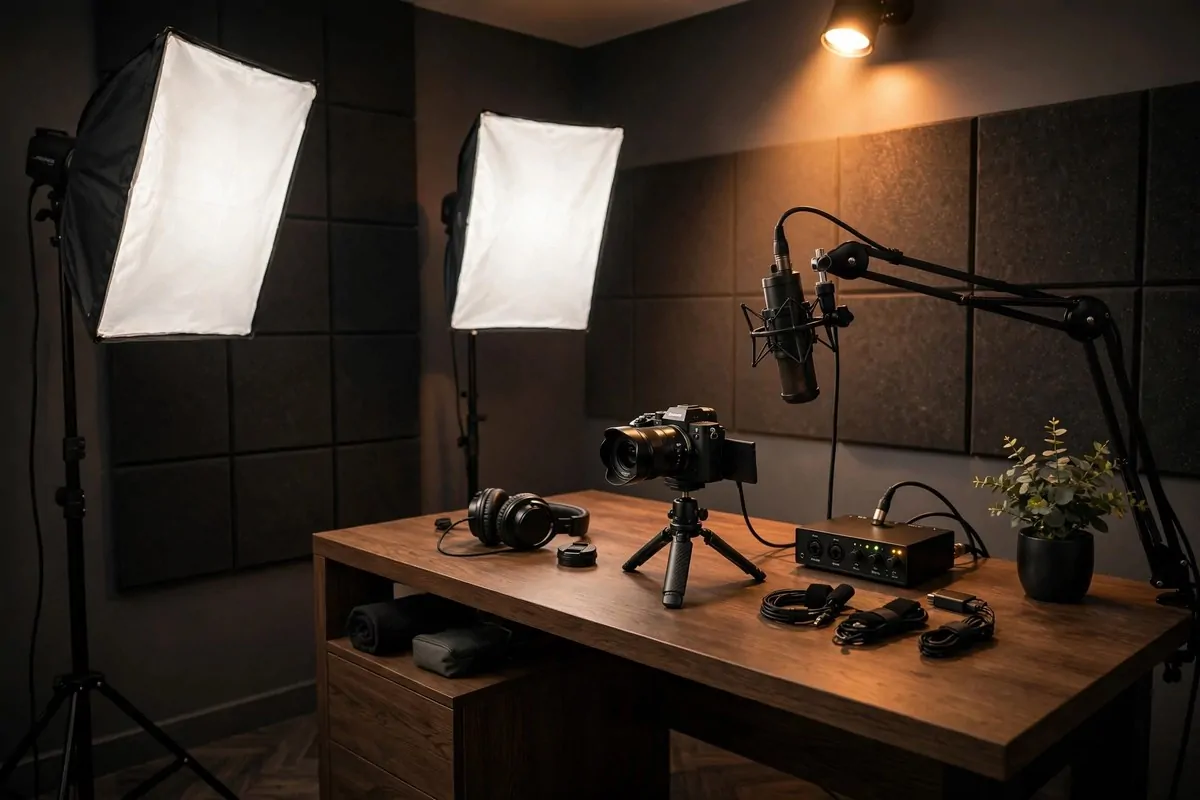
Ready to go big? This is the serious corner.
Here is the honest upgrade path real creators follow, from budget start to professional:
Actually the real upgrade path is simpler than a table. Start with what you have. Upgrade the mic first. Then the lights. Then the camera. Treat your room somewhere in the middle of all that. That is the whole path, and it works for everyone.
You do not need the pro column to succeed. Many full-time creators never leave the middle. Spend where your content actually improves.
This corner is the finish line, not the starting line. Earn your way here one video at a time.