4 Best 3D Scanners for 3D Printing From Amazon That’ll Make Your Life 10x Easier
Disclosure: This article contains affiliate links. If you make a purchase through these links, we may earn a small commission at no extra cost to you. See our Affiliate Disclosure

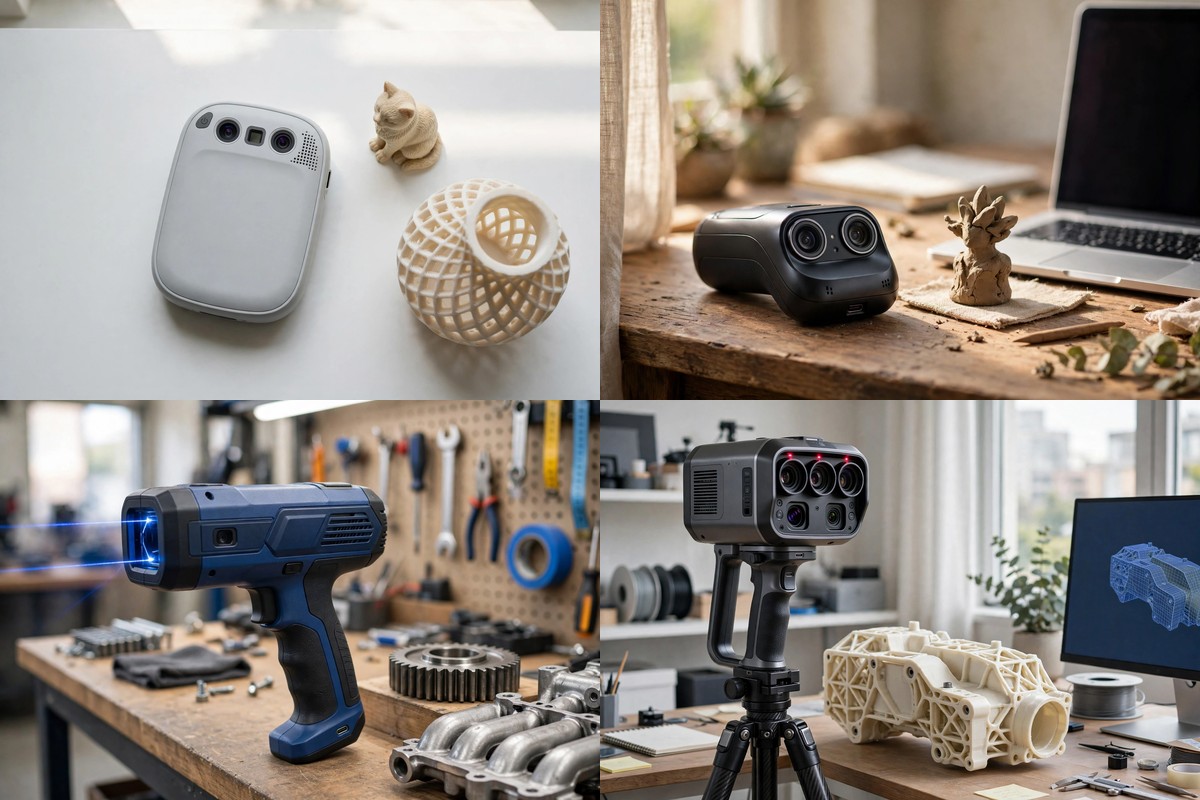
Have you ever held a small broken part in your hand and wished you could just copy it? A good 3D scanner lets you do just that, and it turns a real object into a file your printer can use. It sounds like magic, but the steps are simple once you see them.
I still remember the first time I saw a scan turn into a fresh print, and it felt like a small win that made my whole week better. You scan the object, you clean up the file on your computer, and then you send it to your printer. Most of the work is done by the scanner and its app, so you do not need to be a design pro to get a good result.
Before you pick a scanner, think about what you plan to scan most days. Small parts need fine detail, while big props need a wide view and steady tracking. Dark and shiny parts can be tricky too, so a scanner that handles those with ease will save you a lot of time. This guide keeps it simple and walks you through four strong picks that fit real home and workshop jobs.
Each pick below was checked with care, and each one links to the exact model on Amazon. You will find a quick list first, then a full look at each scanner, with plain pros and cons. Read the quick list, find the one that fits your objects, and then read its full section for the fine detail.
Quick Picks
| Scanner | Best For | Standout Feature |
|---|---|---|
| Revopoint POP3 Plus 3D Scanner | Medium objects with rich color | Optical zoom for fine detail |
| Creality CR-Scan Raptor 3D Scanner | Detailed parts and mixed sizes | Blue laser plus infrared modes |
| EINSTAR 2 Wireless 3D Scanner | Fast wireless scans, small to large | High speed laser mode |
| Creality CR-Scan Raptor Pro 3D Scanner | Serious detail work and big objects | Many laser lines for wide coverage |
1. Revopoint POP3 Plus 3D Scanner
This one is a joy for people who love color, because it captures full color scans that look true to life. A painted figure, a carved toy, or a small art piece keeps its look when you scan it with this tool. The color camera works with the depth cameras, so the shape and the paint land in the same file. That means your print can show the same charm as the real thing.
Small detail gets a real boost here thanks to the optical zoom, which lets you zoom in on tiny parts without losing track of the scan. Think of a coin, a ring, or a small gear with fine ridges that you want to copy with care. The zoom pulls in more detail on those small spots, so the print holds its shape well. You do not need to buy a second tool just for tiny jobs.
Steady hands help with any scan, but this scanner adds a smart sensor that keeps the frames lined up as you move. The sensor tracks how the scanner moves, so a small shake does not ruin your work. You can walk slowly around an object and let the app stitch the views into one clean model. For a first time user, that kind of help makes a big difference.
The size and weight make it easy to use at a desk or on a trip, since it weighs about as much as a small phone and fits in a bag with ease. You can plug it in with a cable or link it over Wi-Fi, so you are not tied to one spot. The app runs on phones and computers too, which gives you room to work the way you like. A short first scan is a good way to learn the flow before you try a big job.
Medium objects are where this scanner shines most, from a mug to a shoe to a small statue on a shelf. The work range covers small bits up to items about as big as a large box, so most home projects fit with ease. If you scan art, gifts, or home parts, this range will cover nearly all of your ideas. It is a kind pick for a maker who wants one tool for lots of small and mid size jobs.
Files from this scanner drop into common slicer apps with no fuss, since it exports the file types that most printers use. You can open the mesh, check it, fix a small hole if you spot one, and then slice it for print. The steps feel calm and clear, even if you are new to 3D work. A little practice with light and slow moves will lift your results fast.
One more perk is the safe light it uses, which is rated for eyes and skin, so you can scan faces and hands with more peace of mind. That opens up fun jobs like a small bust of a loved one or a custom fit piece for your desk. Just keep the light steady, move slow, and let the app do the hard part. With a bit of care, you will get prints that make you smile.
| Pros | Cons |
|---|---|
| ✓ Full color scans that keep paint and texture true to life | ✕ Works best on medium objects, less ideal for very large items |
| ✓ Optical zoom pulls in more detail on tiny parts | |
| ✓ Smart motion sensor keeps scans steady and clean | |
| ✓ Light body that is easy to hold for long sessions | |
| ✓ Wi-Fi and cable options for phones and computers |
2. Creality CR-Scan Raptor 3D Scanner
When your jobs mix small parts and big props, this scanner earns its keep because it pairs blue laser light with infrared light in one body. The laser mode digs into fine detail, while the infrared mode covers wide areas with ease. You can scan a tiny bracket in the morning and a large prop in the afternoon with the same tool. That kind of range is rare, and it keeps your desk free of extra gear.
Dark parts used to be a pain for most scanners, but this one handles dark plastic and metal with far less fuss. The laser lines read edges and curves well, even on surfaces that once needed a dull spray coat. That saves you prep time and keeps your parts clean for later use. If you fix old gear or copy car parts, you will feel the gain right away.
Speed is another strong point, since the laser mode runs fast enough to keep up with a calm hand pass. You move around the object once, watch the model build on screen, and fill in gaps with a second pass if you need it. The anti shake tech helps here too, because it smooths out small wobbles as you scan. The result is a mesh that needs less cleanup before you slice it.
Color comes through in full 24 bit depth, so painted parts and textured goods keep their look in the final file. A toy, a helmet, or a carved panel will scan with its colors in place, not as a plain gray shape. That matters a lot if you print display pieces or gifts for friends. The lights on the scanner help the color stay bright, even in a dim room.
The app that comes with it guides you step by step, from first scan to clean mesh, and it runs on Windows and Mac computers. You get tips in the app, one click processing, and tools to trim stray bits from your model. New users can learn the flow in a day or two of short practice runs. A phone app adds more freedom if you like to scan away from your desk.
Object size is generous here, since it covers items from a few small bits up to pieces as large as a full chair frame. That wide span makes it a good fit for workshops, garages, and craft rooms alike. You can scan a door handle, a bike part, or a large art piece without swapping tools. Just plan your light and your path around the object before you start.
For a maker who wants one strong all round tool, this scanner hits a sweet spot between detail, speed, and size range. It is not the lightest pick in this guide, but its power makes up for the extra heft in the hand. Take your time on the first few scans, learn how the laser mode feels, and your prints will show the payoff. It is a tool that grows with you as your jobs get bolder.
| Pros | Cons |
|---|---|
| ✓ Blue laser plus infrared modes cover small and large objects | ✕ A bit heavier in the hand than lighter pocket scanners |
| ✓ Handles dark and metal surfaces with less prep work | ✕ Needs a few practice runs to learn the laser mode well |
| ✓ Fast scan speed with anti shake tracking for clean meshes |
3. EINSTAR 2 Wireless 3D Scanner
Freedom is the big draw here, because this scanner works without a cable and runs on a swap battery that lasts for long sessions. You can walk around a large object, step back for a wide view, and keep scanning without tripping over cords. That freedom matters a lot in a garage, a yard, or a big workshop where plugs are far apart. It feels more like a camera and less like lab gear.
The laser mode uses many parallel lines to catch fine detail, which is great for small parts with sharp edges. A gear, a clip, or a small mount will scan with crisp lines that hold up in print. The infrared mode then takes over for big and soft shapes, like a full figure or a large panel. You flip between modes with ease, so one tool covers both ends of the size scale.
Speed stands out too, since the laser mode runs at a high frame rate that keeps the model building fast as you move. You spend less time waiting and more time checking your work on screen. That pace helps when you scan a lot of parts in one day, or when you want to test a few angles in a row. A quick scan can still come out clean if you move at a calm, even pace.
Tough surfaces are less of a worry, because this scanner reads black and shiny parts without a spray coat in most cases. That saves you a messy prep step and keeps your parts ready to use right after the scan. Outdoor light is handled well too, so a bright room or a shaded yard will not stop your work. Just avoid harsh direct sun on the object for the best result.
Color capture adds life to your models, since the built in camera records texture as you scan. A painted mask, a wood carving, or a detailed toy will keep its look in the file. That is a big plus for display prints and gifts, where the color is half the charm. The app then lets you clean the mesh and export it in the file types your slicer likes.
The body is small enough to hold with comfort, yet it still packs a full wireless setup with Wi-Fi built in. You do not need an extra hub or a tangle of cords to get going, which keeps your bag light for trips. A spare battery in your kit means you can keep scanning while one pack charges. For a maker on the move, that kind of setup is hard to beat.
Put it all together and you get a scanner that suits busy makers who scan lots of mixed jobs in many places. It is quick, it is free of cords, and it handles both tiny parts and big shapes with grace. Start with a simple object, learn the two modes, and then try a hard one like a dark car trim piece. You will soon know just how much time this tool can save you.
| Pros | Cons |
|---|---|
| ✓ True wireless design with a swap battery for long sessions | ✕ Needs a fairly strong computer for smooth processing |
| ✓ Laser plus infrared modes for small parts and large shapes | |
| ✓ High scan speed keeps big jobs moving fast | |
| ✓ Reads dark and shiny surfaces with no spray in most cases |
4. Creality CR-Scan Raptor Pro 3D Scanner
This is the pro pick of the group, built for people who need top detail on parts that must fit just right. It uses a large set of crossed and parallel laser lines to map wide areas fast, while still catching tiny edges with care. A car body panel, a machine part, or a large art piece can all be scanned in one smooth job. When fit matters, that mix of speed and detail pays off.
One thing I like here is how well it reads hard surfaces, since black, shiny, and metal parts scan with no spray coat in most cases. That cuts out a messy step and keeps your parts clean for use right after the scan. You can move from a tire rim to a metal bracket to a painted panel without changing your setup much. For a workshop, that ease adds up fast across many jobs.
The size range is huge, from tiny bits a few millimeters wide up to objects as large as a full car body. That span means one tool can serve a whole team, from a hobby bench to a pro shop. You can scan a small screw mount in the morning and a large frame in the afternoon. Just give yourself room to walk around the big items for a full pass.
Color stays rich too, thanks to the full color camera that maps texture onto the mesh as you scan. A painted sign, a detailed model, or a textured panel will keep its look in the final file. That helps a lot for client work, where the print must look as good as it fits. The app also links with pro design tools, so you can move a scan into CAD work with ease.
Handheld use stays smooth thanks to anti shake tech and fast frame rates that keep tracking locked as you move. You do not need a perfect hand to get a good scan, since the tool forgives small wobbles. The body is light for its class, so long sessions tire your arm less than you might fear. A tripod or a turntable can help too for small parts that need a slow, even pass.
Software support is deep, with step by step guides, one click processing, and mesh tools that clean up stray points. You can trim, fill, and smooth your model before you export it for print or design work. That path from scan to CAD file is what sets a pro tool apart from a toy. Give the app a few days of use and the flow will feel like second nature.
All in all, this scanner suits makers and small teams who want the best detail they can get in a handheld tool. It costs more than a starter pick, but the range, speed, and surface skill justify the step up for serious work. If your prints must fit real parts, or your clients judge your work by fine detail, this is the one to trust. Start slow, learn the modes, and let the tool show you what it can do.
| Pros | Cons |
|---|---|
| ✓ Many laser lines map wide areas fast with fine detail | ✕ Takes a few days of practice to learn all the modes |
| ✓ Reads black, shiny, and metal parts with no spray in most cases | ✕ Larger kit takes more bag space than a pocket scanner |
| ✓ Huge size range, from tiny parts to full car bodies | |
| ✓ Full color texture plus links to pro design tools | |
| ✓ Anti shake tracking keeps handheld scans smooth |
Key Takeaways
- Match the scanner to your objects first, since small parts need fine detail and big props need wide range and steady tracking.
- Color capture matters most for art, toys, and display prints, while plain shape matters most for spare parts that must fit.
- Laser modes help a lot with dark, shiny, and metal surfaces that once needed a spray coat before scanning.
- Wireless scanning frees you from cords, but a desk setup with a cable can feel calmer for your first few scans.
- Move slow, keep your light even, and do a second pass over gaps, since those three habits lift any scan.
Final Thoughts for Your First Scan
Picking a scanner gets much easier when you start from your own desk and not from a spec sheet. Look at the objects you scan most, note their size and their surface, and then match those needs to one pick in this guide. A color lover will lean to the first pick, a mixed job maker will love the second, a roamer will grab the wireless third, and a pro will trust the fourth. There is no wrong pick here, just a best fit for your work.
Your first scan does not need to be perfect, and a small test object is the best way to learn. Try a mug, a toy, or a simple bracket, and watch how the app builds the model as you move. Fix one small thing each time, like your pace or your light, and your third scan will look far better than your first. That quick growth is part of the fun, and it keeps you going.
Once you feel sure, move on to the job that made you want a scanner in the first place. Copy that broken clip, rebuild that old part, or print a gift that no shop could sell you. A good scan turns a real thing into a fresh start, and your printer does the rest. Enjoy the process, share your wins with friends, and keep making things that make life a bit easier.